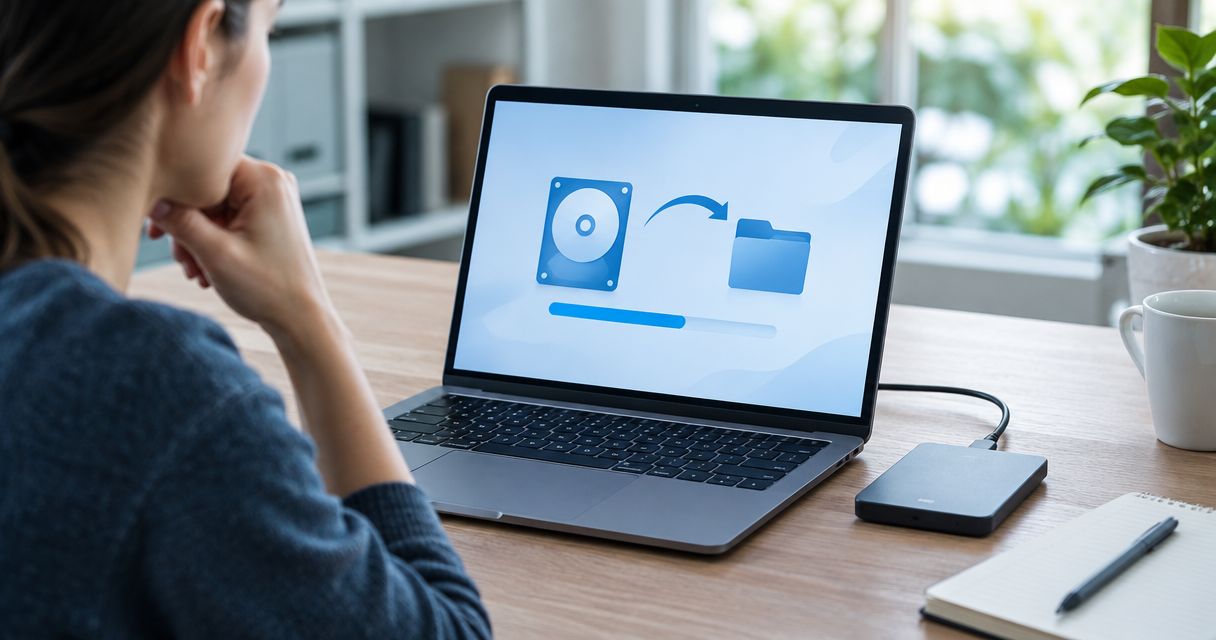
Most PC tune-ups take 1 to 3 hours of hands-on work, but the total turnaround runs 24 to 48 hours once you count diagnostics, a full backup, and time for updates to install in 2026. The hands-on hours are the easy part — the hidden cost is backup time, which adds hours whenever a drive holds more than a few hundred gigabytes of files.
- A basic PC tune-up runs 1 to 3 hours of technician time; full turnaround is usually 24 to 48 hours in 2026.
- Remote tune-ups finish fastest (30 to 90 minutes) because there's no backup or physical pickup involved.
- In-shop tune-ups with a full backup, malware scan, and driver refresh take a full business day or two.
- Backup size, not the tune-up itself, is the biggest factor that stretches the timeline.
- TechConnect LLC offers same-day tune-up service across North Carolina when a full backup isn't required.
Why this matters
A vague "it depends" answer doesn't help you plan a workday around a slow computer. Knowing whether you're looking at 90 minutes or two days changes whether you drop the machine off before work or clear your calendar for it.
Speed also signals what's actually being done. A 20-minute "tune-up" that skips a malware scan and backup isn't the same service as one that takes half a day — and in 2026, skipping the malware check is how a slow PC turns into a data-loss problem six months later, which is worth reading about in what a PC tune-up cost breakdown before you compare quotes.
How long does a PC tune-up take?
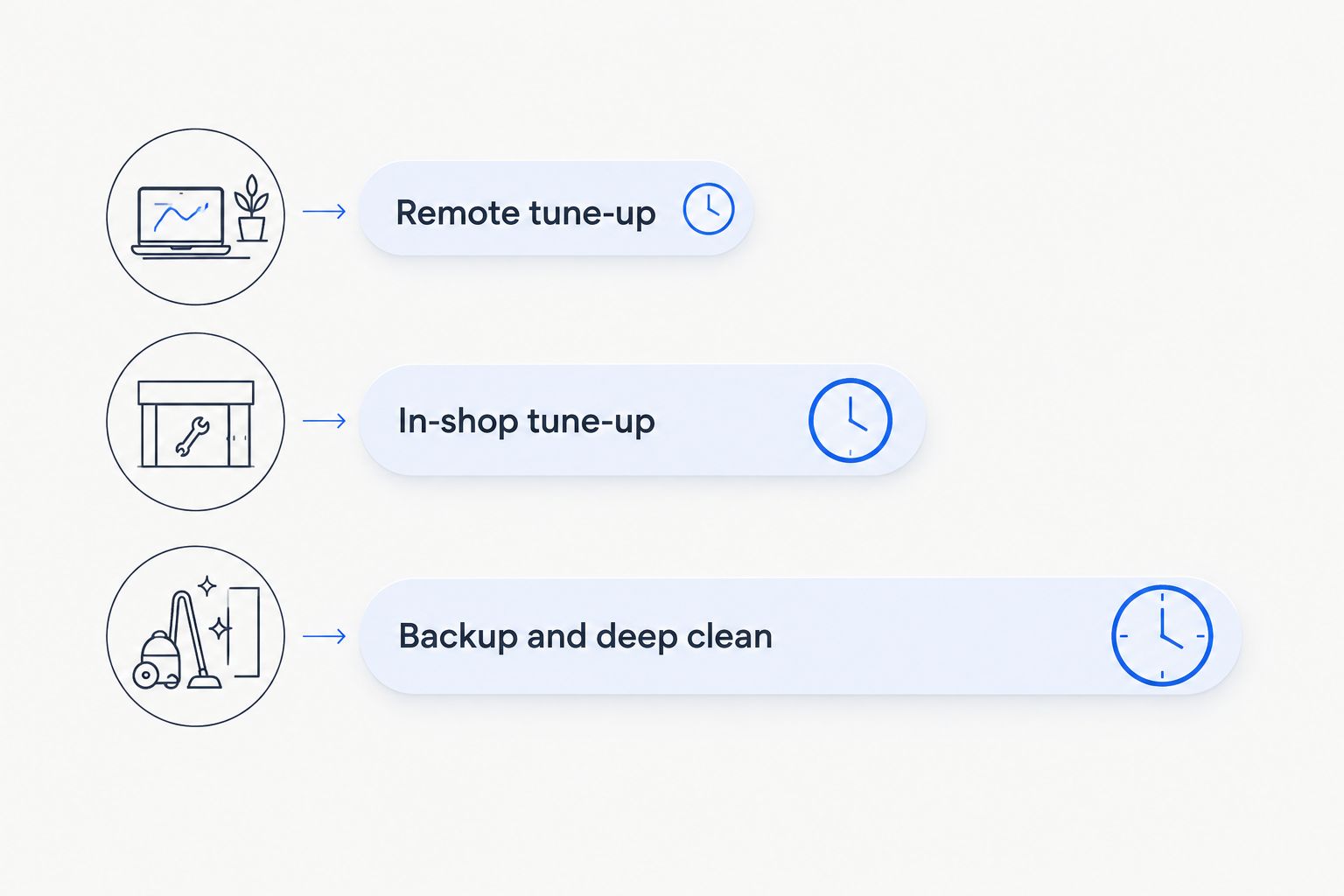
The timeline depends entirely on the service tier. Here's how the three common types break down:
| Tune-up type | Typical duration | What's included |
|---|---|---|
| Remote tune-up | 30 to 90 minutes | Startup cleanup, driver check, software updates |
| In-shop tune-up | Same-day, 3 to 6 hours | Full diagnostic, disk cleanup, malware scan, updates |
| Tune-up with backup + deep clean | 24 to 48 hours | Everything above, plus full data backup and reinstall if needed |
A remote session is the fastest option because there's nothing to physically transport and no backup step unless you request one. An in-shop visit takes longer because the technician runs a full diagnostic first, not just a surface-level cleanup.
Remote tune-up: 30 to 90 minutes
A remote tune-up is the quickest option because the technician connects to your machine over the internet and works through startup programs, driver updates, and disk cleanup without you sending the computer anywhere. Best for: minor slowdowns where the hardware itself isn't in question. Verdict: Buy if your PC boots fine but runs sluggish after a few months of use.
In-shop tune-up: same-day, 3 to 6 hours
Dropping the machine off in the morning and picking it up the same afternoon is standard for a shop-based tune-up in 2026. The extra time over a remote session goes toward a full diagnostic pass and a physical inspection of fans, vents, and drive health. Best for: PCs with unexplained slowdowns, overheating, or noisy fans. Verdict: Buy when you want a hardware check along with the software cleanup.
Tune-up with backup and deep clean: 24 to 48 hours
This tier adds a full backup of your files before anything changes, plus a deeper malware sweep and possible driver or OS reinstall. The backup step is what pushes the timeline past a single day — a drive with hundreds of gigabytes of photos or documents simply takes longer to copy than one with a clean install and a handful of documents. Best for: machines that haven't been tuned up in years or show signs of malware. Verdict: Buy if you want the job done right and can go a day or two without the computer; check the is a computer tune-up worth it for an old PC breakdown if the machine is older hardware.
Why PC tune-up time varies
A handful of factors decide whether your tune-up finishes in an hour or takes two days:
- Amount of data to back up — a few hundred gigabytes of photos and documents adds real transfer time before any cleanup starts.
- Malware presence — an infected machine needs a full scan and removal pass before anything else, which extends the diagnostic phase; see can a virus damage your computer's hardware for what a deep infection actually does to a drive.
- Drive type — a traditional hard drive takes longer to scan and back up than a solid-state drive of the same size.
- Number of startup programs and browser extensions — heavier bloat means more time spent identifying what's safe to remove.
- Whether an OS reinstall is needed — a clean Windows reinstall adds several hours beyond a standard cleanup.
- Remote vs. in-shop service — remote skips physical pickup and drop-off entirely, shaving hours off the total.
“The tune-up itself rarely takes long — it's the backup step that decides whether you get your PC back in an hour or two days later.”
Can a PC tune-up fix a computer that won't start?
A PC tune-up can sometimes fix a computer that won't start, but only when the cause is a software conflict rather than failed hardware. If the issue is a corrupted boot file or a driver conflict, a tune-up resolves it; if it's a failing drive or power supply, the tune-up will diagnose that but won't repair the part itself. The full walkthrough on what a PC tune-up can and can't fix covers both scenarios in detail.
Is a same-day PC tune-up realistic in 2026?
A same-day PC tune-up is realistic in 2026 for most in-shop visits that don't require a full data backup or drive replacement. Drop-off in the morning with pickup the same afternoon is standard turnaround for a diagnostic-plus-cleanup service. It only stretches past one day when the machine needs a full backup or the technician finds malware that requires a deeper removal pass.
Does a PC tune-up include a virus scan?
A PC tune-up includes a virus scan in most standard packages, though the depth of that scan varies by provider. A basic scan checks for active malware; a full removal pass — which takes longer — hunts down anything hiding in startup files or browser extensions. TechConnect LLC includes a malware check as a standard part of its tune-up service across North Carolina.
If your PC has been running slow for months and you're not sure whether it needs a quick remote fix or a full in-shop day, TechConnect LLC can walk through which tier fits before you commit any time.
FAQ
How long does a basic PC tune-up take?
A basic PC tune-up takes 1 to 3 hours of hands-on work in 2026, whether it's done remotely or in-shop. Remote sessions land at the shorter end since there's no physical drop-off involved.
How long does a PC tune-up take if I need a data backup first?
A PC tune-up with a full data backup takes 24 to 48 hours in most cases. The backup itself is the slow part — a drive with a few hundred gigabytes of files simply takes hours to copy safely before any cleanup begins.
Can I get a PC tune-up done the same day?
Yes, a same-day PC tune-up is standard for in-shop visits that skip a full backup. Drop the machine off in the morning and expect it back by afternoon in most cases.
Is a remote PC tune-up faster than an in-shop one?
A remote PC tune-up is faster, usually 30 to 90 minutes, because there's no pickup, drop-off, or physical inspection involved. In-shop tune-ups take longer because they include a hardware check.
Does a PC tune-up fix a slow startup?
A PC tune-up fixes a slow startup in most cases by clearing out unnecessary startup programs and background processes. If the slowdown is caused by an aging hard drive instead, the tune-up will flag that but won't speed up the drive itself.
How often should I get a PC tune-up?
Most technicians recommend a PC tune-up once or twice a year for a machine in regular use. Heavier daily use or an older PC benefits from checking in closer to every six months.
Will a PC tune-up delete my files?
A PC tune-up should not delete personal files during a standard cleanup. A backup is still recommended before any deeper service, especially one that includes a driver or OS reinstall.
One last thing
The single biggest variable in tune-up time isn't the technician's speed — it's how much data sits on the drive. Two identical PCs with the same slowdown can finish an hour apart simply because one owner has 40GB of documents and the other has 400GB of photos and videos waiting to be backed up. If you know your drive is packed, plan for the 24-to-48-hour tier from the start instead of expecting a same-day turnaround in 2026.