A computer tune-up is worth it for an old PC when the hardware still runs but junk files, malware, startup bloat, or a mechanical hard drive are the bottleneck; it's not worth it once the processor, motherboard, or drive itself is failing. The detail most quotes leave out: Microsoft ended free security updates for Windows 10 on October 14, 2025, so a tune-up on a machine that can't run Windows 11 buys you speed, not security, in 2026.
- A tune-up is worth it for an old PC when the CPU and motherboard are healthy but software clutter or a mechanical drive is slowing things down.
- Skip it when the PC can't meet Windows 11's TPM 2.0 requirement — you'll speed up a machine still running an unsupported OS.
- Swapping a mechanical hard drive for an SSD is usually the single change that makes an old PC feel new again.
- TechConnect LLC treats a diagnostic as the first step, not the sale, before recommending a tune-up over a hardware upgrade or a replacement.
- A PC older than 7-8 years with a failing drive or dead battery is usually cheaper to replace than to tune up.
Why this matters
Most people ask this question after their PC has been slow for months, not after one bad day. The mistake is treating "tune-up" as a single fix instead of one of three separate options: software cleanup, targeted hardware upgrade, or replacement.
Each option has a different payoff window. A PC tune-up fixes software-caused slowness — startup bloat, fragmented files, malware, driver conflicts. It does nothing for a dying hard drive or a processor that's simply too old to run 2026 software comfortably.
Is a computer tune-up worth it for an old PC?
The answer depends on what's actually slow: the operating system, or the hardware underneath it. Here's how the three paths stack up.
| Option | Fixes | Doesn't fix | Best for |
|---|---|---|---|
| Software tune-up | Startup bloat, malware, fragmented files, driver conflicts | Failing drive, worn battery, undersized RAM | PCs under 5 years old with sudden slowdown |
| Hardware upgrade (SSD/RAM swap) | Boot time, load time, multitasking lag | CPU age, unsupported OS | PCs 5-8 years old with healthy CPU |
| Replacement | Everything above, plus OS support | Nothing — it's a new machine | PCs over 8 years old or failing Windows 11 compatibility checks |
Verdict: a tune-up is the right call for a PC under roughly 5-6 years old with a healthy CPU and a software-driven slowdown; past that, a hardware upgrade or replacement earns back more of the cost.
Software tune-up: when it makes sense
A tune-up makes sense when the PC boots slow, runs multiple background programs it doesn't need, or has picked up adware and toolbars over years of use. These are software problems and a cleanup, malware sweep, and startup trim solve them directly.
It does not make sense as a fix for a PC that's already showing hardware symptoms — clicking noises from the drive, random shutdowns, a battery that won't hold a charge. Those need diagnosis, not cleanup. Buy the tune-up when the symptoms are software; skip it when they're mechanical.
Hardware upgrade: when it makes sense
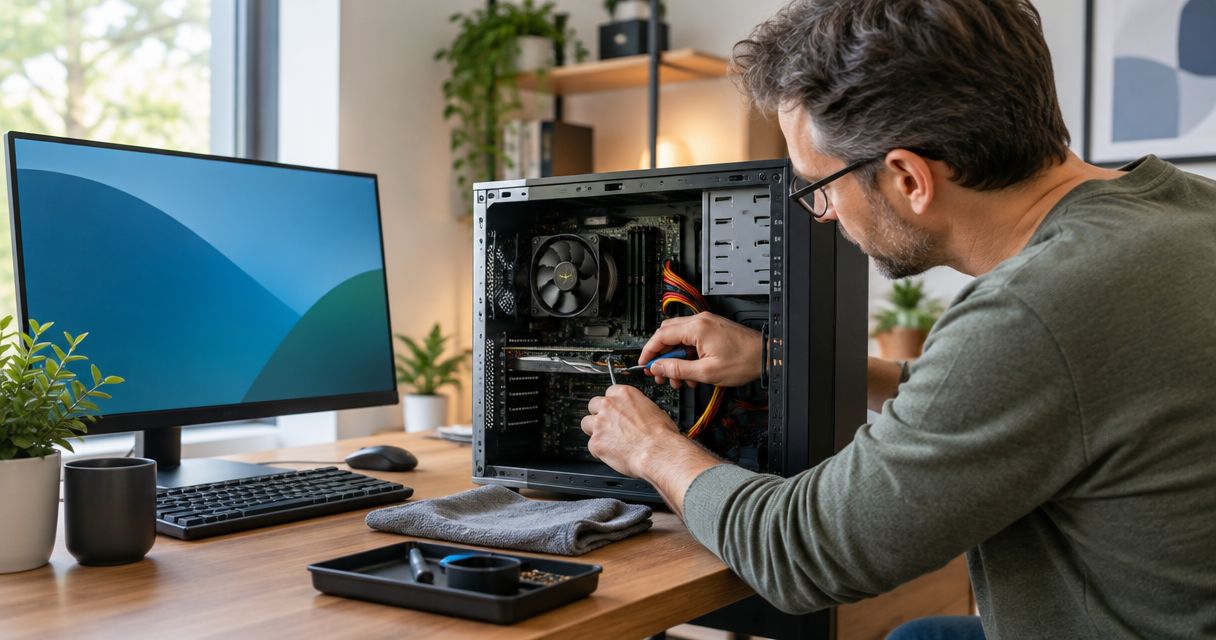
A PC with a mechanical hard drive and a still-capable processor is the classic upgrade candidate in 2026. Replacing that drive with a solid-state drive is widely recognized as the single change that has the biggest effect on how a PC feels to use — boot times and program launches drop noticeably because the drive, not the CPU, was the bottleneck all along.
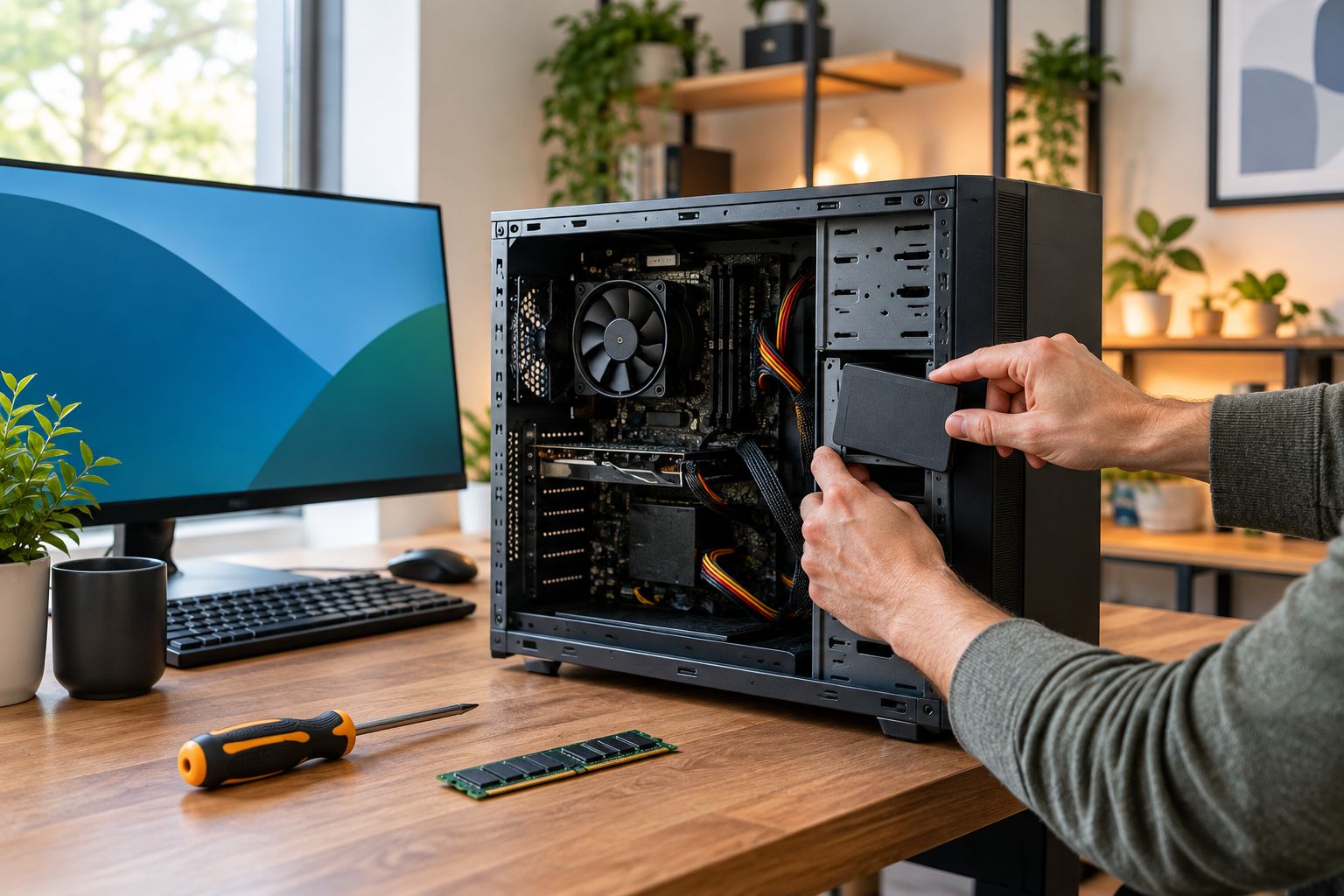
Adding RAM helps too, but only if the PC is currently maxing out its memory under normal use — check Task Manager before spending on a RAM upgrade that won't move the needle. Upgrade the drive first, RAM second, and only if the CPU itself isn't the limiting factor.
Replacement: when it makes sense
Replacement wins once the PC fails a Windows 11 compatibility check, since that machine will keep running an operating system with no more free security patches after October 2025. It also wins when repair or upgrade costs start closing in on what a comparable new or refurbished machine costs — at that point you're paying twice for the same eventual outcome.
For the file-moving part of a switch to new hardware, the old PC to new PC file transfer workflow covers what to move and in what order so nothing gets left behind. Replace, don't tune up, once the machine can't run a supported OS.
Why tune-up value varies
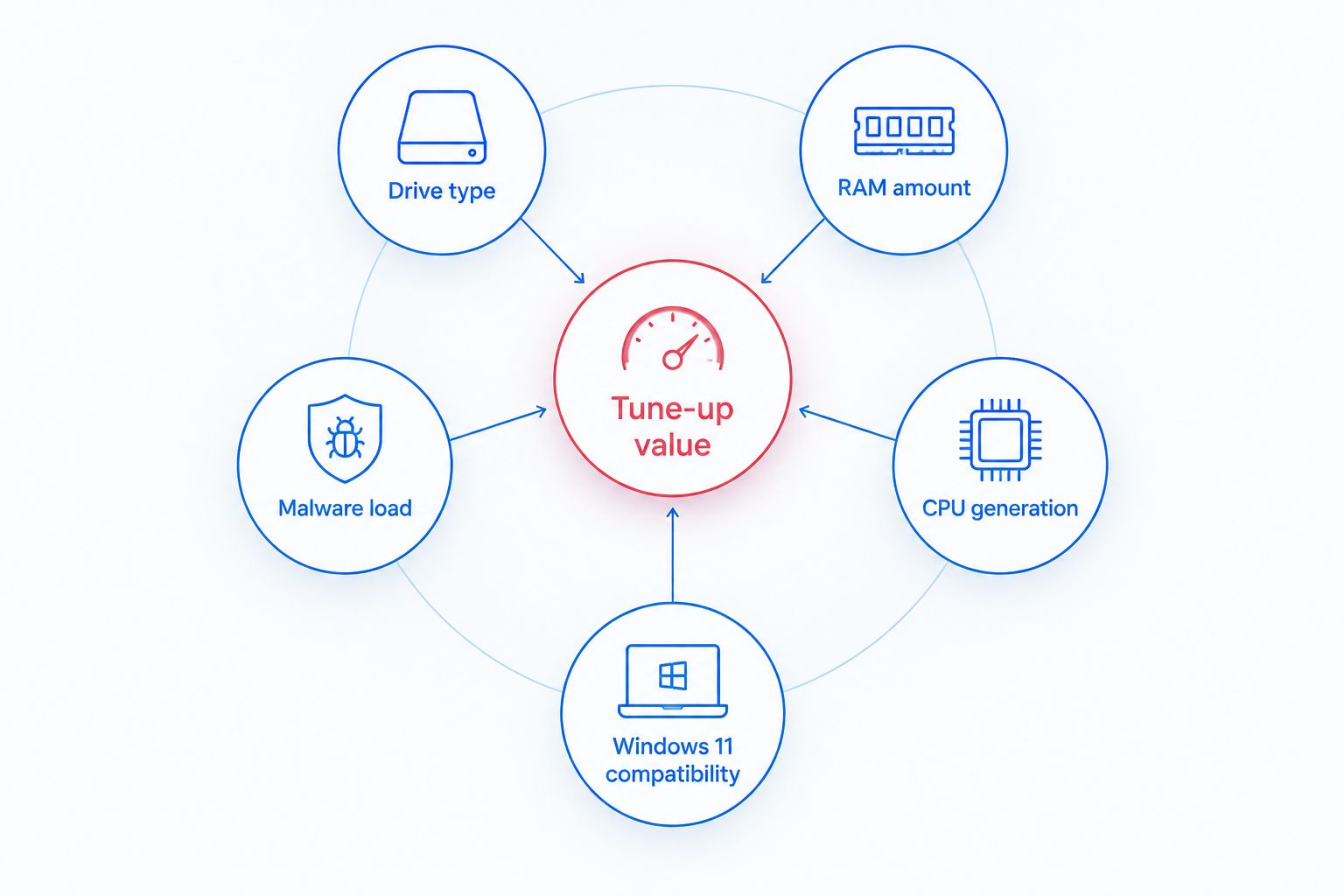
The payoff from a tune-up on any given PC depends on a handful of specific factors, not the PC's age alone:
- Drive type — a mechanical hard drive has far more room for improvement than an existing SSD
- RAM amount — 4GB or less on a modern OS bottlenecks everything a tune-up can't touch
- Malware and adware load — heavier infections mean bigger visible gains after cleanup
- CPU generation — a CPU more than 8-10 years old limits how much any software fix can help
- Windows 11 compatibility — a PC that fails the compatibility check loses long-term value from any tune-up spend
- Startup program count — dozens of auto-launching programs is one of the most common, most fixable slowdowns
Get a free diagnostic before you decide
Find out if your PC needs a tune-up, an upgrade, or a replacement.
How old is too old for a computer tune-up?
A PC older than 8 years is usually too old for a tune-up to be the right first move, especially if it also fails a Windows 11 compatibility check. Below that age, a tune-up is worth trying first if the CPU and drive are still functioning normally.
Will a tune-up fix a laptop that's been slow for years?
A tune-up will fix years of accumulated slowness caused by software — startup clutter, malware, browser extensions, a full drive — but it won't fix a laptop whose battery no longer holds a charge or whose drive is physically failing. Run a hardware check first so the fix matches the actual cause.
Should I upgrade RAM instead of getting a full tune-up?
Upgrade RAM only if Task Manager shows memory maxing out during normal use; otherwise a full tune-up addressing startup programs, malware, and drive health delivers a bigger improvement for the same PC. The two aren't competing fixes — a tune-up often reveals whether RAM is actually the bottleneck.
Homeowners and seniors weighing this decision on a family PC should also see the PC tune-ups for senior homeowners guide, which covers the slowdown patterns that show up most often on machines used mainly for email and browsing.
FAQ
Is a computer tune-up worth it for an old PC in 2026?
Yes, when the slowdown is software-related and the CPU and drive are still healthy; no, once the PC fails a Windows 11 compatibility check or shows hardware failure signs. TechConnect LLC recommends a diagnostic before committing to any tune-up spend.
What does a PC tune-up actually include?
A tune-up typically covers malware removal, startup program cleanup, driver updates, and disk cleanup to restore normal boot and load times. It does not include hardware replacement unless specified separately.
Does a tune-up fix a slow hard drive?
A tune-up cleans up files and settings on the existing drive but doesn't replace a failing or mechanical drive; a drive swap to SSD is a separate hardware upgrade. Most of the speed gain on an old PC comes from that swap, not the software cleanup alone.
Should I tune up or replace a PC that can't run Windows 11?
Replace it if the PC will keep running Windows 10 past its October 2025 end-of-support date, since a tune-up won't restore security updates. A tune-up only makes sense there as a short-term bridge, not a long-term fix.
How do I know if my PC's slowdown is software or hardware?
Check Task Manager for maxed-out CPU, memory, or disk usage during normal tasks, and listen for clicking or grinding sounds from the drive, which point to hardware. A professional diagnostic is the more reliable way to separate the two before spending on either fix.
Is it cheaper to tune up an old PC or buy a new one?
For PCs under 5-6 years old with healthy hardware, a tune-up is usually the cheaper path; past 8 years, replacement often costs less over time once you factor in the limits of an aging CPU. Get a diagnostic quote before assuming either direction is automatically cheaper.
Can a virus be the reason my old PC feels slow?
Yes, malware and adware are among the most common causes of a slow PC and a tune-up that includes virus removal often produces the most noticeable improvement. If the slowdown appeared suddenly rather than gradually, malware is a more likely cause than aging hardware.
One last thing
The factor that decides more tune-up outcomes than PC age is the drive: a mechanical hard drive on a machine with an otherwise healthy CPU is almost always worth a tune-up plus an SSD swap, while a failing drive on any PC — regardless of age — means the tune-up conversation is over before it starts. Check the drive first in 2026, not the calendar year the PC was bought.