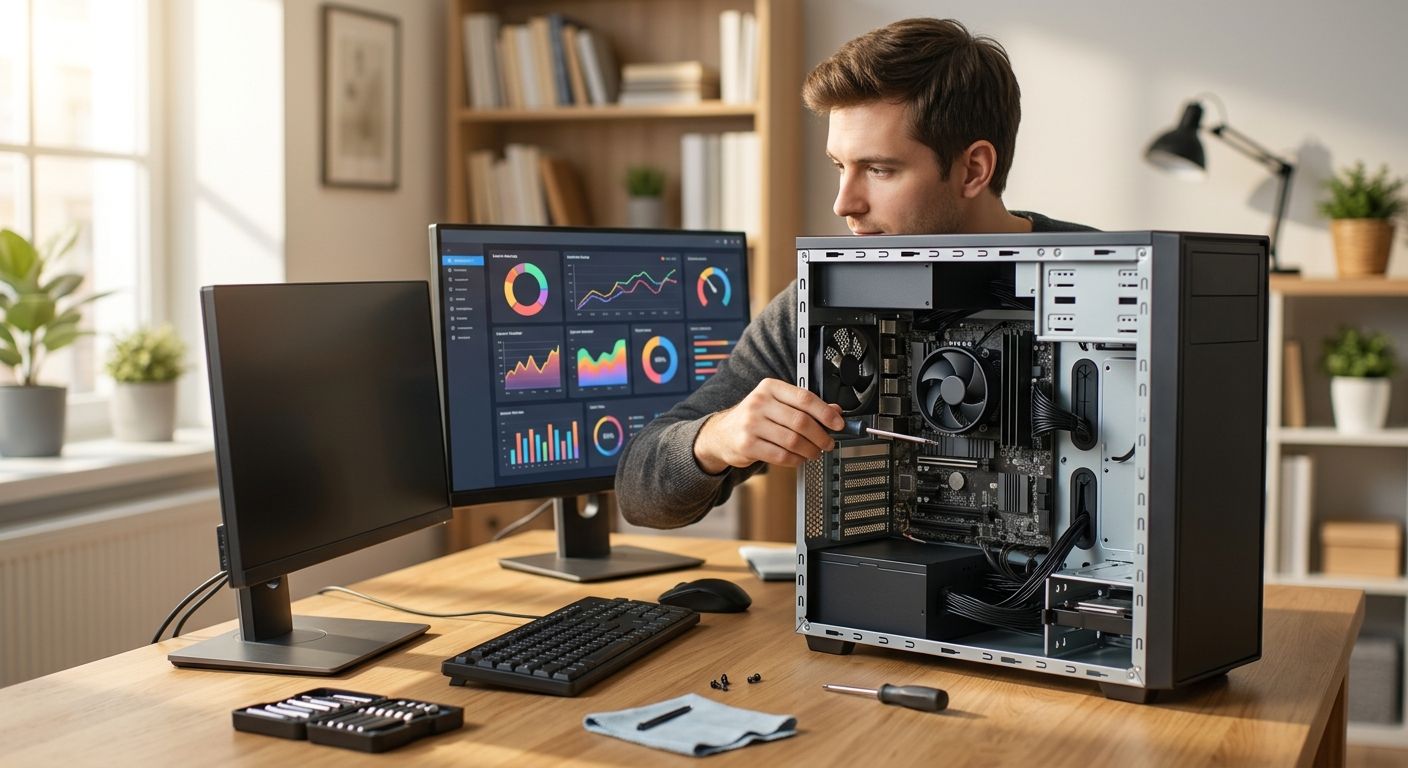
A PC tune-up in North Carolina is priced by scope, not a flat rate — a basic software cleanup costs less than a job that also includes virus removal, hardware diagnostics, or a full backup setup. The real driver isn't the brand of computer you own, it's what's actually wrong with it and how much labor that takes to fix.
- A PC tune-up cost is scope-based, not flat — cleanup-only jobs cost less than tune-ups bundled with virus removal or hardware diagnostics.
- Machine age, malware severity, and on-site vs. remote service are the biggest price drivers in 2026.
- Home users and small businesses in North Carolina should ask for a written scope before work starts, not a phone-quote guess.
- TechConnect LLC scopes tune-ups by device condition rather than charging one number for every PC that walks in.
- Bundling a tune-up with backup setup or malware removal usually costs less than booking three separate visits.
Why this matters
A slow PC rarely has one cause. It could be a dying hard drive, a browser full of adware, forty background programs fighting for RAM, or all three at once. Shops that quote a single number before looking at the machine are guessing — and that guess either gets padded to cover surprises or falls apart once the tech opens the case.
A fair PC tune-up quote in 2026 comes after a diagnostic, not before one. TechConnect LLC scopes jobs by what the diagnostic finds: software-only cleanup, malware removal, or hardware-level work like drive swaps and RAM upgrades. Knowing which bucket your machine falls into before you call around is the fastest way to avoid overpaying.
How much does a PC tune-up cost in 2026?
Pricing splits into three practical tiers based on what the job actually requires. Here's how they compare:
| Tune-up tier | What's included | Best for |
|---|---|---|
| Basic software cleanup | Startup program trim, disk cleanup, driver updates, browser reset | A PC that's slow but not infected or failing hardware |
| Cleanup + virus/malware removal | Everything in basic, plus malware scan and removal | A PC with pop-ups, redirects, or unexplained slowdowns |
| Full diagnostic + hardware work | Cleanup, malware check, drive/RAM assessment, possible upgrade | An older PC (5+ years) or one that's failing to boot reliably |
The jump from tier one to tier three isn't about markup — it's labor time and parts. A cleanup takes an hour or two. A full diagnostic that includes pulling a drive, testing it, and swapping in new storage takes considerably longer and the price reflects that.
Basic cleanup vs. full diagnostic: how to tell which you need
If your PC is slow to open programs but boots fine and shows no pop-ups, you likely need a basic cleanup. If you're seeing browser redirects, fake security warnings, or unexplained charges on saved payment methods, you need the malware tier — running a cleanup on an infected machine just wastes the visit. If the PC won't boot consistently, makes clicking noises, or is more than five years old and struggling with basic tasks, ask for the full diagnostic before agreeing to any tune-up at all — you may be paying to polish hardware that's about to fail anyway. Check the computer repair cost guide for North Carolina for how tune-up pricing compares against full repair jobs.
Why PC tune-up costs vary
- Age and condition of the machine — a five-year-old laptop with a mechanical hard drive takes longer to diagnose than a two-year-old SSD-based desktop.
- Malware severity — a browser hijacker is a quick removal; a rootkit or ransomware infection can require a full wipe and reinstall.
- On-site vs. remote service — a technician driving to a home or office adds time that remote troubleshooting doesn't.
- Home vs. business account — a single home PC is a one-off job; a small business with multiple machines on a shared network needs coordinated scheduling and often a managed IT support conversation instead of a one-time visit.
- Add-on services — backup setup, data recovery, or new hardware installed during the same visit changes the scope from a simple tune-up to a repair job.
- Local labor rates — pricing in Raleigh or Charlotte metro areas can differ from smaller NC towns simply based on regional service demand.
“If a shop can't tell you what's wrong with the PC before it starts working on it, get a second opinion before you pay for a guess.”
Is a PC tune-up worth it in 2026?
A PC tune-up is worth it when the machine is under five years old and the problem is software-based — slow boot times, cluttered startup programs, or a browser full of junk. It's not worth it on hardware that's already failing; in that case a tune-up delays the inevitable instead of fixing it, and a full diagnostic is the better first call.
How often should you get a PC tune-up?
An annual tune-up catches the slow buildup of startup bloat, temp files, and outdated drivers before they become a full slowdown. Home users who install a lot of software or business machines running shared network drives benefit from checking twice a year instead.
What's included in a professional PC tune-up?
A professional PC tune-up typically includes trimming startup programs, clearing temporary files, updating drivers, and checking for malware — not just running one automated cleanup tool. Ask whether the visit includes a malware scan by default; some basic-tier tune-ups skip it, and that's the gap that leads to a second paid visit a month later.
Get your PC scoped before you pay
See what your machine actually needs before committing to a tune-up.
FAQ
How much does a PC tune-up cost in 2026?
A PC tune-up cost in 2026 depends on scope — basic software cleanup costs less than a job that adds virus removal or hardware diagnostics. Get a diagnostic first so the quote matches the actual problem, not a guess.
Is a PC tune-up different from computer repair?
A PC tune-up is maintenance-focused (cleanup, driver updates, malware checks) while computer repair fixes something broken, like a failed hard drive or cracked screen. The two often overlap when an old PC needs both.
Does a PC tune-up remove viruses?
A tune-up that includes a malware scan can remove common infections, but severe cases like ransomware usually need a dedicated virus removal service instead of a standard tune-up.
Can a PC tune-up fix a slow computer permanently?
A tune-up fixes software-caused slowness like startup bloat and browser clutter, but it won't fix a failing hard drive or insufficient RAM — those need hardware diagnostics, not cleanup.
Should a small business get individual PC tune-ups or managed IT support?
A business with more than a handful of machines usually saves money on managed IT support instead of booking separate tune-up visits for each device — coordinated maintenance catches problems before they cause downtime.
Do PC tune-ups include data backup?
Not by default — data backup is typically a separate add-on to a tune-up. Ask specifically if backup setup is included before the technician starts, especially on an older machine that's at higher risk of drive failure.
How long does a PC tune-up take?
A basic software cleanup takes one to two hours, while a tune-up that includes malware removal or hardware diagnostics can take longer depending on what the technician finds once the machine is open.
One last thing
The single biggest mistake homeowners and small businesses make in 2026 is paying for a tune-up on a PC that actually needs a hardware fix. A cleanup on a dying hard drive buys a few weeks of better performance before the same slowdown returns — and now you've paid twice. Ask for a diagnostic before the cleanup, every time.


