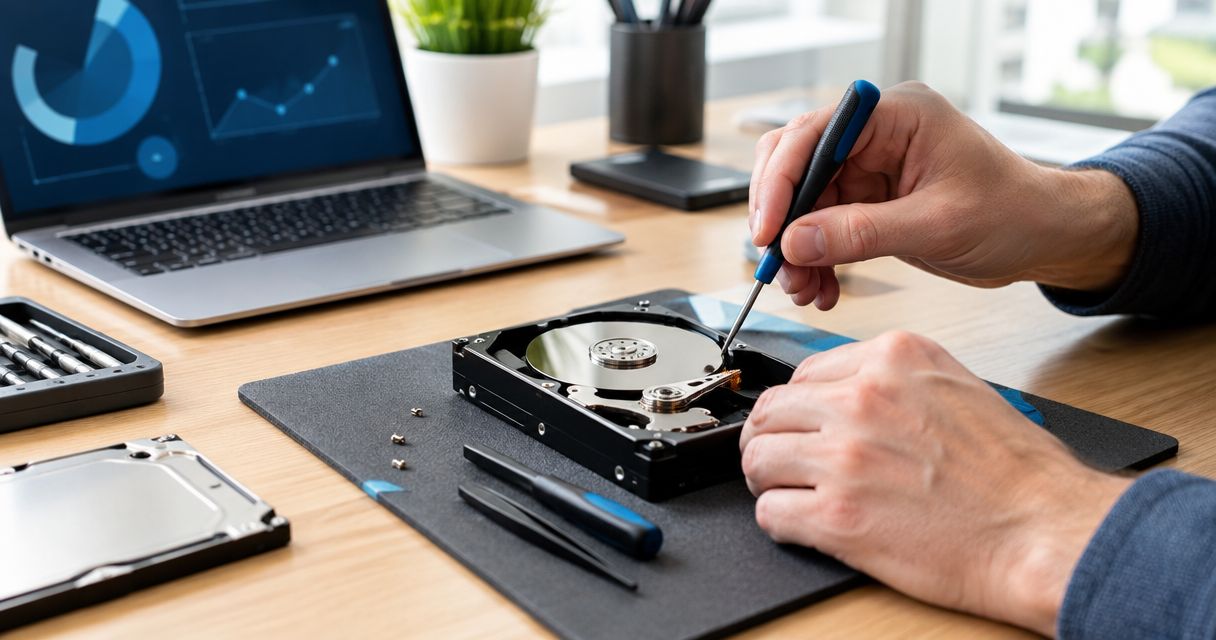
A typical virus does not physically damage your computer's hardware — the slowdowns, crashes, and pop-ups it causes are software problems, not broken parts. A small set of malware strains cause real physical wear: cryptomining malware overheats CPUs and GPUs, firmware-level rootkits corrupt BIOS and can brick a motherboard, and malware that disables fan control leaves cooling systems running blind. That distinction matters more in 2026 than it did five years ago, because ransomware and remote-access trojans increasingly target firmware, not just files.
- Can a virus damage your computer's hardware? Rarely directly — most infections are software-only.
- Cryptomining malware is the leading cause of heat-related hardware stress on infected PCs in 2026.
- Firmware-level rootkits can brick a motherboard, but this is rare and needs a hardware fix, not just a scan.
- Fan-control malware causes slow, quiet wear over months by letting components run hot without you noticing.
Why this matters
Most people who search this question already suspect their PC is dying and want to know if a virus is the reason. In the large majority of cases the answer is no — a virus corrupts files, steals data, or hijacks your browser, and none of that touches the chips, drives, or fans inside the case.
The exceptions are worth understanding because they're the cases where a simple virus removal comparison isn't the whole fix. If your machine is dead, won't boot past the BIOS screen, or has been running hot for weeks, the malware may have already done physical damage — and that changes what needs to happen next.
TechConnect sees both patterns across North Carolina in 2026: PCs that just need a clean virus removal and a tune-up, and the smaller number that need actual hardware diagnosis afterward.
Can a virus damage your computer's hardware?
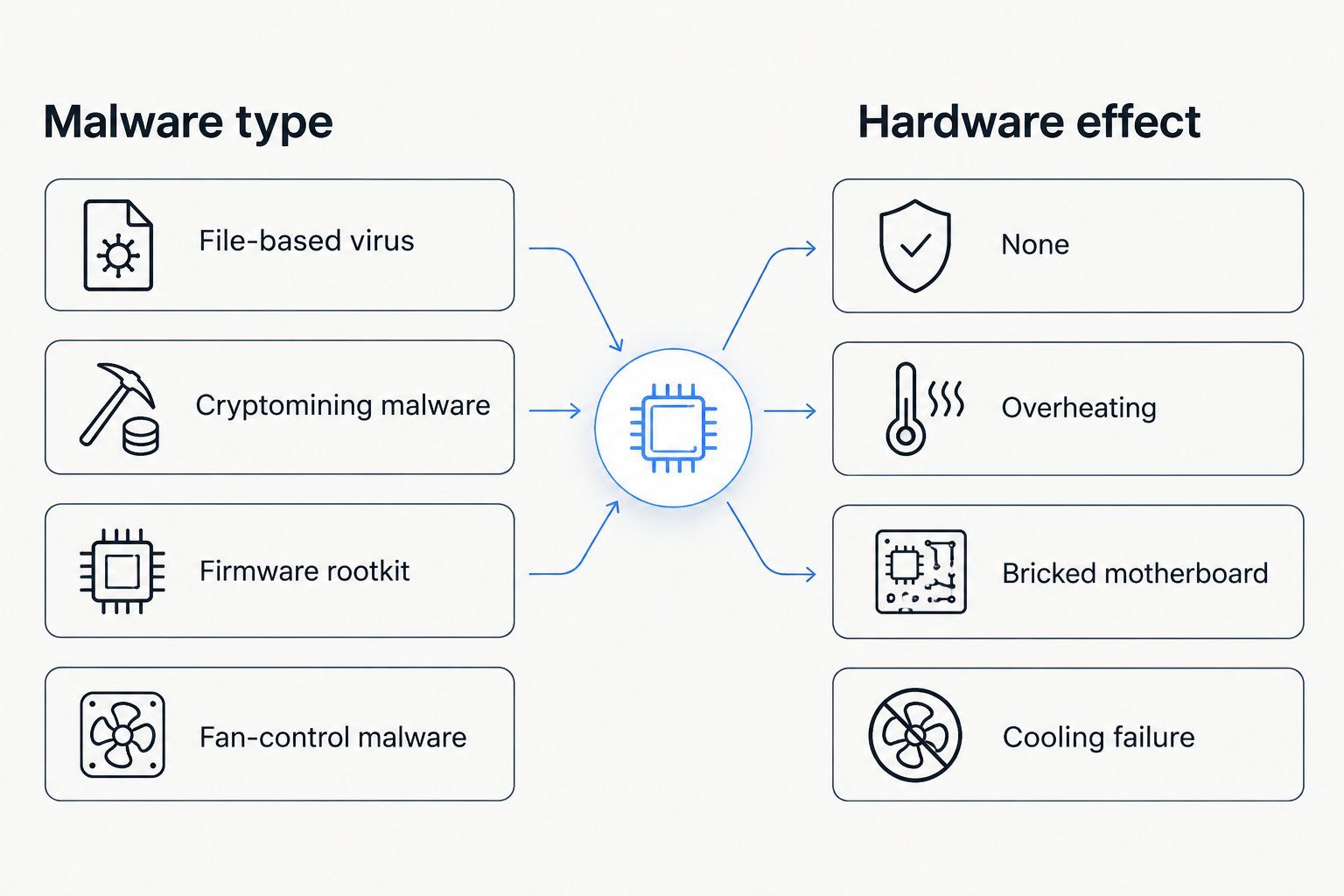
Here's how the common malware categories compare on hardware risk:
| Malware type | Hardware effect | How common in 2026 |
|---|---|---|
| Standard virus/trojan (file-based) | None — software-only damage | Most common |
| Cryptomining malware | Overheats CPU/GPU under sustained full load | Common |
| Firmware/BIOS rootkit | Corrupts firmware, can brick the motherboard | Rare |
| Fan-control malware | Disables cooling fan curves, raises heat exposure | Uncommon |
| Ransomware forcing repeated crashes | Adds wear to hard drive read/write cycles | Occasional |
Cryptomining malware: pushes hardware into the throttle zone
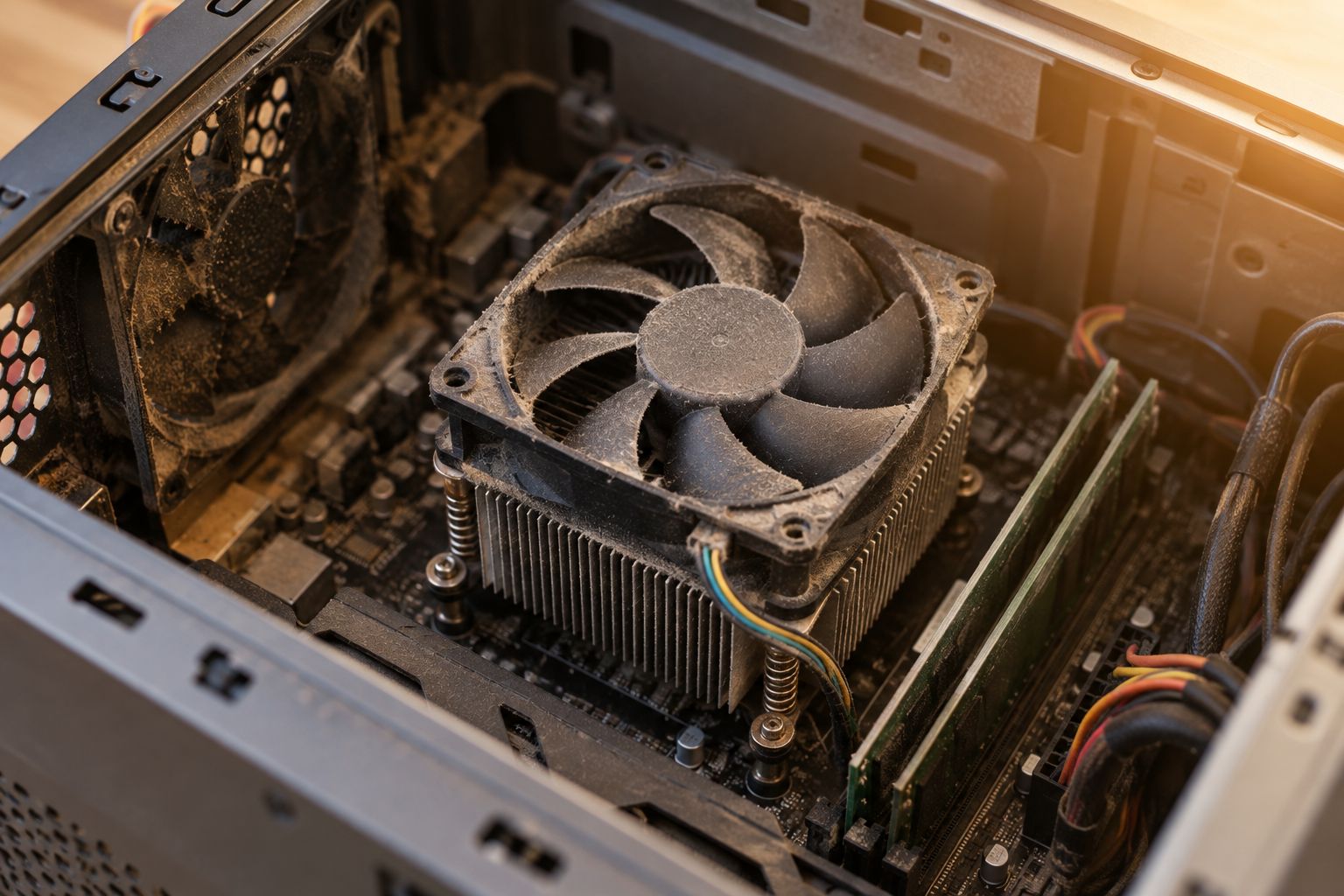
Cryptomining malware runs your CPU and GPU at full load around the clock, generating cryptocurrency for whoever installed it. Most modern chips throttle performance or shut down once they approach the 90-100°C range specifically to prevent damage, but a PC with clogged vents or a dying fan can sit near that ceiling for months without the thermal protection ever fully catching it.
The result isn't a dramatic failure — it's shortened component life, degraded thermal paste, and fans that wear out early. You'll notice it first as a laptop that's constantly hot and loud even when you're not doing anything demanding.
Firmware rootkits: the rare case that bricks a motherboard
Firmware-level malware writes itself into the BIOS or UEFI chip instead of the hard drive, which means it survives a full wipe and reinstall of Windows. In the worst cases, corrupted firmware leaves a motherboard unable to complete its startup sequence at all.
This is the rarest category by far, but it's also the one a standard antivirus scan can't touch, because the operating system hasn't even loaded yet when the damage happens.
Fan-control malware: quiet damage over months
Some malware disables the software that manages fan speed curves, either to hide its own CPU usage or as a side effect of disabling system monitoring tools. The fans keep spinning, just not fast enough for the actual heat load.
Nothing crashes immediately. The damage shows up three or six months later as a machine that runs hotter than it used to and shuts down under load it used to handle fine.
Why hardware risk varies from one infected PC to another
- Malware type — file-based viruses and most trojans never touch hardware; cryptominers and firmware rootkits do.
- How long the infection went undetected — a mining script running for two days is a nuisance; running for six months is wear.
- Existing cooling condition — a PC with clean vents and a healthy fan tolerates sustained load far better than one already choked with dust.
- Workload intensity — idle-time infections are milder than malware that pegs the CPU at 100% continuously.
- Device age — older hard drives and aging thermal paste have less margin left before sustained stress becomes damage.
- Whether thermal protection is working — a laptop with a failing temperature sensor won't throttle when it should, removing the safety net.
Can a virus fry your motherboard?
A standard virus can't fry a motherboard, but a firmware-level rootkit can corrupt the board's BIOS to the point it won't boot in 2026's malware landscape. That's a hardware-level fix, not something a virus scan resolves.
Does a virus slow down a computer permanently?
A virus itself doesn't cause permanent slowdown once it's removed — the sluggishness comes from CPU and memory being consumed by the malicious process. If performance stays poor after a clean removal, the hardware was likely already aging or damaged before the infection.
Will restarting my computer fix virus-related hardware damage?
A restart clears temporary heat buildup and stops an active mining process, but it doesn't undo wear that's already happened to a fan, drive, or thermal paste. It also won't remove firmware-level malware, since that survives a reboot by design.
Get a free diagnostic before you guess
Same-day virus removal and hardware checks across North Carolina.
If a PC has been running hot, shutting down under load, or won't finish booting, a same-day check separates a software-only infection from one that's already stressed the hardware. TechConnect's infected-to-clean workflow covers both the removal step and the backup step before any repair touches your files.
FAQ
What's the best way to tell if a virus damaged my hardware?
Check for a PC that runs hot or loud even when idle, shuts down under normal use, or fails to boot past the BIOS screen. Those symptoms point to hardware stress rather than a simple infection, and warrant a diagnostic instead of just a virus scan.
Is it safe to keep using a computer with a virus?
No — keep using it only long enough to back up your files, then get it scanned. The longer malware like a cryptominer runs, the more heat stress it puts on the CPU and GPU over time.
Can a virus damage my hard drive specifically?
A virus rarely damages a hard drive directly, but malware that forces repeated crashes or hard shutdowns adds extra read/write stress that can shorten an aging drive's life. Data recovery becomes a separate concern from virus removal once files are actually corrupted or lost.
Does antivirus software prevent hardware damage?
Antivirus software prevents most hardware-relevant infections by stopping cryptominers and rootkits before they install. It won't undo damage that's already occurred, which is why removal speed matters more than the software brand.
Can a virus damage a computer's hardware permanently?
Permanent hardware damage from a virus is uncommon but possible with firmware rootkits or months of unchecked cryptomining load. In those cases the fix is a hardware repair or replacement, not another scan.
Is fan noise a sign of virus damage?
Constant loud fan noise, especially when the PC is idle, is a common sign of a cryptomining infection maxing out the CPU. It's worth checking Task Manager for a process using unusually high CPU before assuming the fan itself has failed.
Can a factory reset fix virus damage to hardware?
A factory reset removes file-based malware but does nothing for firmware-level infections or fan and thermal wear that already happened. If symptoms persist after a reset, the issue has moved from software to hardware.
Should I get a hardware diagnostic after removing a virus?
Yes, if the PC ran hot, crashed under load, or was infected for weeks before you noticed. A diagnostic after removal confirms whether the fans, drive, and thermal paste came through the infection intact.
One last thing
The infections that cause the most physical wear aren't the aggressive ones that trigger obvious pop-ups and get noticed in a day — they're the quiet ones that sit undetected for months, running a CPU hot in the background while everything else looks normal. By the time the fan noise or shutdowns show up in 2026, the wear has already happened; catching a slow-burning infection early is worth more than any repair after the fact.