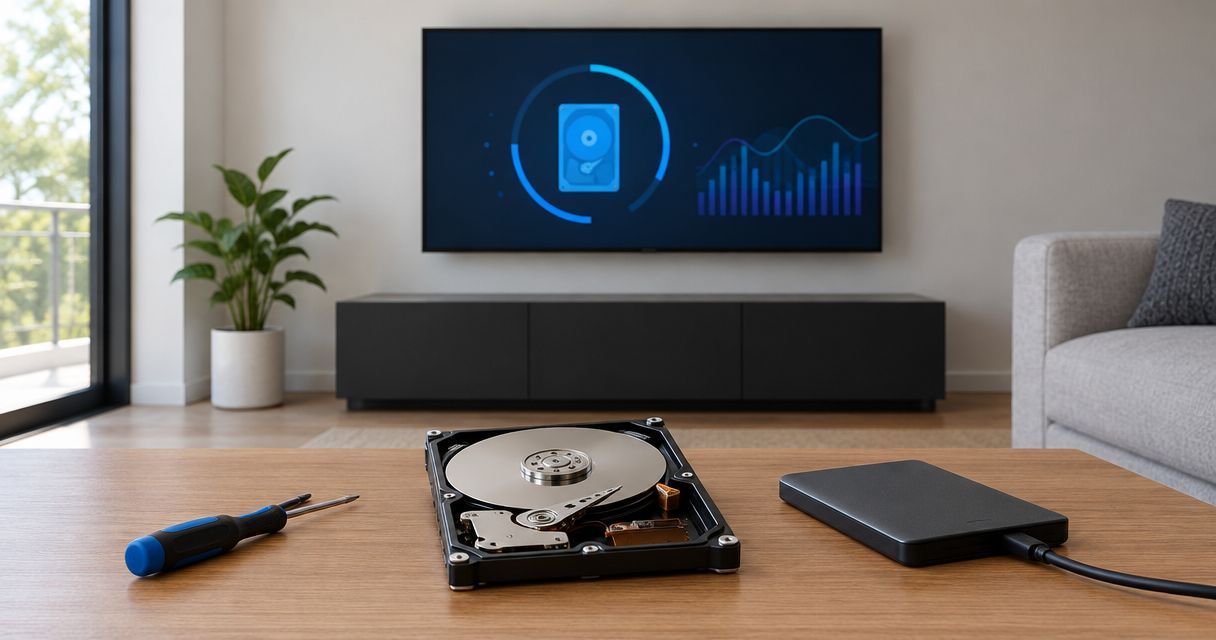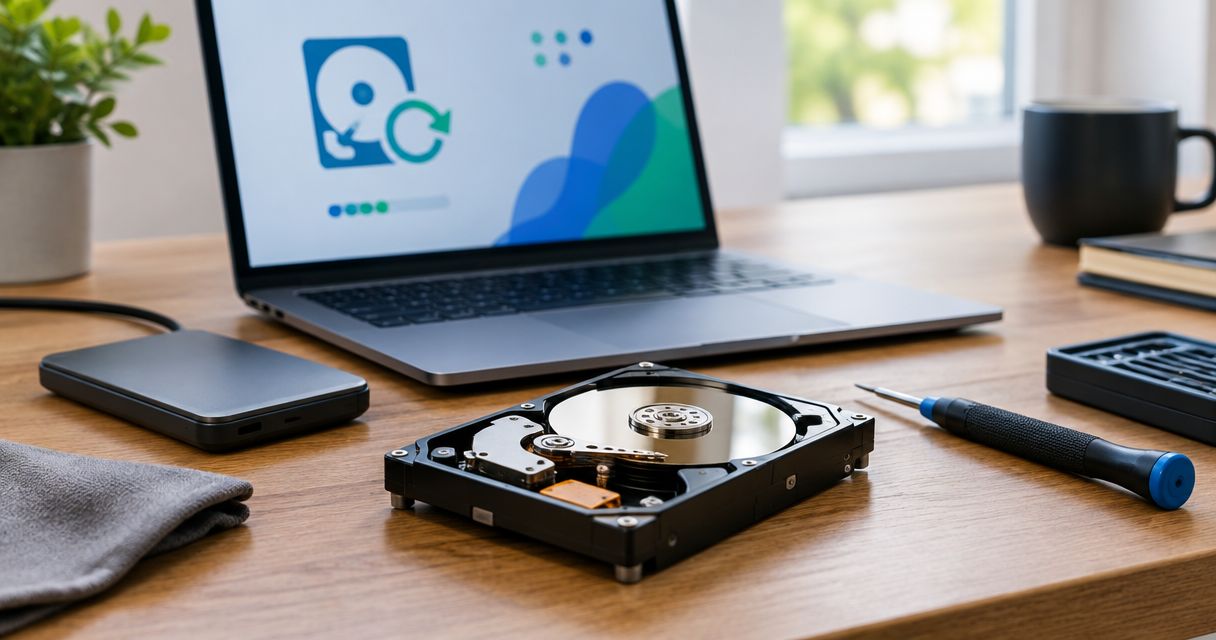
An old hard drive that still spins is a different problem than one that's already dead — the answer to whether data recovery is worth it comes down to drive health, not the calendar. Data recovery is worth it for an old hard drive when the files on it don't exist anywhere else and the drive still powers on, even if it sounds slow or hesitant. It's not worth it once the drive clicks, grinds, or refuses to mount at all, because every extra power cycle on a failing drive lowers the odds of getting anything back. The real cost isn't the recovery service itself — it's what you lose by running a dying drive one more time to save a diagnostic fee.
- Recovery pays off when data is irreplaceable and the drive still spins — professional recovery handles most mechanical and logical failures in 2026.
- Skip recovery once a drive clicks, grinds, or won't power on; repeated attempts destroy whatever platters still hold.
- DIY recovery software only fixes logical failures — deleted files, corrupted partitions — never physical damage.
- Whether is data recovery worth it for an old hard drive depends on drive health, not drive age.
- A drive already backed up to the cloud or an external drive makes the decision easy — check the backup first.
Why this matters
An old drive holding tax records, client files, or the only copy of a decade of family photos isn't just storage — it's a liability sitting on a shelf. Homeowners and small businesses across North Carolina keep old drives around "just in case" without ever checking if they still spin, and by the time someone needs the files, the drive has often degraded past the point of an easy fix. How much data recovery costs in 2026 depends heavily on whether that check happens before or after the drive fails completely.
The decision isn't emotional — it's mechanical. A drive that still spins up and is simply slow to read is a very different repair than a drive making a clicking sound, and treating them the same way wastes both time and money.
Is data recovery worth it for an old hard drive?
Run the drive through three paths before deciding, and match the drive's actual condition to the method that fits it.
| Method | What it fixes | What it can't fix | Verdict |
|---|---|---|---|
| DIY recovery software | Deleted files, corrupted partitions, accidental formats | Clicking, grinding, or drives that won't power on | Try first — worth it on logical failures |
| Professional data recovery service | Mechanical failure, head crashes, drives that won't mount | Nothing it can't touch given the right cleanroom tools, but severity drives complexity | Worth it when the data is irreplaceable |
| Replace the drive and move on | Stops a dying drive from getting worse | Recovers zero data on its own | Skip recovery if the drive has no unique data |
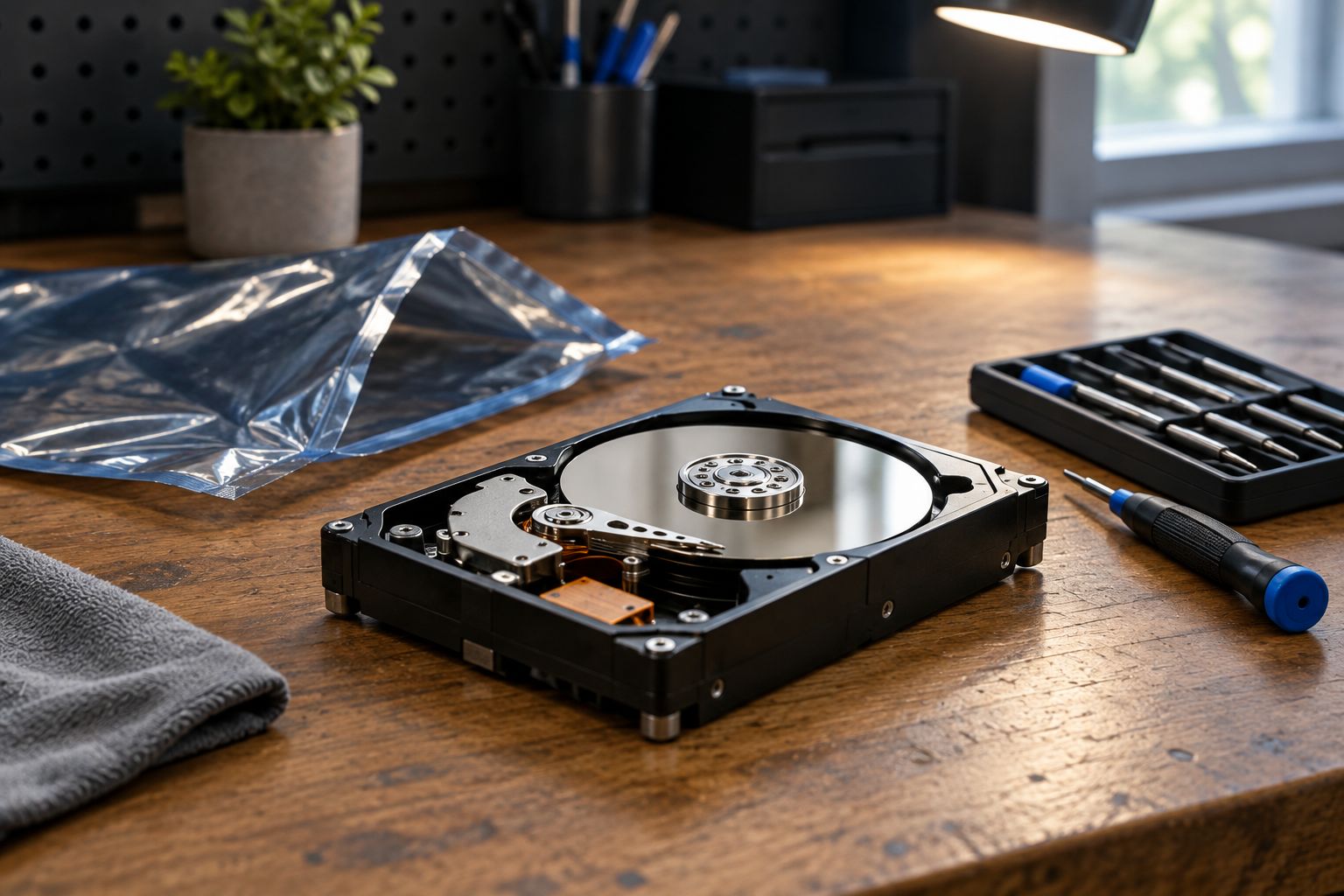
DIY software is the right first move for logical problems — an accidental format, a corrupted file table, a drive that shows up in Windows but won't open. It does nothing for a drive that's mechanically failing. Best data recovery services in North Carolina covers what a professional service actually does differently: cleanroom disassembly, donor parts for head swaps, and imaging tools that pull data off a drive before it fails completely.
Recovery is worth it when...
- The drive still spins up and is detected by the computer, even slowly
- The files aren't duplicated anywhere else — no cloud copy, no external backup
- The data has real business or personal value: tax records, client files, irreplaceable photos
- The drive failed logically (accidental deletion, corrupted partition) rather than mechanically
- The drive is making no unusual noise — no clicking, grinding, or repeated spin-up failures
Skip recovery when...
- The drive is already clicking, grinding, or won't spin up at all after multiple failed attempts
- The data is already backed up somewhere else — check before paying for anything
- The files are replaceable: reinstalled software, downloaded media, generic documents
- The drive has been dropped, exposed to water, or shows physical damage to the casing
- The cost of professional recovery outweighs what the data is actually worth to you
Why the recovery decision varies
- Failure type — logical failures (corrupted file systems, accidental deletion) recover far more reliably than mechanical failures (bad heads, seized motors, damaged platters)
- Drive age and spin-up behavior — a 10-year-old drive that still spins cleanly is often more recoverable than a 2-year-old drive that already failed once and was restarted repeatedly
- Data uniqueness — if the files exist on a phone, a cloud account, or another device, recovery stops being urgent
- Existing backups — a drive already covered by cloud backup or an external drive removes most of the pressure; see is cloud backup worth it for home computers in 2026 before assuming the data is gone for good
- Business vs. personal use — a small business losing QuickBooks files or client records has a much higher cost of doing nothing than a home user losing downloaded music
- Physical damage history — drops, water exposure, or heat damage push a case toward professional recovery regardless of how the drive currently behaves
“Every extra power cycle on a clicking drive lowers the odds of full recovery — turn it off and stop trying to force it to boot.”
Once a drive is confirmed mechanically dead, the workflow shifts from repair to recovery-and-rebuild. The crashed hard drive to recovered files workflow walks through what a professional recovery actually looks like step by step, from initial diagnostic to final file handoff.
Get a free diagnostic on your old drive
Find out if your drive is still recoverable before it gets worse.
Does data recovery work on hard drives that won't turn on at all?
Data recovery can still work on a drive that won't turn on, but it depends entirely on why it won't turn on. A seized motor or failed circuit board often still has intact platters underneath, which a professional service can access with donor parts — a drive with physically scored or warped platters usually can't be recovered at any price.
Is it cheaper to recover data or buy a new hard drive?
A new hard drive is always cheaper than data recovery, but that's comparing the wrong things — a new drive doesn't get your old files back. How much it costs to recover a crashed hard drive breaks down what actually drives recovery pricing, but the real comparison is the cost of recovery against the value of the specific files you'd lose without it.
How long can an old hard drive sit unused before recovery gets harder?
An old hard drive sitting unused for years gets harder to recover the longer it sits, because magnetic media degrades over time and long-idle motors are more prone to stiction on power-up. If a drive has been sitting for more than a couple of years, don't power it on repeatedly trying to test it yourself — one clean power-up for diagnostics is safer than several failed attempts.
FAQ
Is data recovery worth it for an old hard drive in 2026?
It's worth it when the drive still spins and the data isn't backed up anywhere else; it's not worth it once the drive clicks, grinds, or won't mount at all.
How much does data recovery cost for an old hard drive?
Cost depends on whether the failure is logical or mechanical — check the full breakdown in the data recovery pricing guide before assuming a price.
Can I recover data from an old hard drive myself?
You can recover data yourself only if the failure is logical, like a deleted file or corrupted partition. Physical failures — clicking, grinding, or a drive that won't power on — need a professional cleanroom service.
Should I keep trying to power on a clicking hard drive?
No — stop immediately. Each power cycle on a clicking or grinding drive increases the risk of permanent, unrecoverable damage to the platters.
Is it better to recover an old drive or just replace it?
Replace it if the data already exists elsewhere or isn't valuable; recover it if the files are irreplaceable and the drive still shows signs of life.
Does data recovery work on drives older than 10 years?
Drive age alone doesn't determine recoverability — a 10-year-old drive that still spins cleanly is often more recoverable than a newer drive that already failed once.
What's the difference between logical and physical hard drive failure?
Logical failure means the drive works mechanically but the data or file system is corrupted; physical failure means a hardware component — heads, motor, platters — has actually broken.
Can cloud backup make hard drive recovery unnecessary?
Yes — if a drive is already covered by cloud backup, recovery becomes optional rather than urgent, since the files exist somewhere safe already.
One last thing
The single biggest mistake with an old, failing drive isn't waiting too long to call for recovery — it's powering it on "one more time" to check if the files are still there. That one extra boot attempt on a drive that's already clicking or struggling to spin is often what turns a recoverable drive into a dead one. If a drive sounds wrong, the right move in 2026 is the same as it was a decade ago: power it off, leave it off, and get a diagnostic before touching it again.