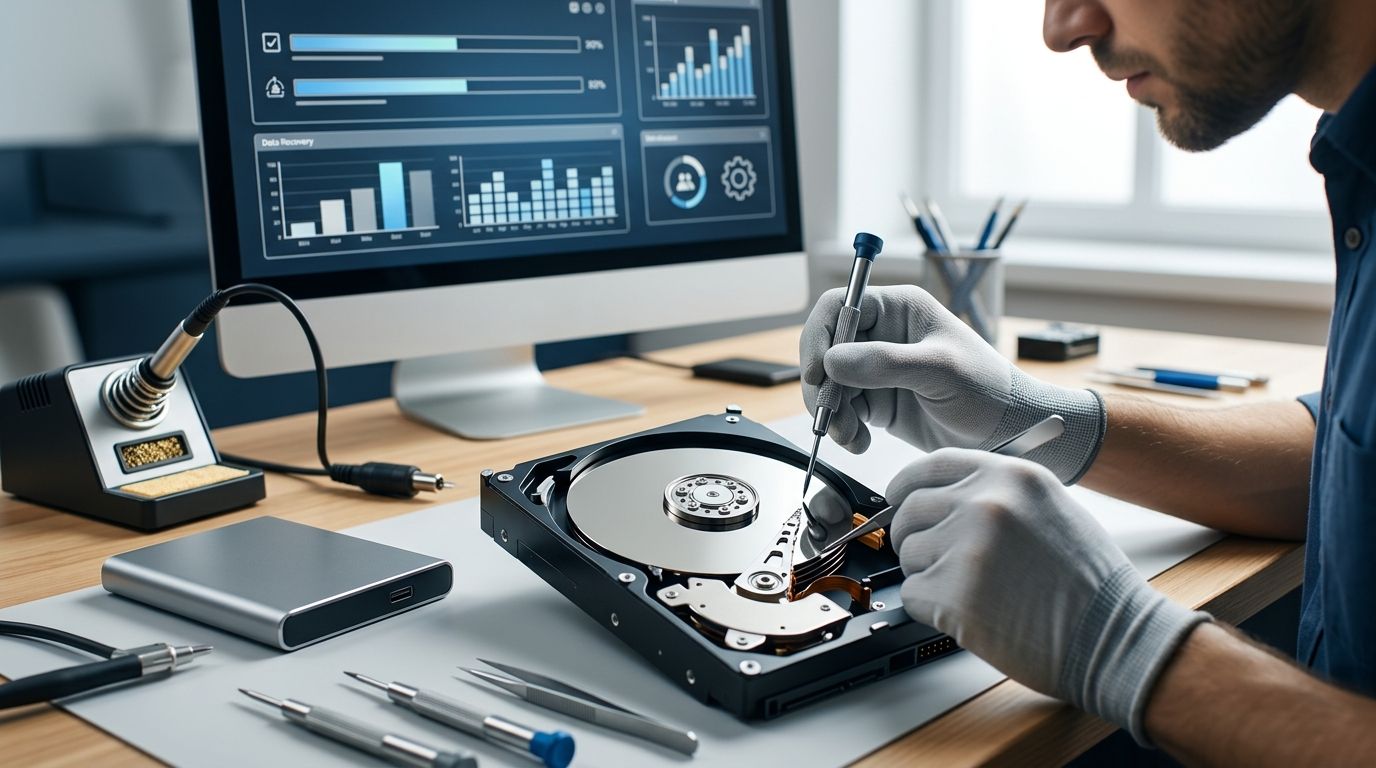
A crashed hard drive costs $300 on average to recover in 2026, with prices ranging from $100 for simple software-level failures to more than $2,500 when a drive needs full cleanroom disassembly. The number that catches most people off guard isn't the recovery fee itself — it's the diagnostic charge some labs bill even when the drive can't be saved.
- Hard drive recovery costs $100 to $2,500+ in 2026, averaging around $300 for most logical failures.
- Physical damage — clicking, grinding, a burnt smell — pushes cost past $1,000 and requires cleanroom tools.
- DIY software recovery only works on drives that still power on and mount; it can destroy data on a physically damaged drive.
- TechConnect provides data backup and recovery services to homes and businesses across North Carolina.
- Get a diagnostic before paying for recovery — some failures cost more to fix than the data is worth.
Why this matters
A crashed drive isn't one problem — it's three or four different problems wearing the same warning light. A drive that won't boot because of a corrupted partition costs a fraction of what a drive with a seized motor costs, and most people can't tell the difference by looking at it.
That's why quotes swing so wildly. One shop tells you $150, another tells you $1,800, and both might be honest — they're just describing different failure types. Before you pay anyone, get a real data recovery cost breakdown so you know which bracket your drive falls into.
How much does it cost to recover a crashed hard drive?
The short answer: $100 to $2,500+ depending on what actually failed inside the drive. Here's how the brackets break down in 2026:
| Damage Type | Cost Range (2026) | Best For |
|---|---|---|
| DIY software recovery | $0-$100 | Drives that still power on, files just deleted or corrupted |
| Logical recovery (professional) | $100-$300 | Failed partitions, formatting mistakes, file system errors |
| Mechanical/physical recovery | $300-$1,500 | Clicking drives, seized motors, bad heads |
| Severe/cleanroom recovery | $1,000-$3,000+ | Fire, flood, multiple failed components |
The pattern holds across the industry: the less the drive physically resembles working hardware, the more it costs to pull data off it. A drive that mounts but shows a corrupted folder structure is a $150 job. A drive that clicks every time you power it on is a different animal entirely.
Logical damage recovery: $100-$300
This covers deleted files, corrupted partitions, bad sectors that haven't spread, and accidental formatting. The drive still spins up and gets recognized by a computer — it's the data structure that's broken, not the hardware.
Pros: fastest turnaround, lowest cost bracket, high success rate. Cons: still requires professional tools to avoid overwriting recoverable data. Verdict: Buy — this is the bracket where paying for a real technician instead of guessing with free software pays off.
Physical/mechanical damage recovery: $300-$1,500
Clicking, grinding, or a drive that spins up then immediately shuts off points to a mechanical failure — a stuck read/write head, a failing motor, or a bad circuit board. This work requires opening the drive, which means it needs to happen in a controlled, dust-free environment.
Pros: most mechanical failures are still fully recoverable. Cons: cost climbs fast, and every extra minute the drive runs while damaged risks turning a $500 job into a $1,500 one. Verdict: Buy, but stop using the drive immediately — every additional power-on after a click or grind makes the eventual recovery more expensive.
Severe or cleanroom recovery: $1,000-$3,000+
Fire, flood, physical crush damage, or multiple simultaneous component failures land here. Recovery at this level means disassembling the drive under cleanroom conditions and sometimes swapping platters onto a donor drive.
Pros: even drives that look destroyed often still hold recoverable platters. Cons: this is the most expensive bracket by a wide margin, and success isn't guaranteed. Verdict: Buy only if the data is worth more than $1,000 to you — for less critical data, this is the point where replacing the drive makes more financial sense.
DIY software recovery: $0-$100 (highest risk)
Free and low-cost recovery software exists for a reason — it works, but only on drives with zero physical damage. Running recovery software on a clicking or grinding drive can turn a recoverable failure into a permanent one.
Pros: free or nearly free, works well on simple deletions. Cons: one wrong move on a physically failing drive can make professional recovery impossible afterward. Verdict: Wait — use this only after confirming the drive shows no physical symptoms.
Why hard drive recovery cost varies
Several factors push a quote up or down within these brackets:
- Type of damage — logical failures cost far less than mechanical or platter-level damage
- Drive type — SSD recovery often runs higher than traditional hard drives because it requires chip-level extraction rather than platter access
- Drive capacity — larger drives take longer to image, which adds labor cost
- Turnaround speed — rush service adds a premium at most recovery labs
- RAID or multi-drive setups — recovering a business RAID array costs more than a single consumer drive
- How much data needs recovering — a full disk image costs more than pulling a handful of specific files
Get a real diagnostic before you pay
TechConnect diagnoses crashed drives across North Carolina before quoting recovery work.
Is it cheaper to buy a new hard drive than pay for recovery?
A new hard drive is almost always cheaper than a $300+ recovery job, but a replacement drive only solves the storage problem — it does nothing to bring back the files that were on the failed one. Weigh the recovery cost against what the lost data is actually worth before deciding either way.
Can I recover a crashed hard drive myself for free?
Free recovery software works only on logical failures, not on drives making clicking or grinding noises — running that software on a physically damaged drive risks permanent data loss. Reserve the $0-$100 DIY route for drives that still mount and simply show missing or corrupted files.
How long does hard drive data recovery take?
Turnaround tracks the same cost brackets: logical recoveries in the $100-$300 range typically move faster than physical recoveries in the $300-$1,500+ range, since cleanroom disassembly takes more manual labor. Multi-platter or severe cases in the $1,000-$3,000+ bracket usually take the longest because they need more careful handling.
FAQ
How much does it cost to recover a crashed hard drive in 2026?
A crashed hard drive costs $300 on average to recover in 2026, ranging from $100 for logical failures to $2,500 or more for physical or cleanroom recovery. The exact price depends on whether the damage is software-level or mechanical.
What's the difference between logical and physical hard drive damage?
Logical damage means the drive spins up fine but the file system or partition is broken, while physical damage means the hardware itself has failed - a stuck head, seized motor, or bad platter. Logical recovery falls in the $100-$300 range; physical recovery starts around $300 and can exceed $1,500.
Is SSD data recovery more expensive than hard drive recovery?
SSD recovery often costs more than traditional hard drive recovery because it requires chip-level extraction rather than reading spinning platters. The underlying cost brackets still apply, but SSDs tend to land toward the higher end within each one.
Can a computer repair shop recover a crashed hard drive?
A general repair shop can usually handle logical recovery in the $100-$300 range, but physical or cleanroom recovery above $1,000 needs a specialized data recovery lab with the right equipment. Ask what bracket your failure falls into before choosing where to take it.
Does data recovery software work on a dead hard drive?
Recovery software only works on drives that still power on and get recognized by a computer - it does nothing for a drive that is mechanically dead. Running it on a clicking or grinding drive can make the eventual professional recovery cost more.
How does data backup cost compare to recovery cost?
Ongoing data backup costs a fraction of a one-time recovery bill, which runs $100 to $2,500+ depending on damage severity. Backup is prevention; recovery is the far more expensive fix after the fact.
What are the warning signs a hard drive is about to crash?
Clicking or grinding noises, frequent freezes, slow boot times, and files that will not open are the most common warning signs before a full crash. Catching these early usually means a $100-$300 logical recovery instead of a $1,000+ physical one.
One last thing
The single biggest cost driver isn't the original failure — it's what happens after it. Opening a clicking drive at home, or running recovery software on it just to see what happens, routinely turns a $500 mechanical recovery into a $2,000+ cleanroom job, because the lab now has to fix the damage added on top of the original one. The moment a drive clicks, grinds, or stops being recognized, powering it off and leaving it alone is worth more than any troubleshooting step you could take yourself.


