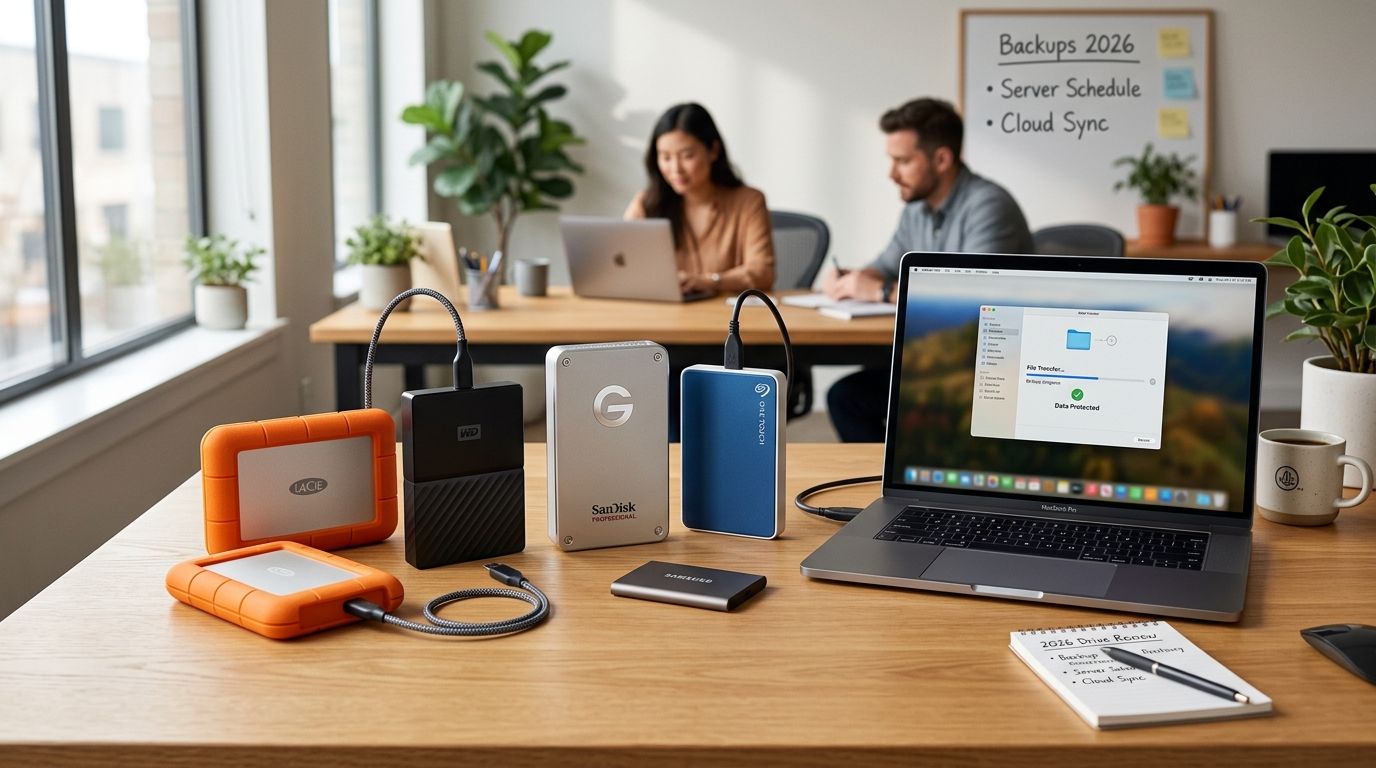
External hard drives still matter for small business backup in 2026, even with cloud services everywhere — they're the offline copy that survives a ransomware attack on your network. Best overall: Western Digital My Book. Best for portable SSD speed: Samsung T7 Shield. Best for a multi-device office hub: Seagate Backup Plus Hub. Best for field and mobile durability: LaCie Rugged SSD. Best for networked multi-user backup: Synology DS224+ NAS.
- Western Digital My Book is the best external hard drive for small business backup overall in 2026 for its capacity and 256-bit AES encryption.
- Samsung T7 Shield wins on speed and IP65 durability for teams that back up daily off a single desk.
- Seagate Backup Plus Hub is the pick when multiple staff computers need one shared drive with spare USB ports.
- LaCie Rugged SSD suits field techs and mobile crews who need drop resistance over raw capacity.
- Synology DS224+ NAS is the only networked option here, built for offices with 3+ computers that need one backup target.
Why this matters
A drive that fails silently is worse than no backup at all — it gives you false confidence until the day you need the files. Small businesses in North Carolina lose data to drive failure, ransomware, and simple human error every year, and an external hard drive is the cheapest insurance against all three when it's paired correctly with cloud backup services rather than used alone.
The 3-2-1 rule still holds in 2026: three copies of your data, on two different media types, with one copy offsite. An external hard drive covers the second media type. It does not replace the offsite copy, and it does not replace a documented restore test.
What makes the best external hard drive for small business backup
- Capacity headroom — enough room to hold 12+ months of business data without swapping drives monthly
- Interface speed — USB 3.2 Gen 2 or better moves large backup sets in minutes, not hours
- Durability and build — rubber housing and IP-rated resistance matter for drives that leave the office
- Backup software compatibility — works cleanly with Windows Backup, Time Machine, or a business backup agent
- Encryption support — hardware-level AES encryption protects the drive if it's lost or stolen
- Footprint and power draw — desktop drives need a wall outlet; portable drives run off the USB port alone
At a glance
| Drive | Best for | Standout feature | Key limitation |
|---|---|---|---|
| Western Digital My Book | Desktop backup, general SMB use | 256-bit AES hardware encryption | Requires external power, not portable |
| Samsung T7 Shield | Fast daily backups | IP65-rated, USB 3.2 Gen 2 speed | Lower max capacity than desktop HDDs |
| Seagate Backup Plus Hub | Multi-device office backup | Built-in USB hub with extra ports | Bulkier desktop footprint |
| LaCie Rugged SSD | Field and mobile technicians | Drop-resistant rubber housing | Higher cost per terabyte than HDDs |
| Synology DS224+ NAS | Networked multi-user backup | RAID redundancy across two bays | Needs setup and network configuration |
1. Western Digital My Book: best external hard drive for desktop backup
The WD My Book is a desktop external hard drive built for one job: sitting next to a business PC and taking a nightly backup without complaint. It ships with WD Backup software for scheduled, automatic backups and includes 256-bit AES hardware encryption to protect data at rest.
WD My Book pros:
- Large capacity options suit years of business file accumulation
- Hardware encryption protects data if the drive is stolen
- Bundled backup software handles scheduling without a separate app
WD My Book cons:
- Needs a wall outlet, so it's not a grab-and-go option
- Mechanical drives fail more often than SSDs under heavy daily use
- No built-in network access for multiple users
Best for: single-location offices backing up one or two workstations to a dedicated desktop drive.
Spinning drives do fail, and when one does, the recovery window matters more than the backup plan itself — that's where data recovery services come in for the files that never made it to a second copy.
Verdict: Buy — for a straightforward desktop backup target, this is still the safest default in 2026.
2. Samsung T7 Shield: best external hard drive for fast portable backup
The Samsung T7 Shield is a rugged portable SSD rated at up to 1,050 MB/s sequential read speed over a USB 3.2 Gen 2 connection, with an IP65 rating against dust and water. It's built for people who back up daily and don't want to wait around for the transfer to finish.
Samsung T7 Shield pros:
- Fast enough to back up a full workstation during a lunch break
- IP65 rating tolerates spills and dusty office environments
- No external power cable, runs off the USB-C port
Samsung T7 Shield cons:
- Costs more per terabyte than a mechanical hard drive
- Smaller maximum capacities than desktop HDD options
- Small size makes it easy to misplace without a dedicated storage spot
Best for: businesses running daily incremental backups on tight schedules where speed is the priority.
Verdict: Buy — the fastest option on this list, and the one that best fits a daily backup habit.
3. Seagate Backup Plus Hub: best external hard drive for shared office backup
The Seagate Backup Plus Hub adds a built-in USB hub with extra ports on the drive itself, letting a small office plug in a keyboard, mouse, or second drive without hunting for a free port on the PC. It's a desktop HDD, so it depends on wall power like the My Book.
Seagate Backup Plus Hub pros:
- Extra USB ports reduce cable clutter at a shared desk
- Large capacity options suit a small office's combined file storage
- Works with Seagate's own backup and mobile sync software
Seagate Backup Plus Hub cons:
- Larger desktop footprint than a single-purpose drive
- Still a single point of failure for whichever computer connects to it
- No network sharing across multiple staff computers at once
Best for: a shared front-desk or reception computer that also charges phones and connects peripherals.
Verdict: Hold — solid if the hub feature solves a real cable problem; skip it if you just need storage.
4. LaCie Rugged SSD: best external hard drive for field technicians
The LaCie Rugged SSD is built around a drop-resistant rubber housing designed for people who move between job sites, vehicles, and client offices. It uses solid-state storage, so there are no moving parts to damage in transit.
LaCie Rugged SSD pros:
- Rubber bumper housing survives drops that would kill a mechanical drive
- No moving parts means fewer failure points during travel
- Compact enough to fit in a laptop bag alongside other gear
LaCie Rugged SSD cons:
- Higher cost per terabyte than any HDD on this list
- Lower typical capacities than desktop drives
- Overkill for a business that never takes the drive off-site
Best for: field service techs, mobile consultants, and anyone who backs up from a truck or a client site rather than a fixed desk.
Verdict: Buy — the only drive here built specifically for people who don't work at a desk.
5. Synology DS224+ NAS: best external hard drive alternative for networked offices
The Synology DS224+ is a 2-bay network-attached storage unit, not a single portable drive, but it belongs on this list because it's the upgrade path once a business outgrows single-drive backup. It runs Synology's Hyper Backup software and supports RAID configurations across its two drive bays for redundancy.
Synology DS224+ pros:
- One backup target reachable by every computer on the office network
- RAID redundancy means one drive failure doesn't lose the backup
- Scales by adding or swapping drive bays as storage needs grow
Synology DS224+ cons:
- Requires initial network setup that a single external drive doesn't
- Higher upfront investment than a plug-and-play drive
- Needs basic maintenance (firmware updates, drive health checks) over time
Best for: small offices with three or more computers that need centralized backup instead of one drive per machine.
Getting a NAS configured correctly the first time saves hours of troubleshooting later — most offices lean on on-site computer repair services for small offices for the initial network setup rather than guessing at RAID settings.
Verdict: Buy — the right call once single-drive backup stops covering the whole office.
How we ranked these drives
Each drive was scored against the six criteria above: capacity, speed, durability, software compatibility, encryption, and power needs. No single drive wins every category — that's the point of a decision tree instead of a leaderboard. If your business runs on documented IT processes rather than ad hoc backups, pairing any of these drives with small business IT support providers closes the gap between owning a drive and having a tested backup plan.
Which external hard drive should you choose?
For most small businesses in 2026, the Western Digital My Book is still the default answer — enough capacity, hardware encryption, and bundled software without extra setup. Choose the Samsung T7 Shield if backup speed is the bottleneck in your daily routine. Choose the Synology DS224+ the moment a single drive stops covering every computer in the office.
Get your backup setup reviewed
Free diagnostic on your current backup plan across NC.
FAQ
What's the best external hard drive for small business backup in 2026?
The Western Digital My Book is the best overall pick in 2026 for its capacity and 256-bit AES hardware encryption. Businesses that need speed over capacity should look at the Samsung T7 Shield instead.
Is an SSD better than an HDD for business backup?
An SSD like the Samsung T7 Shield or LaCie Rugged SSD is faster and has no moving parts to fail in transit. A mechanical HDD like the WD My Book still wins on capacity per dollar for a stationary desktop backup.
How much storage do I need for small business backup?
Capacity depends on file volume, but most small offices should buy enough headroom for 12 months of accumulated data before needing to swap drives. A desktop HDD gives the most capacity for the footprint.
Should I use an external hard drive or cloud backup?
Use both. The 3-2-1 backup rule calls for three copies of your data across two media types with one copy offsite, and an external drive covers the local, fast-restore copy while cloud backup covers the offsite copy.
How often should I back up business data?
Daily backups are the standard for active business files in 2026. Drives like the Samsung T7 Shield are built specifically for fast daily backup routines.
Do external hard drives fail, and how do I protect against it?
Yes, mechanical drives fail more often than SSDs under heavy daily use, and any single drive can fail without warning. Protect against it with a second backup location and a tested restore process, not just the drive itself.
Is a NAS better than a single external drive for a small office?
A NAS like the Synology DS224+ is better once three or more computers need one shared backup target with redundancy. A single external drive is simpler and cheaper for a one- or two-computer office.
What's the difference between USB 3.0 and USB-C for backup drives?
USB-C with USB 3.2 Gen 2 supports interface speeds up to 10 Gbps, noticeably faster than standard USB 3.0 for large backup transfers. The connector shape also matters — USB-C fits more current laptops without an adapter.
One last thing
The drive you buy matters less than whether anyone ever tests the restore. A backup nobody has restored from is a guess, not a plan — schedule a quarterly test restore on whichever drive you pick, even if it's just one file.


