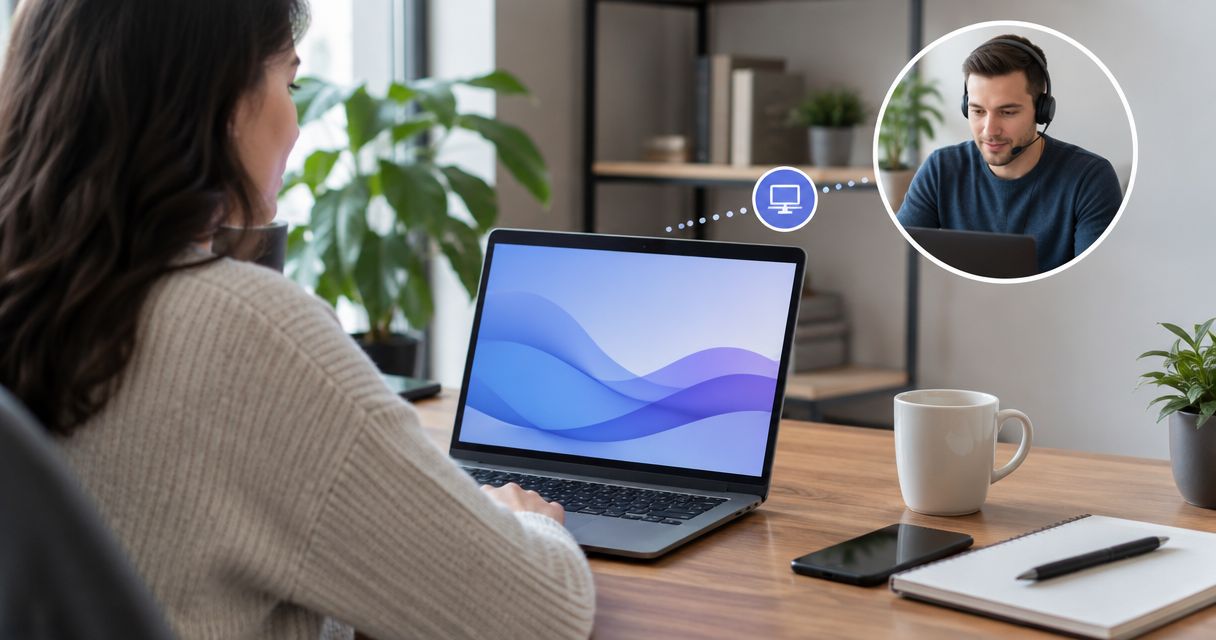
Yes, IT support can access your computer without you being there, but only after you or someone at your location approves the connection. Remote access runs through software installed on the machine — TeamViewer, AnyDesk, Windows Remote Desktop, or a managed platform your provider already uses — and it requires the computer to be powered on and connected to the internet. Nobody reaches into your machine invisibly; a technician either uses unattended access set up in advance or a one-time code you read off the screen during the call.
The part most people miss: unattended access has to be configured while someone IS there, even if the actual repair happens later. TechConnect LLC sets this up once during an initial visit or call, then handles most PC tune-ups and virus removal jobs remotely after that, without another trip to your house or office.
- IT support can access your computer without you being there once remote access software like AnyDesk or Windows Remote Desktop is installed and approved.
- Unattended access is configured in advance; attended access needs a live one-time code every session.
- The computer must stay powered on and connected to the internet for any remote session to work in 2026.
- TechConnect LLC uses remote desktop tools for same-day PC tune-ups and virus removal across North Carolina without a second on-site visit.
- Two-factor authentication and session logs are standard on legitimate remote access setups in 2026 — if a tool skips both, treat it as a red flag.
Why this matters
Remote access questions spike after two kinds of experiences: someone got a call from a scammer claiming to be "Microsoft support," or a business owner needs a technician to fix something after hours and doesn't want to drive in. Both situations hinge on the same fact — legitimate remote access always starts with your consent, either given once (unattended) or given every time (attended). If a caller is pressuring you to grant access right now without explaining what software they're using, that's the scam pattern, not the normal one.
For small offices, this also matters for uptime. A slow office network or a hung server doesn't always need someone standing at the machine — most of it gets diagnosed and fixed through a remote session in 2026, cutting hours off a repair that used to require an on-site visit.
Can IT support access my computer without me being there?
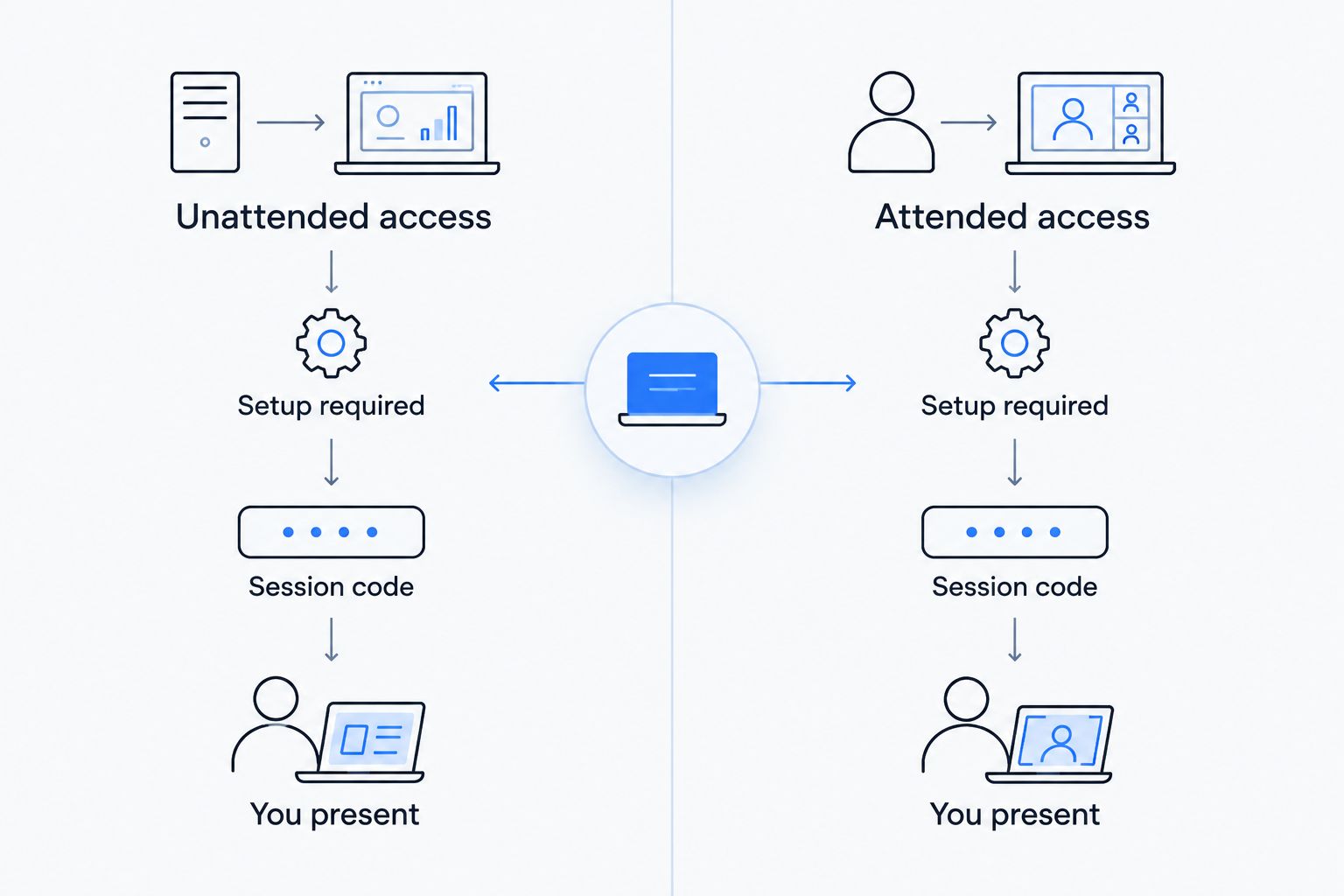
The honest answer depends on which of two setups is in place. Here's how they compare:
| Access type | Setup required | You present during the fix? | Typical use |
|---|---|---|---|
| Unattended access | Software installed and authorized once, in advance | No | Ongoing PC tune-ups, business IT support, after-hours fixes |
| Attended access | One-time code entered live, each session | Yes, at least to start it | One-off virus removal, single troubleshooting call |
| In-person visit | None (technician on-site) | Yes | Hardware repair, network wiring, first-time setup |
Unattended access is what lets a provider fix something at 9 p.m. without you sitting there watching a cursor move. Attended access is what most people picture when they think of remote support: you read a code, the session starts, and it ends when the technician disconnects.
Unattended remote access: set up once, connect anytime
This is the model most managed IT support uses for ongoing PC tune-ups and monitoring. A small agent runs quietly on the machine, checks in with the provider's system, and allows a technician to connect without a new code every time. It's the same category of tool covered in this breakdown of remote desktop software for IT support — the setup step happens once, with your knowledge, and every session after that is logged.
Unattended access is standard for business machines under a managed IT agreement in 2026, because it's the only way a provider can catch a failing hard drive or a stalled backup before it becomes an outage instead of a fix.
Attended remote access: session by session, with your approval
This is the model for a one-time virus removal call or a single "why won't this open" troubleshooting session. You call, the technician sends a short numeric code, you type it into a download link, and the session runs until either side disconnects. Nothing is installed permanently — when the window closes, the access closes with it.
This is also the version scammers imitate, which is why unsolicited callers asking for a code out of nowhere should be refused. Legitimate support never initiates that call; you do.
Why remote access setup varies
A few factors decide whether unattended or attended access makes sense for a given machine:
- Home vs. business use — a single home PC usually only needs attended access for occasional fixes; a business network benefits from unattended access for ongoing monitoring
- Frequency of support needed — one-time virus removal doesn't justify permanent software; recurring tune-ups do
- Network setup — machines connected through a secured home office network can be reached more reliably than one on an unsecured public Wi-Fi connection
- Security policy — some businesses require two-factor authentication and session logging before allowing any unattended tool on a work computer
- Provider practice — reputable IT support documents every remote session; if a provider can't show you a log of when they connected, that's worth questioning
- Device power state — a computer that's fully shut down can't be reached remotely at all, regardless of which software is installed
Is it safe to let IT support access my computer remotely?
It's safe when the connection runs through named software, requires a code or prior authorization you controlled, and the technician can tell you exactly what they're looking at before they act. It's not safe when a caller you didn't contact demands access immediately, refuses to name the software, or asks for banking details mid-session — that pattern matches known remote-access scams, not standard IT support.
Can someone access my computer without my knowledge?
Someone can only access your computer without your knowledge if malware or a remote access tool was installed without your consent beforehand — legitimate IT support never connects silently. If you suspect this, a technician can check installed remote access software and running processes during a standard virus removal and cleanup session.
What do I need to give IT support remote access?
You need either a downloaded remote access client and a session code (attended access) or a pre-installed agent authorized during setup (unattended access) — nothing more, and never your account password read aloud over the phone. A provider that asks for your password directly, instead of using the software's built-in permission prompt, isn't following standard practice.
Get remote IT support set up right
Same-day PC tune-ups and virus removal across North Carolina, on-site or remote.
FAQ
Can IT support access my computer without me being there?
Yes, once you've approved remote access software like AnyDesk, TeamViewer, or Windows Remote Desktop, a technician can connect without you present. The computer has to stay powered on and connected to the internet for the session to work.
Do I need to be home for a remote computer repair?
No, not if unattended access was set up on a previous visit or call. You only need to be present for a first-time setup or a live attended session that requires a one-time code.
How does IT support connect to my computer remotely?
Through a small software agent that either runs continuously (unattended access) or launches temporarily with a session code you provide (attended access). Both require the machine to be on and online.
Is remote IT access safe for a small business network?
It's safe when paired with two-factor authentication and session logging, which most managed IT providers use by default in 2026. Businesses handling sensitive data should confirm both are in place before allowing unattended access.
Can IT support fix my computer without a house call?
Most software issues — virus removal, slow performance, settings problems — get fixed remotely without an on-site visit. Hardware failures, like a dead power supply or broken screen, still need someone physically at the machine.
What's the difference between remote access and remote monitoring?
Remote access is a technician actively controlling your screen during a session; remote monitoring is background software checking system health without anyone at the controls. Managed IT support typically uses both.
Can a scammer use remote access tools to trick me?
Yes, scammers imitate legitimate attended access by calling unprompted and pressuring you for a session code. The defense is simple: never grant remote access to someone who called you first claiming a problem exists.
One last thing
The single detail that separates a legitimate remote session from a scam attempt isn't the software — it's who made the first call. If you contacted the provider, a remote session is routine. If someone contacted you first and immediately asked for screen-sharing access, hang up regardless of how official they sound; that sequence alone is the tell in 2026, same as it was five years ago.