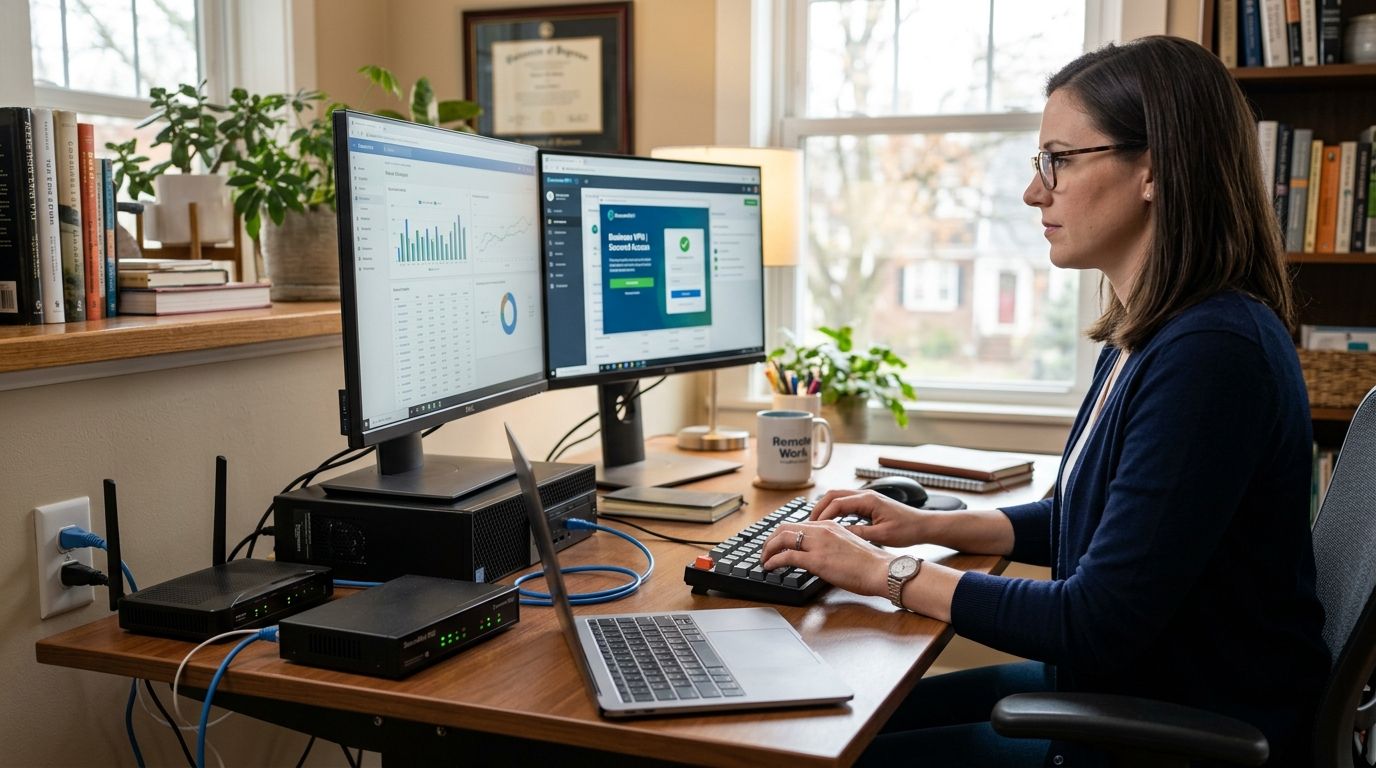
You can't just plug a home office laptop into the company network and hope for the best — one infected machine on a residential Wi-Fi network can hand ransomware a straight line into your business systems. Instead of trusting a home router's default settings to protect company data, set up a VPN tunnel, lock down endpoint security, and verify access permissions before that computer ever touches a shared drive or client database.
- Connect home office computer to business network only through a business-grade VPN, never a bare remote desktop port forward.
- TechConnect recommends endpoint protection installed before the first VPN handshake, not after.
- Split tunneling is the most common misconfiguration in 2026 home office setups and the easiest to fix.
- Budget 45-60 minutes for first-time setup per device, less for repeat installs on identical hardware.
Why This Matters
A home office computer sits outside the physical and network security a business location controls. Family members, smart TVs, and unpatched IoT devices share the same router, and any one of them is a potential entry point.
When you connect a home office computer to a business network the wrong way — say, a router port forward straight to Remote Desktop Protocol — you're exposing a login screen directly to the open internet. Security researchers have tracked exposed RDP as one of the most commonly scanned and attacked services for years, and 2026 hasn't changed that pattern. The fix isn't complicated, but it has to be done in the right order: identity first, encryption second, endpoint protection third, then access.
TechConnect handles this exact setup for home-based and remote employees across North Carolina, and the pattern that causes problems almost every time is the same: someone installs a VPN client and calls it done, without touching firewall rules or endpoint software. A new employee laptop connecting to company email and file sharing needs that same layered approach, not a shortcut.
Before You Start
- Business VPN account or router VPN license — confirm your business firewall or VPN provider supports the number of concurrent home office connections you need before buying hardware.
- Administrator access on the home computer — you'll be installing software and changing network adapter settings, which requires local admin rights.
- The gotcha: if the home office computer's local network uses the same IP range as the business network (both often default to 192.168.1.x), the VPN tunnel will connect but routing will silently fail. Check the business network's subnet before you start and change the home router's range if they match.
Set Up a Secure VPN Connection
- On the business firewall or VPN server, create a new user profile for the home office computer with its own username and a unique pre-shared key or certificate — never reuse one login across multiple remote devices.
- Download the matching VPN client on the home computer. Open the client and click Add Connection or Import Profile, then load the configuration file provided by your firewall admin.
- Enter the server address, port, and authentication credentials exactly as issued. Under Advanced Settings, disable Split Tunneling unless there's a specific reason to route only some traffic through the tunnel.
- Click Connect. The client should report a connected status and assign the computer an internal IP address matching the business network's range, not the home router's range.
Expected result: running an IP check on the home computer shows the business network's internal IP address, and you can ping an internal server or reach an internal file share by hostname.
For businesses standardizing this across several remote staff, a small business VPN service built for remote work is worth comparing before you commit to one vendor for every home office.
Configure Network Access and Permissions
- On the business network's firewall, create an Access Rule scoped to the home office VPN user's assigned IP — don't grant blanket access to the entire internal subnet.
- Under Group Membership in your domain or identity provider, add the remote user to only the file shares, printers, and applications their role requires.
- Enable Multi-Factor Authentication on the VPN login and on any cloud apps (email, accounting software, CRM) the home computer will reach through the tunnel.
- If the business uses network segmentation, place remote VPN users in a dedicated VLAN separate from on-site workstations.
Expected result: the home office computer can reach its assigned shares and apps, but a scan or browse of the network from that computer does not surface unrelated servers or departments.
If the business has never formally scoped remote access rules, a network security service for small businesses can audit the firewall configuration before you add more remote devices in 2026.
Install Endpoint Protection on the Home Office PC
- Install business-grade endpoint protection — not a free consumer antivirus — and enroll the device in the company's central management console.
- Turn on Automatic Updates for both the operating system and the endpoint agent; a home office machine that misses patches for weeks is the weak link in the chain.
- Enable the endpoint agent's Firewall module even if the home router has its own firewall — this adds a second layer if the router is ever compromised.
- Run a full system scan before the first VPN connection, not after.
Expected result: the device shows as Protected and Compliant in the central management console, with the last scan and last update timestamps both current.
Connecting via Cloud Remote Desktop Instead of a Full VPN
Some businesses skip the VPN entirely and use a cloud remote desktop or virtual desktop instead — the home computer becomes a thin client rather than a device that joins the network directly.
- Provision a Virtual Desktop or Remote App session for the user in your cloud management portal.
- On the home computer, install only the remote desktop client — no company data, files, or applications live locally.
- Configure Session Timeout and Idle Disconnect settings so an unattended home computer doesn't leave an open session.
This approach trades local performance for a smaller attack surface: if the home computer is compromised, the attacker gets a login screen, not a direct network foothold. It's a reasonable alternative for accounting and finance roles handling sensitive data — pair it with the workflow in connecting QuickBooks to a secure, backed-up business network if that's the primary use case.
Troubleshooting Common Connection Problems
- VPN connects but internal resources won't load — usually a subnet conflict between the home router and business network; change the home router's DHCP range.
- Connection drops every few minutes — check the home router's power-saving or QoS settings, which sometimes throttle long-lived VPN sessions.
- Slow file transfers over VPN — confirm split tunneling is disabled and that the home internet's upload speed, not just download, supports the workload.
- MFA prompt never arrives — verify the phone number or authenticator app is registered correctly in the identity provider, not just the VPN client.
- Endpoint agent shows Non-Compliant — an update or scan is overdue; force a check-in from the management console rather than waiting for the next scheduled sync.
“A VPN client that connects but can't reach an internal server almost always means the home and office networks share the same IP range.”
Expand the Setup
Once the base connection is stable, extend the same controls to other remote scenarios: a home-based business owner running the office from a spare bedroom faces the same risks documented in the guide to computer repair for home-based businesses, and remote staff on aging hardware benefit from the maintenance schedule in the PC tune-ups for remote workers guide.
Get Home Office Network Setup Handled
Same-day help connecting remote computers to your business network securely.
FAQ
What's the safest way to connect a home office computer to a business network in 2026?
Use a business VPN with a unique login per device, multi-factor authentication, and business-grade endpoint protection installed before the first connection. Avoid port-forwarding remote desktop directly to the internet.
Is a VPN better than remote desktop for home office access?
A VPN gives the home computer direct network access, which is faster but riskier if the device gets infected. Cloud remote desktop keeps company data off the home machine entirely, which is safer for finance and accounting roles.
Do I need a business-grade router for a home office?
A consumer router works if it supports firmware updates and a separate guest network, but a 2026 network security review should still check its firewall rules against company policy.
How much does it cost to set up secure remote access for one employee?
Cost varies by VPN license, endpoint protection seat, and setup time. Get a quote based on your existing firewall and identity provider rather than a flat estimate.
Can antivirus software alone protect a home office computer on a business network?
No. Antivirus catches known malware but doesn't control network access, enforce multi-factor authentication, or segment traffic, which is why endpoint protection and firewall rules both matter.
What happens if a home office computer's IP range matches the office network?
The VPN tunnel connects but traffic routing fails silently, so internal shares and servers become unreachable even though the connection shows as active.
How often should home office computers get security updates?
Set automatic updates for both the operating system and the endpoint agent so patches apply within days of release, not weeks.
Should every remote employee have the same network access?
No. Scope VPN and firewall rules to the specific shares and applications each role needs rather than granting blanket access to the full business subnet.
One Last Thing
The single most overlooked step in 2026 home office setups isn't the VPN or the firewall rule — it's the home router's default admin password, still unchanged on a large share of consumer routers years after purchase. Change it before anything else on this list, because a compromised router upstream makes every downstream control worthless.


