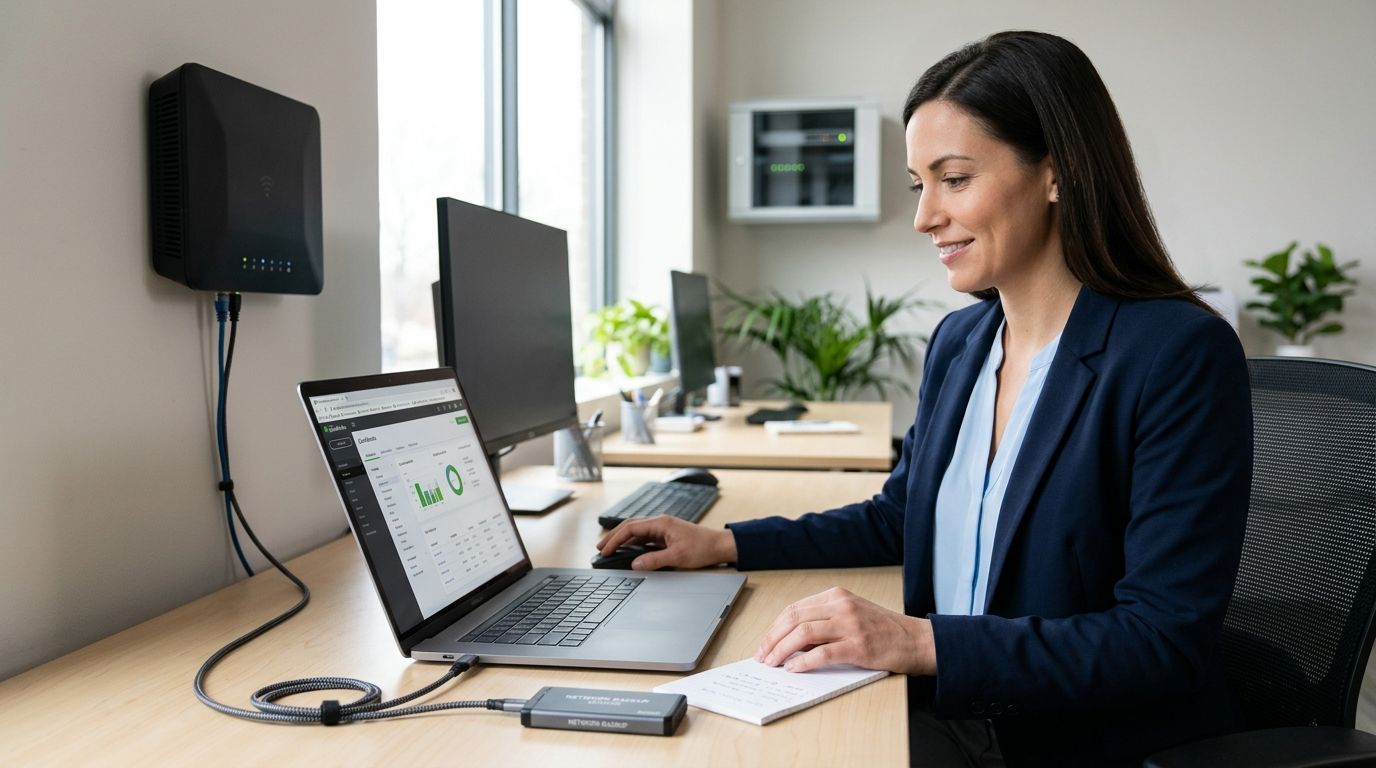
QuickBooks Desktop keeps the company file on one machine or one shared folder, and if that drive fails, gets stolen, or gets hit by ransomware, years of invoices, payroll records, and bank reconciliations go with it. Connecting QuickBooks to a secure, backed-up business network means the company file lives behind a real firewall, on a segmented network, with a 3-2-1 backup running in the background instead of a single copy sitting on someone's desktop.
- Host the QuickBooks company file on a secured network share, not one unprotected desktop, in 2026.
- Run a 3-2-1 backup for QuickBooks: local copy, offsite copy, one immutable version nothing can encrypt.
- Multi-user QuickBooks access needs a dedicated host PC and correct firewall exceptions, not just folder sharing.
- Test the QuickBooks restore quarterly. A backup nobody has restored is a guess, not a backup.
- TechConnect configures network security and automated backup for NC small businesses running QuickBooks day to day.
Why this matters
Accounting files are a specific ransomware target because they hold banking details, EIN numbers, and payroll data in one place. A locked QuickBooks file doesn't just stop bookkeeping — it stops payroll, vendor payments, and tax filing until someone pays or restores from backup.
Most small offices set up QuickBooks once, on whatever network existed at the time, and never revisit it. Add employees, add a new router, add a shared drive, and the company file ends up exposed on a flat network with no segmentation and a backup routine nobody has tested since installation. That gap is what a network security setup closes before it becomes a 2 a.m. phone call.
Before you start
- A QuickBooks Desktop license (Pro, Premier, or Enterprise) if more than one person needs simultaneous access — QuickBooks Online skips the hosting step but still needs secured Wi-Fi and endpoint protection.
- Admin access to the office router or firewall and to whichever PC or server will host the company file.
- A backup destination physically separate from the host machine — an external drive plus a cloud copy, never just one drive.
- The gotcha: mixed QuickBooks versions across workstations silently break multi-user mode. Every machine touching the file needs the same version and release number, or you'll chase a ghost error for an hour.
Set up your network foundation
- Put the host computer behind a business-grade router with an actual firewall, not the ISP's default residential box.
- Create a separate network segment (VLAN or a guest network) for non-work devices — phones, smart TVs, visitor laptops — so nothing outside the accounting workflow touches the same broadcast domain. A mesh Wi-Fi system built for offices handles this segmentation out of the box.
- In the router's DHCP settings, reserve a static IP for the host PC under "Address Reservations" or "Static Leases."
Expected result: the host machine keeps the same IP address across reboots, and guest or personal devices sit on a separate network from the accounting PC.
Configure QuickBooks for network multi-user access
- Install QuickBooks Database Server Manager on the host machine — it ships with the QuickBooks Desktop installer.
- Open Database Server Manager, click Scan Folders, and add the folder containing the company file (the .QBW file).
- On every other workstation, open QuickBooks and confirm multi-user hosting is off — only the host machine should have it turned on.
- Check Windows Firewall's Allowed apps list to confirm QuickBooks added its own exceptions automatically during install.
Expected result: every workstation opens the company file at the same time without a "someone else is hosting this file" or multi-user error.
Set up automated, verified backup
- In QuickBooks, go to File > Back Up Company > Create Local Backup and schedule an automatic backup to run after every close of the file.
- Point that local backup to an external drive or NAS — not the same drive as the live company file.
- Add a second, offsite layer: cloud backup so a fire, theft, or flood at the office doesn't take the only backup with it.
- Confirm at least one of those copies is versioned or immutable, so ransomware that encrypts the live file can't also overwrite the backup history.
Expected result: three copies of the company file exist on three different pieces of media — live, local, offsite — and no single failure wipes all three.
Lock down access and security
- Give every employee their own QuickBooks login under Company > Users > Set Up Users and Roles — never one shared admin password.
- Assign role-based permissions (Accounts Payable, Payroll, Sales) instead of full Admin access for staff who don't need it.
- Turn on two-factor authentication for QuickBooks Online under Account and Settings > Security.
- Install endpoint protection on every machine that touches the company file, since one infected laptop can spread to the shared folder.
Expected result: the Audit Trail in QuickBooks shows exactly who changed what, and no login exists that more than one person knows.
Get your QuickBooks network secured
Same-day setup for backup, firewall, and multi-user access across NC.
Connecting QuickBooks Online instead of Desktop
QuickBooks Online skips the Database Server Manager step entirely — Intuit hosts the file, and multi-user access happens through the browser. The network work shifts from file hosting to access control: secure the Wi-Fi employees connect through, require a VPN for anyone logging in from home or a job site, and keep bank-feed connections tied to individual logins rather than one shared browser session. Remote bookkeepers and traveling owners are the main reason this variant gets searched — the fix is the same 2FA and role-based permissions from Step 4 above, applied to a cloud file instead of a local one.
Troubleshooting
- "H202" or multi-user hosting error on a second workstation — only the host PC should have hosting turned on; check every other machine's File > Utilities menu.
- Backup completes but won't restore — this is why quarterly test restores matter; a backup job finishing successfully doesn't confirm the file is usable.
- QuickBooks runs slow over the network — check whether the host is on Wi-Fi instead of a wired connection; a wired host is faster and more stable for multi-user files.
- Firewall blocks multi-user access after a Windows update — re-run the QuickBooks Connection Diagnostic Tool, which resets the firewall exceptions Windows sometimes clears.
- Backup destination shows "access denied" — permissions on the NAS or the backup service account changed; re-authenticate the backup job rather than reinstalling it.
Customize your workflow
Once QuickBooks is stable on a secured network, the next layer is continuity planning — what happens if the host PC itself fails, not just the file. A business continuity and disaster recovery plan defines how fast the office gets back to a working QuickBooks file after hardware failure, not just after a ransomware event. Pair that with a VPN if anyone opens the company file from outside the office, and the setup covers both the everyday risk and the rare one.
FAQ
What's the best way to back up a QuickBooks company file in 2026?
The best method is a 3-2-1 setup: a local automatic backup after every close, a second copy on separate media, and one offsite or cloud copy that's versioned. Test a restore from that backup quarterly to confirm it actually opens.
Is QuickBooks Online safer than QuickBooks Desktop on a shared network?
QuickBooks Online removes the local file-hosting risk since Intuit stores the data, but it shifts the risk to login security and network access. Both need 2FA, role-based permissions, and secured Wi-Fi to be genuinely safe.
How often should QuickBooks data be backed up?
Set the automatic local backup to run after every close of the file, and run the offsite or cloud sync at least daily. Waiting longer between backups means losing more work if something fails between copies.
Can QuickBooks multi-user mode work over Wi-Fi?
It can, but a wired connection on the host machine is more reliable for multi-user access since Wi-Fi drops cause file corruption warnings mid-session. Keep the host PC wired even if workstations connect over Wi-Fi.
What causes multi-user hosting errors in QuickBooks?
This usually happens when more than one computer has multi-user hosting turned on, or when workstations run mismatched QuickBooks versions. Only the designated host machine should have hosting enabled.
Does QuickBooks need a dedicated server?
No — a regular office PC can host the company file for small teams as long as it's on a wired connection and stays powered on during business hours. Larger offices with 10 or more simultaneous users benefit from a dedicated server.
What is the 3-2-1 backup rule?
It means keeping 3 copies of your data, on 2 different types of media, with 1 copy stored offsite. Applied to QuickBooks, that's the live file, a local backup drive, and a cloud copy.
How much does managed IT support for QuickBooks security cost?
Costs vary by business size and how many workstations need coverage, so check current pricing directly with a provider rather than relying on a general estimate. Ask specifically whether backup monitoring and restore testing are included, not just backup scheduling.
One last thing
The backup job that never fails a status check is the one nobody has ever tried to restore from. Schedule one real restore test in 2026 — not a file-integrity check, an actual open-the-file-and-verify-the-numbers test — because that's the only way to know the QuickBooks backup will work on the day it matters.


