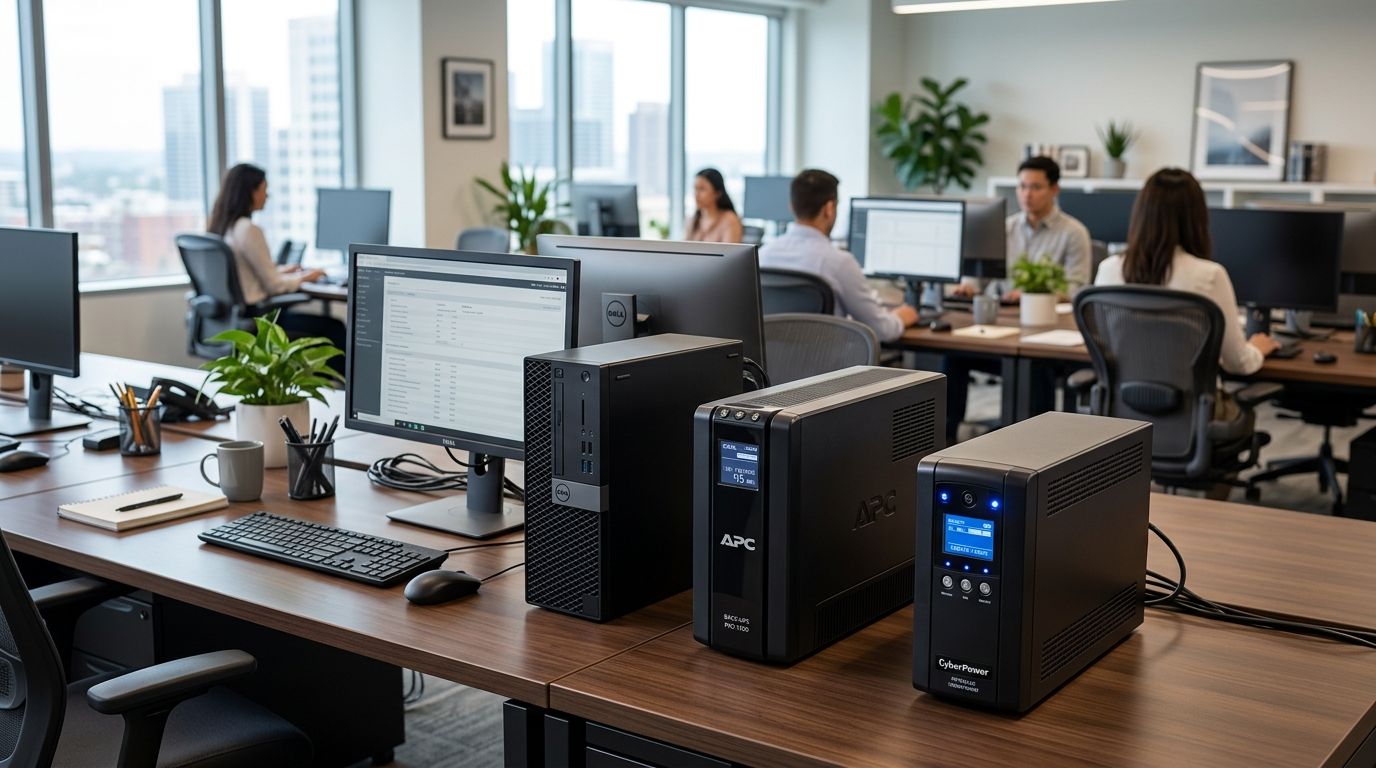
A UPS battery backup keeps an office computer running long enough to save open files and shut down cleanly when the power drops — it does not run a workstation through a multi-hour outage. The APC Back-UPS Pro BR1500MS2 is the best overall UPS battery backup for office computers in 2026, with the CyberPower CP1500PFCLCD as the pick for PCs with active PFC power supplies, the APC Smart-UPS SMT1500C for server closets and network gear, and the APC Back-UPS BE600M1 as the budget option for a single desk.
- APC Back-UPS Pro BR1500MS2 is the best UPS battery backup for office computers in 2026 overall.
- CyberPower CP1500PFCLCD is the pick for PCs and monitors built on active PFC power supplies.
- APC Smart-UPS SMT1500C fits server closets and switches that need remote shutdown software.
- Tripp Lite SMART1500LCDT suits tight desk space where a tower-style UPS won't fit.
- APC Back-UPS BE600M1 is the budget choice for a single workstation, not a full desk setup.
Why this matters
North Carolina offices lose power to summer thunderstorms, ice in the Piedmont, and hurricane remnants along the coast and inland — often with little warning. A hard shutdown mid-save corrupts files, and a dirty power sag before the outage can degrade a power supply over time even when the lights never fully go out.
A UPS is cheap insurance against both problems. It's also one piece of a larger business continuity and disaster recovery plan — a UPS buys you the minutes to save work and close applications; backups and a recovery plan cover everything after that.
The units below are ranked by what kind of office setup they solve for, not by brand loyalty. None of them is a universal answer — a single workstation and a four-switch network closet need different capacity and different software.
What makes the best UPS battery backup for office computers
- Capacity matched to the load. VA and Watt ratings need headroom above your PC, monitor, and any networking gear plugged into it — undersizing is the most common mistake.
- Waveform type. Pure sine wave output is required for PCs with active PFC power supplies, which is standard on most desktops built since the early 2010s. A stepped or simulated sine wave unit can cause these supplies to hum, run hot, or shut off under load.
- Battery-backed vs. surge-only outlets. Only some outlets on a UPS carry battery power; the rest are surge protection only. Monitors and peripherals usually don't need battery backup.
- Monitoring and auto-shutdown software. A USB connection that triggers an automatic, safe shutdown on the connected PC matters more in an unattended office or server closet than at a single desk.
- Battery replaceability. Sealed lead-acid batteries in these units typically last 3-5 years; a model with a user-replaceable battery avoids buying a whole new unit later.
- Footprint and noise. Tower units fit under a desk; rack or slim designs matter more in a server closet shared with switches and a patch panel.
UPS battery backups for office computers at a glance
| Unit | Best for | Standout feature | Key limitation |
|---|---|---|---|
| APC Back-UPS Pro BR1500MS2 | Overall office desktop | LCD status display, USB monitoring | Larger footprint than a basic tower |
| CyberPower CP1500PFCLCD | PCs with active PFC power supplies | Pure sine wave output | Higher weight for a desk-side unit |
| APC Smart-UPS SMT1500C | Server closets and network gear | Network management card option | Overkill for a single desktop |
| Tripp Lite SMART1500LCDT | Tight desk space | Compact vertical or slim form factor | Fewer battery-backed outlets than tower models |
| APC Back-UPS BE600M1 | Single workstation on a budget | Small footprint, easy setup | Not enough capacity for a PC plus monitor plus peripherals |
1. APC Back-UPS Pro BR1500MS2: best UPS battery backup for a typical office desktop
The BR1500MS2 is a 1500VA/865W line-interactive unit built for a desktop tower, a monitor, and a small network switch running off the same outlet strip. It includes an LCD panel that reports load percentage and estimated runtime at a glance, plus USB connectivity for PowerChute software that triggers a safe shutdown when the battery runs low.
APC Back-UPS Pro BR1500MS2 pros:
- LCD readout removes the guesswork on load and battery health
- USB auto-shutdown software works without IT babysitting the unit
- Enough battery-backed outlets for a full desk setup
APC Back-UPS Pro BR1500MS2 cons:
- Bulkier than a basic Back-UPS tower
- Simulated sine wave on some regional variants — confirm pure sine wave if the PC has an active PFC supply
Best for: a single office desk running a tower PC, monitor, and switch. Verdict: Buy.
2. CyberPower CP1500PFCLCD: best UPS battery backup for PCs with active PFC power supplies
The CP1500PFCLCD is a 1500VA/1000W unit built around pure sine wave output specifically for power supplies with active power factor correction — the standard in most business desktops sold in the last decade. Running one of these PCs on a stepped-wave UPS can cause the power supply fan to spin up erratically or the machine to shut down under load; pure sine wave avoids that entirely.
CyberPower CP1500PFCLCD pros:
- True pure sine wave output, not simulated
- Higher wattage rating (1000W) than most units in its VA class
- LCD panel with rotating display for load, runtime, and input voltage
CyberPower CP1500PFCLCD cons:
- Heavier than comparable APC units, which matters if it's mounted under a desk
- CyberPower's PowerPanel software is less polished than PowerChute for fleet monitoring
Best for: any office PC where the power supply spec sheet lists active PFC. Verdict: Buy.
3. APC Smart-UPS SMT1500C: best UPS battery backup for a server closet or network rack
The SMT1500C is a step up from consumer-grade Back-UPS units — it supports an optional network management card for remote monitoring, works in a rackmount or tower orientation, and is built for equipment that can't tolerate a hard shutdown, like a small office server or a stack of switches.
APC Smart-UPS SMT1500C pros:
- Rack or tower convertible for a real network closet
- Remote monitoring option via network management card
- Pure sine wave output as standard
APC Smart-UPS SMT1500C cons:
- More unit than a single desktop needs
- The network management card is a separate add-on, not included
Best for: a small office server, NAS, or switch stack that needs graceful, unattended shutdown. Verdict: Buy for server closets, skip for a single desk.
4. Tripp Lite SMART1500LCDT: best UPS battery backup for tight desk space
The SMART1500LCDT is built in a slimmer tower profile than most 1500VA units, aimed at offices where floor or under-desk space is limited. It carries the same core line-interactive protection and LCD status display as its competitors, just packaged narrower.
Tripp Lite SMART1500LCDT pros:
- Narrower footprint fits tighter under-desk spaces
- LCD display for load and runtime status
- Line-interactive voltage regulation smooths minor sags without switching to battery
Tripp Lite SMART1500LCDT cons:
- Fewer battery-backed outlets than bulkier tower models
- Tripp Lite's monitoring software has a smaller install base than PowerChute or PowerPanel
Best for: offices with limited under-desk clearance that still need full 1500VA capacity. Verdict: Buy if space is the constraint.
5. APC Back-UPS BE600M1: best UPS battery backup for a single workstation on a budget
The BE600M1 is a 600VA/330W entry unit designed for a single PC with light peripheral load — not a full desk with a monitor, switch, and external drive all drawing power at once. It's the smallest, lightest option on this list and the easiest to set up with no software required.
APC Back-UPS BE600M1 pros:
- Smallest footprint and lowest weight here
- Simple plug-and-protect setup, no configuration needed
- Enough runtime to close files on a single low-draw PC
APC Back-UPS BE600M1 cons:
- 330W ceiling gets tight fast if a monitor and peripherals share the load
- No LCD display or software monitoring
- Not sine wave — skip it if the PC has an active PFC power supply
Best for: a single low-power workstation where budget matters more than headroom. Verdict: Buy for light single-PC setups, skip for anything with a monitor and switch attached.
How this list was ranked
Each unit was matched against the six criteria above — capacity headroom, waveform compatibility, outlet split, monitoring software, battery service life, and physical fit — against a specific office use case rather than a single "best overall" score. That's why the BE600M1 and the SMT1500C both appear despite an 900W gap in capacity: they solve different problems.
Not sure what your office needs?
A quick assessment covers UPS sizing, backup, and outage risk together.
Which UPS battery backup should you choose?
For most North Carolina offices running one to three desktop PCs, the APC Back-UPS Pro BR1500MS2 is the default pick for 2026 — enough capacity, a readable status display, and auto-shutdown software that doesn't require IT to babysit it. Confirm the power supply spec on each PC first: if it lists active PFC, move to the CyberPower CP1500PFCLCD instead. Anything with a server, NAS, or network switch that can't tolerate a hard stop belongs on the APC Smart-UPS SMT1500C, full stop.
FAQ
What size UPS do I need for one office computer?
A 1000-1500VA unit covers a single desktop, monitor, and small peripherals with headroom to spare. Add up the wattage on each device's power supply label and stay well under the UPS's rated Watt capacity, not just the VA number.
Is a pure sine wave UPS necessary for office PCs?
Yes, if the PC's power supply has active power factor correction (PFC), which is standard on most business desktops sold since the early 2010s. A stepped or simulated sine wave UPS can cause the fan to spin erratically or the PC to shut down under battery power.
How long will a UPS run an office computer during an outage?
Runtime depends on the connected load and the unit's battery capacity, and it's meant to cover minutes, not hours. The goal is enough time to save open files and shut down cleanly, not to keep working through an extended outage.
Should I plug my monitor into the battery-backed outlets?
Yes, if you need to see the screen long enough to save and close files. Most UPS units split outlets between battery-backed and surge-only, so check the label before plugging in.
Can a UPS protect against North Carolina's storm-related outages?
A UPS covers the gap between a power drop and a safe shutdown, which prevents file corruption during sudden outages common with NC thunderstorms and hurricane remnants. It's not a substitute for a generator if outages regularly run for hours.
Do I need network monitoring software on an office UPS?
Only if the UPS protects equipment nobody is sitting next to, like a server closet or network rack, where an automatic safe shutdown matters more than a visual alert. A single attended desktop can usually skip it.
How often should UPS batteries be replaced?
Sealed lead-acid batteries in consumer and small-business UPS units typically last 3-5 years under normal use. Most units run a self-test that flags a failing battery before it dies completely.
What's the difference between standby and line-interactive UPS designs?
A standby UPS switches to battery only when power fails, while a line-interactive UPS also regulates minor voltage sags and surges without switching to battery at all. Most office-grade units sold in 2026, including everything on this list, are line-interactive.
One last thing
Most UPS failures aren't power outages — they're a battery that quietly died months earlier and nobody noticed until the moment it mattered. Run the self-test button monthly; a UPS with a dead battery is an expensive surge strip that will not save a single file when the power actually drops.


