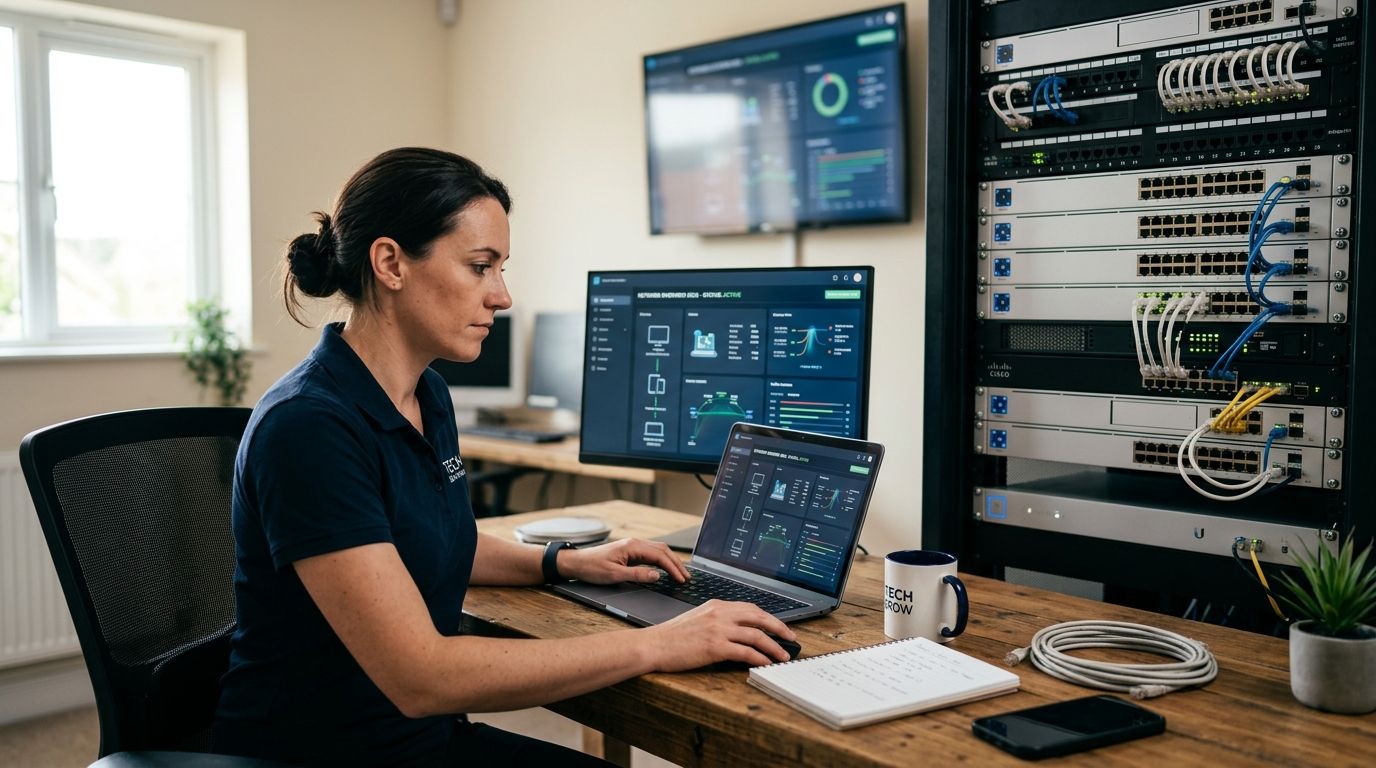
Picking a network monitoring tool for a small business usually comes down to one question: do you want software you configure yourself, or do you want someone else watching the dashboard so a dead switch or a saturated line doesn't turn into a half-day outage.
Best overall: Auvik — automated network mapping and real-time alerting built for small business networks that are growing past a single router and a few switches. Best for hands-off monitoring: TechConnect Managed IT Support — a North Carolina-based team watches the network and responds, so nobody on staff has to learn a monitoring dashboard. Best free/open source option: Nagios Core — full monitoring control for a technical team willing to configure it from scratch.
- Auvik wins for automated network mapping and alerting on growing small business networks in 2026.
- TechConnect Managed IT Support is the best network monitoring option for businesses with no in-house IT staff.
- Nagios Core is the strongest free option but needs a technical person to configure and maintain it.
- Domotz fits multi-location small businesses better than single-site tools like PRTG.
- Every tool on this list needs a human escalation path — software alone doesn't fix a downed switch.
Why this matters
A small business network doesn't need enterprise-grade observability, but it does need someone to notice when a switch drops, a firewall rule breaks, or bandwidth on the office line disappears into a backup job at 2pm. Most outages that hit small offices in 2026 aren't exotic — they're a dead port, an expired certificate, or a router that quietly rebooted overnight. Monitoring tools catch these before a client calls to say the shared drive is gone.
The harder decision isn't which software to buy — it's whether your team has the time to watch alerts every day. If nobody's job is to check a dashboard, the best monitoring tool in the world just becomes another unread inbox. That's the real fork in this list: software you run yourself versus network security services for small businesses delivered as a managed service.
What makes the best network monitoring tool
- Real-time alerting with thresholds you can tune to your network, not generic defaults
- Auto-discovery and mapping so new devices show up without manual entry
- Multi-site visibility if the business has more than one office or remote workers
- Integration with the switches, firewalls, and cloud services already in place
- Historical reporting to spot slow degradation, not just outright failures
- A human escalation path — an alert that nobody reads at 11pm doesn't help anyone
Network monitoring tools at a glance
| Tool | Best for | Standout feature | Key limitation |
|---|---|---|---|
| TechConnect Managed IT Support | No in-house IT staff | Human team responds to alerts, not just software | Not a self-serve dashboard for DIY teams |
| Auvik | Growing small business networks | Automated topology mapping | Best value scales with device count, so plan for growth |
| PRTG Network Monitor | All-in-one visibility | Sensor-based monitoring across network, servers, apps | Sensor model gets complex to manage as the network grows |
| Domotz | Multi-location small businesses | Remote network probes per site | Built with MSPs in mind, less useful for a single office |
| Nagios Core | Technical teams wanting full control | Fully open source and configurable | Requires manual setup and ongoing maintenance |
| ManageEngine OpManager | SMBs scaling toward enterprise IT | Enterprise-style dashboards and workflows | Overkill for a five-person office |
| Datadog Network Monitoring | Cloud-first businesses | Combines network data with cloud infrastructure metrics | Built for cloud-native stacks, not classic on-prem gear |
1. TechConnect Managed IT Support: best network monitoring for small businesses with no in-house IT
TechConnect Managed IT Support pairs network monitoring with a team that actually answers when something breaks, covering homes and businesses across North Carolina. Instead of handing a small business owner a dashboard to check, the alerting and response sit with people who already handle PC tune-ups, virus removal, and data backup for the same client.
TechConnect pros:
- No software to learn or configure on your end
- Monitoring is paired with the same team doing backup, security, and repair work
- Local availability across North Carolina means faster context on your setup
TechConnect cons:
- Not built for businesses that want to self-manage every alert threshold
- Less useful if the business already has a dedicated IT hire who wants direct dashboard access
Verdict: Buy if you run a small office in North Carolina and don't want monitoring to become a second job.
Get your network checked
Free diagnostic to see what's actually happening on your network today.
2. Auvik: best network monitoring tool for growing small business networks
Auvik builds a live map of the network automatically, tracking switches, routers, and wireless access points as they're added. It's positioned for managed service providers and IT teams that need visibility without manually documenting every device.
Auvik pros:
- Automated discovery cuts down manual network documentation
- Real-time alerting on config changes and device status
- Built with growing networks in mind, not a fixed device count
Auvik cons:
- Aimed at IT teams or MSPs, not owner-operators without technical staff
- Someone still has to triage the alerts it generates
Verdict: Buy if your office has a dedicated IT contact and a network that's adding devices every quarter.
3. PRTG Network Monitor: best network monitoring tool for all-in-one visibility
PRTG, from Paessler, monitors network devices, servers, and applications through a sensor-based system, giving a single dashboard for infrastructure that's normally split across multiple tools.
PRTG pros:
- Covers network, server, and application monitoring in one platform
- Flexible sensor types for different device categories
- Widely used, so documentation and community support are extensive
PRTG cons:
- Sensor-based licensing gets harder to plan for as the environment grows
- Initial setup takes longer than plug-and-play tools
Verdict: Hold for a small office today, but worth revisiting once the environment includes several servers and applications worth watching.
4. Domotz: best network monitoring tool for multi-location small businesses
Domotz places a monitoring probe at each site, which makes it a fit for small businesses running more than one office or retail location that need visibility without a technician physically present.
Domotz pros:
- Purpose-built for monitoring multiple remote sites from one dashboard
- Simple probe deployment per location
- Useful for spotting a dead device before a manager on-site notices
Domotz cons:
- Overbuilt for a single-office business
- Designed with MSP workflows in mind, which adds complexity a single business may not need
Verdict: Buy if the business runs three or more locations; Skip for a single office.
5. Nagios Core: best network monitoring tool for technical teams wanting full control
Nagios Core is the open source monitoring engine that a lot of commercial tools were originally built on top of. It monitors hosts and services with configurable checks and alerting rules defined by whoever sets it up.
Nagios Core pros:
- No licensing cost for the core monitoring engine
- Fully configurable — nothing is locked behind a vendor's roadmap
- Long track record and an active plugin ecosystem
Nagios Core cons:
- Configuration is manual and text-based, not point-and-click
- Ongoing maintenance falls entirely on whoever set it up
Verdict: Hold unless someone on staff already knows Linux administration and configuration files well.
6. ManageEngine OpManager: best network monitoring tool for SMBs scaling toward enterprise IT
OpManager brings enterprise-style network monitoring dashboards, workflow automation, and reporting to businesses that are outgrowing lighter tools but aren't a full enterprise yet.
OpManager pros:
- Dashboards and reporting built for scale, useful once IT complexity grows
- Workflow automation for common alert responses
- Covers a broad range of device types out of the box
OpManager cons:
- More platform than a five-to-ten person office typically needs
- Learning curve is steeper than lighter monitoring tools on this list
Verdict: Wait until the network and IT team are large enough to use the reporting and automation features.
7. Datadog Network Monitoring: best network monitoring tool for cloud-first businesses
Datadog folds network performance data into the same platform used for cloud infrastructure and application monitoring, which suits a business that's already watching cloud metrics daily.
Datadog pros:
- Combines network, infrastructure, and application data in one view
- Strong fit if the business already runs cloud workloads it monitors closely
- Detailed historical data for troubleshooting trends over time
Datadog cons:
- Built around cloud-native environments, less relevant for classic on-prem office gear
- Overkill if the business's monitoring need is just "is the office network up"
Verdict: Skip unless the business already has meaningful cloud infrastructure to monitor alongside the network.
How we ranked
Each tool was measured against the same six criteria: real-time alerting, auto-discovery, multi-site visibility, integration with existing gear, historical reporting, and whether a human ever has to see the alert. Tools that only checked the software box — without a clear path to a person actually responding — lost ground against options built with escalation in mind.
If nobody's job is to watch the dashboard, the monitoring tool isn't doing its job either.
Which network monitoring tool should you choose?
For a small business in North Carolina with no dedicated IT staff, TechConnect Managed IT Support removes the dashboard-watching problem entirely — the alerting and the response sit with the same team. For a business with an IT contact and a network that's actively growing, Auvik gives the clearest automated picture without heavy configuration. For a technical team that wants zero licensing cost and total control, Nagios Core is the honest pick, as long as someone has the time to maintain it.
FAQ
What is the best network monitoring tool for small business in 2026?
Auvik is the strongest self-managed option for growing small business networks in 2026, thanks to automated device discovery and real-time alerting. Businesses without in-house IT staff typically do better with a managed option like TechConnect Managed IT Support, where a team handles the monitoring and the response.
Do small businesses need network monitoring software?
Yes, if the business relies on a network for daily operations, since most outages start as a small issue like a dropped port or expired certificate that monitoring catches early. Without monitoring, these issues usually surface only after a staff member notices something's broken.
Is a managed IT provider better than network monitoring software?
For businesses without dedicated IT staff, a managed provider is usually better because someone actually reads and acts on the alerts. Software alone only helps if a person is checking the dashboard regularly.
Is Nagios Core good for a small business network?
Nagios Core works well if someone on staff is comfortable with manual configuration and ongoing maintenance. For a business without that technical background, a managed or point-and-click tool is a better fit.
What's the difference between Auvik and PRTG?
Auvik focuses on automated network topology mapping and device discovery, while PRTG uses a sensor-based model covering network, server, and application monitoring in one dashboard. Auvik tends to fit growing networks better; PRTG fits businesses wanting one platform for everything.
Does network monitoring replace network security services?
No, monitoring tells you when something is down or behaving oddly, while network security services address firewalls, threat detection, and access control. Most small businesses need both, often from the same provider.
Is Domotz worth it for a single-location small business?
Not usually. Domotz is built around monitoring multiple remote sites from one dashboard, so a single-office business typically gets more value from a simpler, single-site tool.
One last thing
Most small office network problems in 2026 aren't exotic failures — they're a switch port that died, a firewall rule that silently expired, or a router that rebooted overnight and never told anyone. A monitoring tool that just polls device status every minute catches nearly all of that. The expensive, feature-heavy platforms on this list matter more once the network includes multiple sites, cloud workloads, or several servers worth watching — not for a five-person office running one router and a switch.


