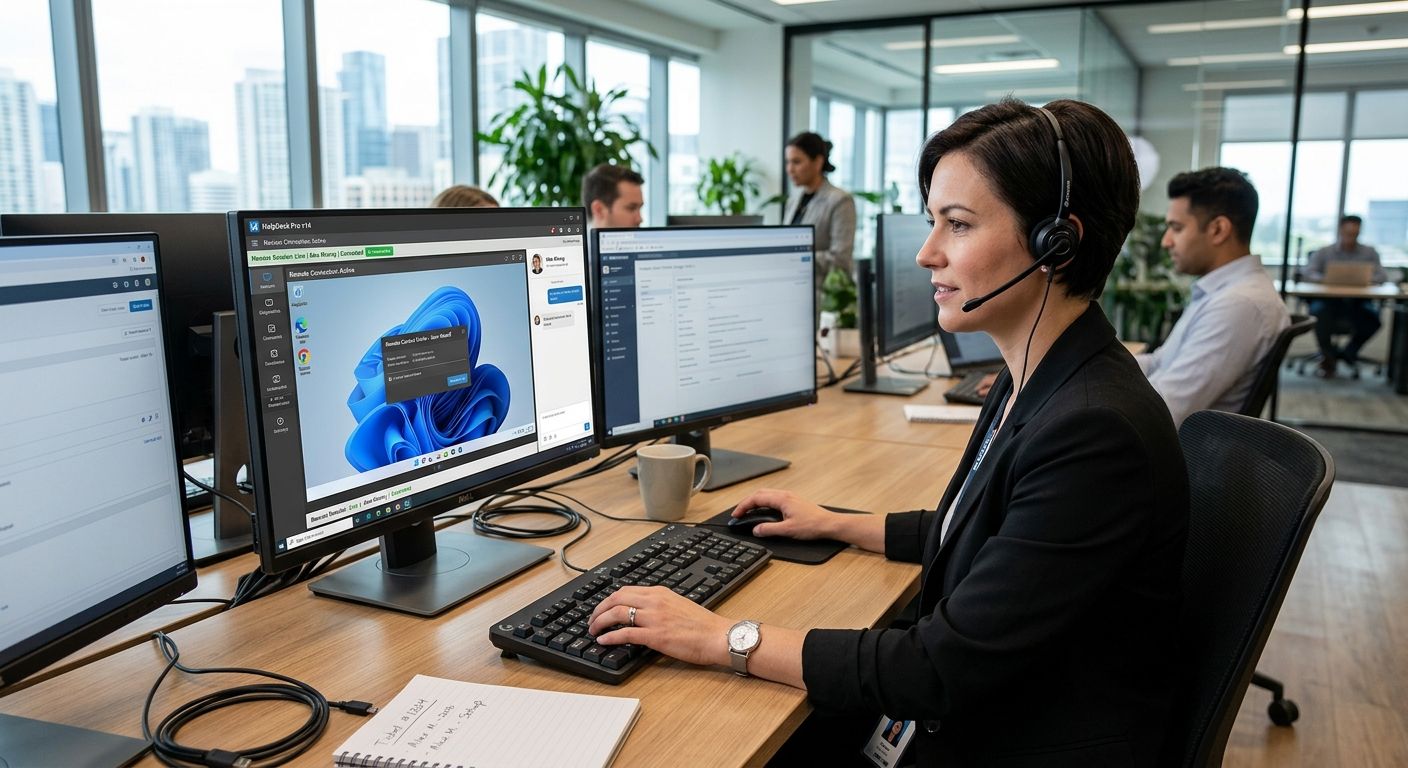
Picking the wrong remote desktop tool costs a technician real minutes on every single call — reconnect delays, clunky permission prompts, and features an MSP doesn"t even use. This guide ranks the remote desktop platforms that hold up for real IT support work in 2026, not just screen-sharing for personal use.
- ConnectWise ScreenConnect wins overall for MSPs running multiple technicians and ticketing integrations in 2026.
- TeamViewer is the strongest pick for cross-platform ad-hoc support across Windows, Mac, and mobile devices.
- Chrome Remote Desktop is the best free remote desktop software for basic one-off sessions.
- AnyDesk holds up best over weak or rural connections thanks to its low-bandwidth codec.
- NinjaOne pairs remote access with patch management, cutting the number of tools a technician juggles.
Best overall: ConnectWise ScreenConnect. Best for cross-platform ad-hoc support: TeamViewer. Best budget option: Chrome Remote Desktop. Everything below explains why, and where each tool actually falls short.
Why this matters
Remote desktop software is the backbone of modern IT support — it's how a technician fixes a virus infection, restores a backup, or configures a firewall without driving to the office. In 2026, the difference between platforms isn't whether they can connect; it's how they handle unattended access, multi-monitor setups, session logging, and dropped connections mid-repair.
Home users comparing tools for a single PC have different needs than a managed IT support provider running dozens of concurrent sessions across client sites. This ranking separates those use cases instead of pretending one tool wins at everything. If you'd rather have a technician handle the connection and the fix, TechConnect runs managed IT support and same-day repairs across North Carolina using enterprise-grade remote tools already vetted for this exact list.
What makes the best remote desktop software for IT support
- Unattended access — the ability to reconnect to a machine without someone physically clicking "accept" on the other end
- Cross-platform reach — Windows, macOS, Linux, iOS, and Android support in one client
- Session security controls — permission prompts, two-factor login, and session recording for compliance
- Connection stability on weak bandwidth — matters for rural NC sites and older office routers
- Multi-technician management — role permissions, shared session queues, and branding for teams running more than one tech
- Integration depth — ticketing, RMM, or patch management tied directly into the remote session
Remote desktop software for IT support at a glance
| Tool | Best for | Standout feature | Key limitation |
|---|---|---|---|
| ConnectWise ScreenConnect | MSPs and multi-tech IT teams | Deep ticketing and RMM integration | Setup takes longer than consumer tools |
| TeamViewer | Cross-platform ad-hoc support | Broadest device and OS coverage | Can trigger commercial-use blocks on free accounts |
| AnyDesk | Low-bandwidth and rural connections | Lightweight proprietary codec for laggy networks | Fewer built-in ticketing features |
| Splashtop | Unattended access to office PCs | Straightforward unattended setup for small teams | Less suited to enterprise-scale deployments |
| NinjaOne Remote | Combined remote access and patch management | Remote session tied directly to RMM alerts | Best value only if you already need the RMM side |
| Chrome Remote Desktop | Free, one-off screen sharing | No-cost, browser-based setup | Missing session recording and advanced permissions |
1. ConnectWise ScreenConnect: best remote desktop software for MSPs and IT teams
ConnectWise ScreenConnect (formerly ConnectWise Control) is built for teams running remote support as a business, not a one-off favor. It integrates with ticketing systems so a technician can jump from an open ticket straight into a session, and it supports white-label branding so the connection window shows the provider's name instead of a third-party tool.
ConnectWise ScreenConnect pros:
- Ticketing and RMM integrations built for multi-technician workflows
- White-label branding for client-facing sessions
- Granular role permissions across technician accounts
ConnectWise ScreenConnect cons:
- Initial configuration takes more time than plug-and-play consumer tools
- Overkill for a solo technician handling occasional sessions
ConnectWise ScreenConnect pricing: business-tier plans scale by technician seat — check current plans directly with the vendor before committing.
Best for: managed IT support providers running multiple technicians across client sites. Verdict: Buy.
2. TeamViewer: best remote desktop software for cross-platform ad-hoc support
TeamViewer covers the widest range of devices of any tool on this list — Windows, macOS, Linux, iOS, and Android clients all connect through the same interface. That makes it the default choice when a support call could come from any device type, which is common for home users and small offices with a mix of hardware.
TeamViewer pros:
- Broadest cross-platform device support in the category
- File transfer and session recording built in
- Mobile-to-mobile remote control for phone and tablet troubleshooting
TeamViewer cons:
- Free-tier accounts can get flagged for suspected commercial use, interrupting sessions
- Business licensing is priced per concurrent session, which adds up for larger teams
TeamViewer pricing: free for personal use; paid business licensing scales by session count — confirm current terms on TeamViewer's site.
Best for: technicians who need one tool that reaches any device a client might be using. Verdict: Buy.
3. AnyDesk: best remote desktop software for low-bandwidth connections
AnyDesk was built around a lightweight, proprietary codec (DeskRT) designed to keep sessions responsive even on weak connections. For technicians working with rural NC clients or older office routers, that stability matters more than any feature list.
AnyDesk pros:
- Stays responsive over degraded or low-bandwidth connections
- Lightweight client with a fast install
- Custom client branding available on paid tiers
AnyDesk cons:
- Ticketing and workflow integrations are thinner than ConnectWise's
- Free tier restricts commercial use similarly to TeamViewer
AnyDesk pricing: free for personal use; business plans priced by seat — verify current tiers before purchase.
Best for: support sessions where the client's internet connection is the bottleneck. Verdict: Buy.
4. Splashtop: best remote desktop software for unattended access to office PCs
Splashtop is built around leaving a permanent, unattended connection open to a specific machine — useful for a small office that wants a technician to reach the same three or four PCs repeatedly without re-authorizing each time.
Splashtop pros:
- Straightforward unattended access setup for a fixed set of machines
- Solid performance for remote file access and printing
- Simple licensing model for small teams
Splashtop cons:
- Less built for scaling to dozens of technicians or hundreds of endpoints
- Enterprise-grade compliance features lag behind ConnectWise
Splashtop pricing: plans are licensed per computer or per technician — pricing details are on Splashtop's site.
Best for: a small office that wants a fixed group of PCs reachable at any time. Verdict: Buy for small teams, hold for larger ones.
5. NinjaOne Remote: best remote desktop software bundled with patch management
NinjaOne folds remote access into its broader RMM platform, so a technician can see a patch failure alert and jump into a remote session from the same dashboard. That's a real time-saver if you're already running patch management, and a wasted feature if you aren't.
NinjaOne pros:
- Remote session launches directly from device alerts
- Reduces the number of separate tools a technician has open
- Useful audit trail tying remote sessions to specific alerts
NinjaOne cons:
- Only pays off if you're already using NinjaOne's RMM side
- Standalone remote-only use is a poor fit for the platform's design
NinjaOne pricing: bundled with RMM licensing — request current plan details from the vendor.
Best for: IT teams already running NinjaOne for patch management and endpoint monitoring. Verdict: Buy if already on NinjaOne, otherwise skip.
6. Chrome Remote Desktop: best free remote desktop software for one-off sessions
Chrome Remote Desktop is Google's browser-based remote access tool — no separate client install, no account tiers, and no cost. It's the right call for a single quick fix, not for running a support business on top of it.
Chrome Remote Desktop pros:
- Completely free with no commercial-use restrictions
- No standalone software install required
- Simple enough for a non-technical user to accept a session in seconds
Chrome Remote Desktop cons:
- No session recording, ticketing, or role-based permissions
- Feature set is too thin for multi-technician IT support operations
Best for: a single remote fix with no ongoing support relationship. Verdict: Buy for occasional use, skip for running a support desk.
“If a remote session can't reconnect within seconds after a network drop, the tool is wrong for field IT support.”
How this list was ranked
Each tool was measured against the six criteria above — unattended access, cross-platform reach, security controls, bandwidth stability, multi-technician management, and integration depth. No tool wins on every criterion, which is why the list splits by use case instead of naming one universal "best." A solo technician and a five-person IT team have different tools waiting for them at the top.
Which remote desktop software should you choose in 2026?
For a managed IT support team running multiple technicians and client accounts, ConnectWise ScreenConnect is the default pick heading into 2026 — the ticketing integration alone saves real time across a full day of calls. Solo technicians juggling mixed device types should lean on TeamViewer. If your client base includes weaker rural connections, AnyDesk earns its spot. And if you just need to fix one PC one time, Chrome Remote Desktop costs nothing and takes minutes to set up.
If none of that sounds like something you want to manage yourself, it doesn't have to be. TechConnect handles remote and on-site IT support across North Carolina, from virus removal to full managed IT contracts, using the same category of tools ranked above.
Skip the setup, get support now
Same-day IT support across North Carolina, remote or on-site.
FAQ
What's the best remote desktop software for IT support in 2026?
ConnectWise ScreenConnect is the strongest overall pick in 2026 for managed IT teams running multiple technicians, thanks to its ticketing and RMM integrations. Solo technicians supporting mixed devices often do better with TeamViewer.
Is TeamViewer better than AnyDesk for IT support?
TeamViewer covers more device types and platforms, making it better for mixed-device support. AnyDesk performs better on weak or rural internet connections thanks to its lightweight codec.
What is the best free remote desktop software?
Chrome Remote Desktop is the best free option for one-off remote sessions since it requires no software install and has no commercial-use restrictions. It lacks session recording and role permissions needed for running an ongoing support business.
Do I need remote desktop software for a home PC repair?
Not necessarily — many home repairs like virus removal or backup restoration can be done remotely with a lightweight tool like Chrome Remote Desktop or through a managed IT provider that already runs its own remote tools.
Is ConnectWise ScreenConnect worth it for a small IT team?
It's worth it once you have more than one technician handling sessions, since the ticketing integration and role permissions save time across a team. A solo technician may find it more setup than necessary.
How secure is remote desktop software for business IT support?
Reputable tools like ConnectWise ScreenConnect, TeamViewer, and Splashtop include permission prompts, encrypted connections, and session logging suited for business compliance needs. Security depends heavily on how permissions and unattended access are configured, not just the tool chosen.
Can remote desktop software fix a virus-infected computer?
Yes — a technician can run scans, remove malware, and restore settings remotely as long as the machine can still boot and connect to the internet. Severely compromised machines sometimes need on-site or in-shop repair instead.
What's the difference between NinjaOne and standalone remote desktop tools?
NinjaOne bundles remote access with patch management and endpoint monitoring in one dashboard, while standalone tools like TeamViewer or AnyDesk only handle the remote session itself. NinjaOne only pays off if you're already using its RMM features.
One last thing
The biggest mistake teams make in 2026 isn't picking the wrong tool — it's running two or three of them at once because nobody standardized. Every extra remote tool installed on a client machine is another attack surface and another login to secure. Pick one primary platform for your use case, uninstall the rest, and audit unattended-access permissions at least once a quarter.


