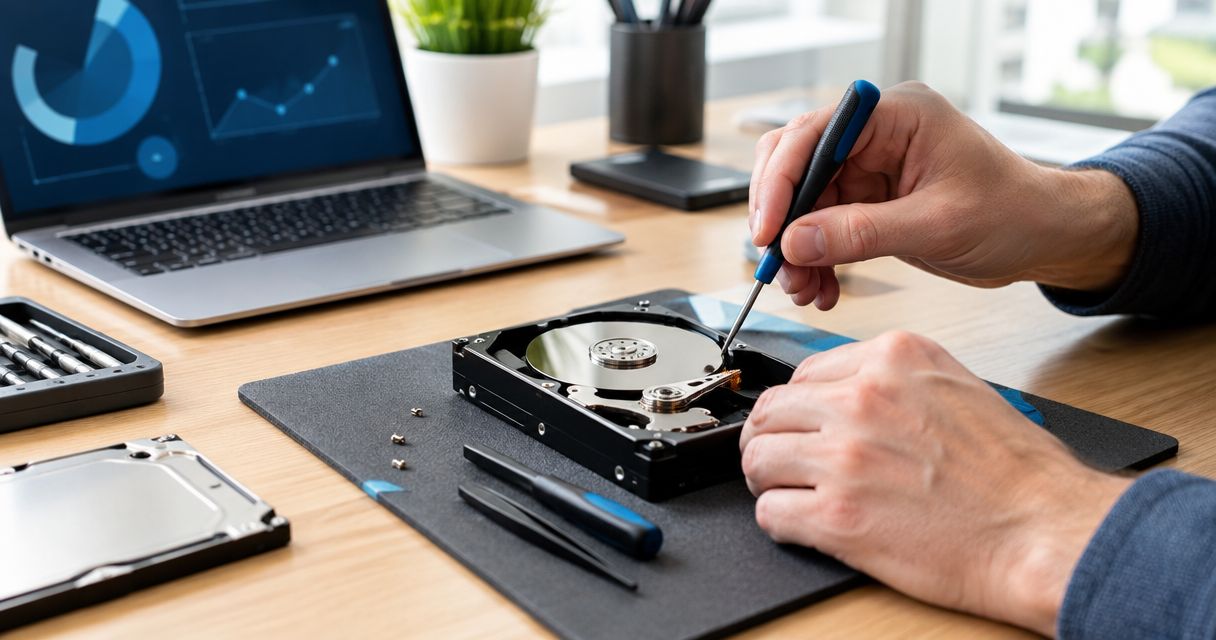
A crashed hard drive can be repaired in the sense that its data comes back — but the drive itself almost never gets fixed and reused afterward, it gets replaced. Whether that means a quick software recovery or a multi-day cleanroom teardown in 2026 depends entirely on which of four failure types actually crashed the drive.
- A crashed hard drive is repairable only for logical failures — corrupted file systems, bad partitions, accidental deletion.
- Mechanical failures (clicking, grinding, no spin) need a cleanroom teardown, not a repair attempt.
- Firmware failures are a real repair but require specialized tools most shops don't stock.
- Whichever path applies, the old drive is usually retired after recovery, not returned to daily use.
Why this matters
When a drive crashes, the real question isn't whether it can spin again — it's whether the data on it survives being touched. A drive that clicks, grinds, or won't spin at all is failing mechanically, and every extra power cycle risks scraping the platters further before anyone ever opens the case. Homeowners and small offices across North Carolina often assume a local shop can fix a drive the way it fixes a cracked laptop screen, but drive recovery works differently — it's about extracting sectors off failing media, not swapping visible parts.
Cost separates the two paths more than anything else. A logical failure recovered with software costs far less than a mechanical teardown, and knowing which type applies changes the number dramatically — the cost to recover a crashed hard drive breakdown covers what drives that range in 2026.
Can a crashed hard drive be repaired instead of replaced?
Whether repair or straight replacement makes sense comes down to what kind of failure happened inside the drive. The table below breaks down the four common categories and what each means for the drive itself.
| Failure type | What's happening inside the drive | Fixable without replacing it? | Verdict |
|---|---|---|---|
| Logical | File system corruption, bad sectors, accidental deletion — platters are healthy | Yes, recovery software or targeted repair usually works | Repair |
| Mechanical | Clicking, grinding, or a dead spindle motor — physical parts are failing | No — needs a donor-parts swap in a cleanroom | Recover, then replace |
| Firmware | Drive spins but reports the wrong capacity or isn't recognized | Sometimes, with specialized firmware tools | Repair attempt first |
| Electrical | Drive won't power on, burnt smell, dead circuit board | Rarely, without a matching donor board | Replace |
Logical failures are the only category where repair genuinely means fixing the drive as-is. Everything else is really a recovery-then-replace job — the old drive is retired once the data is off it.
Logical failure: the one true repair
A logical failure means the physical platters and heads are healthy, but the map the drive uses to find files got scrambled — a bad partition table, a corrupted file system, or an accidental format. Data recovery software, or a technician using disk-editing tools, can often rebuild that map without opening the drive. This is the closest thing to an actual repair in 2026's toolset: no parts are replaced, and the same drive keeps running afterward.
Mechanical failure: recovery in a cleanroom, not a repair at your desk
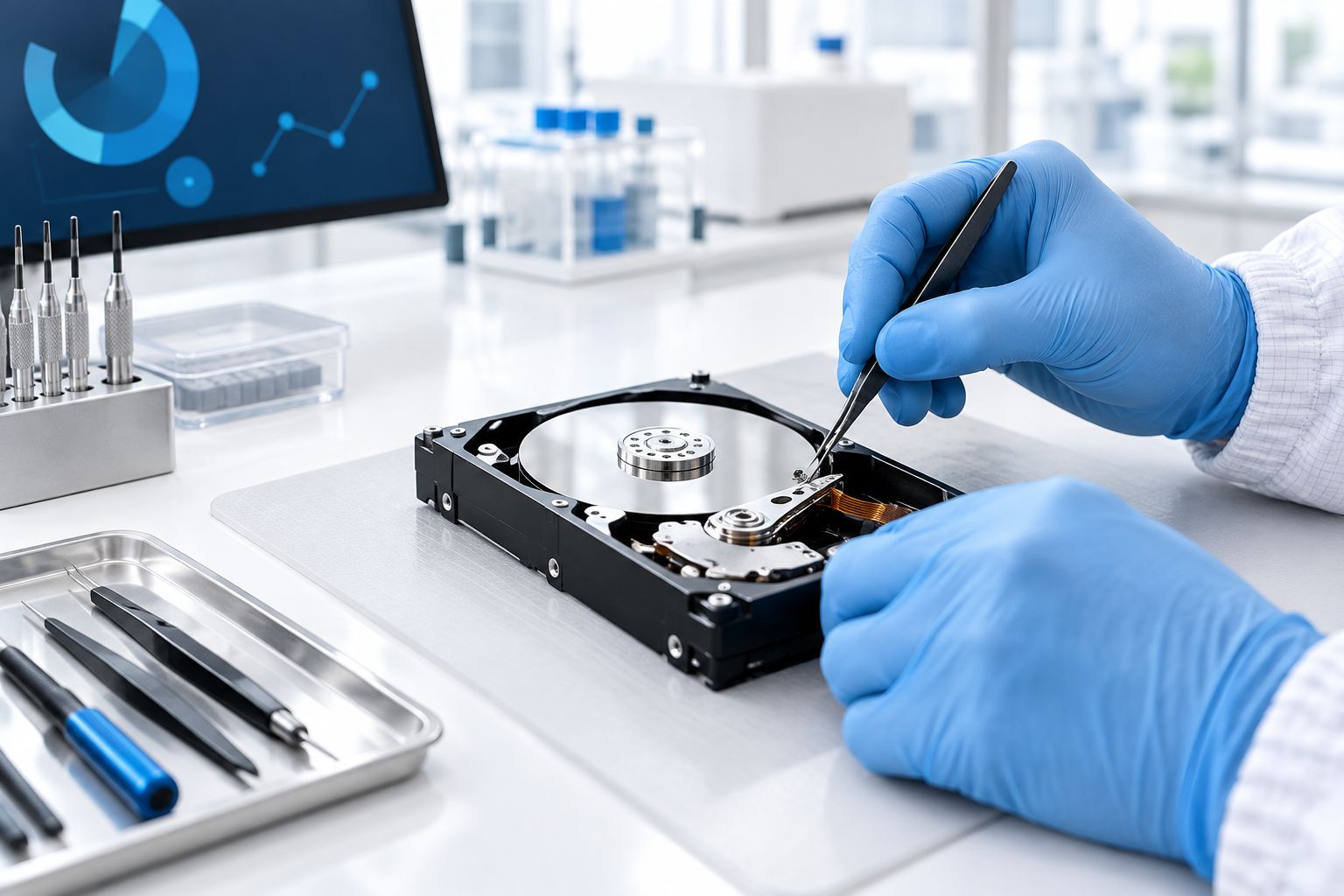
Clicking, grinding, or a drive that spins up and immediately shuts down points to a mechanical failure — a stuck spindle motor, misaligned read/write heads, or physical damage to the platters. These drives get opened inside a Class 100 cleanroom, where dust particles smaller than a human hair would otherwise scratch the platter surface during a repair attempt. A technician swaps in a matching donor part, pulls the data off, and that drive is done — it doesn't go back into a computer afterward.
Firmware failure: a real repair, just not a DIY one
Sometimes a drive spins normally and sounds healthy but the computer reports the wrong capacity or doesn't see it at all — that's usually a corrupted firmware module or a damaged circuit board. Specialized tools can rewrite firmware or swap a matching board from a donor drive of the same model and manufacture date. This counts as a genuine repair, but it requires equipment most repair counters don't stock, which is why it's typically routed to a dedicated recovery lab in 2026.
Why the repair-vs-replace decision varies
- Failure type — logical failures are repaired directly; mechanical, firmware, and electrical failures usually end with the old drive replaced after recovery.
- Drive age and duty cycle — a drive already past its expected service life is a poor candidate for reuse even after a successful recovery.
- Whether backups exist — if last week's files are already backed up, replacement is a formality; if the crashed drive is the only copy, recovery becomes the priority.
- Budget for cleanroom work — a full teardown costs more than a software-based logical recovery in 2026, so the failure type has to be diagnosed before quoting either option.
- How urgently the data is needed — a business running payroll or client files off the drive can't wait on trial-and-error attempts.
- How the drive will be used afterward — a drive opened for recovery is retired, not returned to daily use, no matter how the recovery went.
TechConnect's data recovery workflow walks through each of these checkpoints in order, starting with diagnosis and ending with the files back in the client's hands on a new drive.
“If the drive is clicking, every extra power-on shortens the recovery window.”
Get a diagnostic before you decide
TechConnect's data recovery team checks failure type before recommending repair or replacement.
Can I fix a crashed hard drive myself with free software?
Free recovery software can sometimes pull files off a drive with a logical failure, but it does nothing for a drive that's clicking or won't spin — running software on a mechanically failing drive usually finishes the job of destroying the data. If the drive makes any unusual noise, stop and don't run software on it.
Does replacing a hard drive erase the data on the old one?
Replacing the drive itself doesn't touch the data on the old one — the old drive is set aside, not wiped, until recovery is either finished or ruled out. TechConnect sees this pattern often: once the data is confirmed safe on the new drive, the old drive is typically retired rather than reformatted and reused.
FAQ
Can a crashed hard drive be repaired instead of replaced in 2026?
Yes, if the crash is a logical failure — file system corruption or a bad partition — recovery software or targeted repair fixes it without replacing the drive. Mechanical, firmware, and electrical failures usually get the data recovered and then the drive replaced, since reused failing hardware isn't reliable.
What does a clicking hard drive mean?
A clicking hard drive usually means the read/write heads are misaligned or the spindle motor is failing, a mechanical failure that needs a cleanroom teardown, not software. Continuing to power on a clicking drive risks scraping the platters and losing more data with each attempt.
Is data recovery software enough to fix a crashed hard drive?
Data recovery software works for logical failures where the platters are healthy but the file system is corrupted; it does nothing for a drive that's clicking, grinding, or not spinning. Running software on a mechanically failing drive often makes the eventual professional recovery harder.
How much does it cost to recover a crashed hard drive in 2026?
Cost depends on whether the failure is logical or mechanical, since a logical recovery runs far less than a cleanroom teardown with donor parts. The failure type has to be diagnosed first before either number applies.
Can a local computer repair shop fix a hard drive?
A general computer repair shop can often resolve a logical failure with recovery software, but mechanical and firmware failures need cleanroom equipment most repair counters don't stock. TechConnect diagnoses the failure type first, then routes mechanical cases to specialized recovery.
Does replacing a hard drive delete the old data?
No — replacing the drive means moving to new hardware, not erasing the old one; the old drive is typically set aside until recovery is finished or ruled out. Once files are confirmed safe on the new drive, the old one is usually retired rather than reformatted.
Is it better to repair or replace an old hard drive?
For a drive already past its expected service life, replacement after recovery is the safer call even when the current failure looks repairable. An old drive patched once is a higher risk for a second failure, often with less warning the second time.
What's the difference between hard drive repair and data recovery?
Hard drive repair fixes the drive itself so it keeps working, which is only realistic for logical and some firmware failures. Data recovery retrieves the files off the drive regardless of whether the drive survives the process, which is why most crashed-drive cases end in recovery plus replacement rather than repair alone.
One last thing
The biggest mistake isn't picking repair or replacement — it's leaving a clicking drive powered on just to check one more time. Every additional spin-up on a mechanically failing drive shortens the window a cleanroom recovery has to work with, sometimes turning a straightforward job into one where certain sectors are gone for good. If the drive is silent and simply won't mount, that risk is much lower, but a clicking or grinding drive should be powered off immediately and left alone until it's in front of someone who can diagnose it properly.