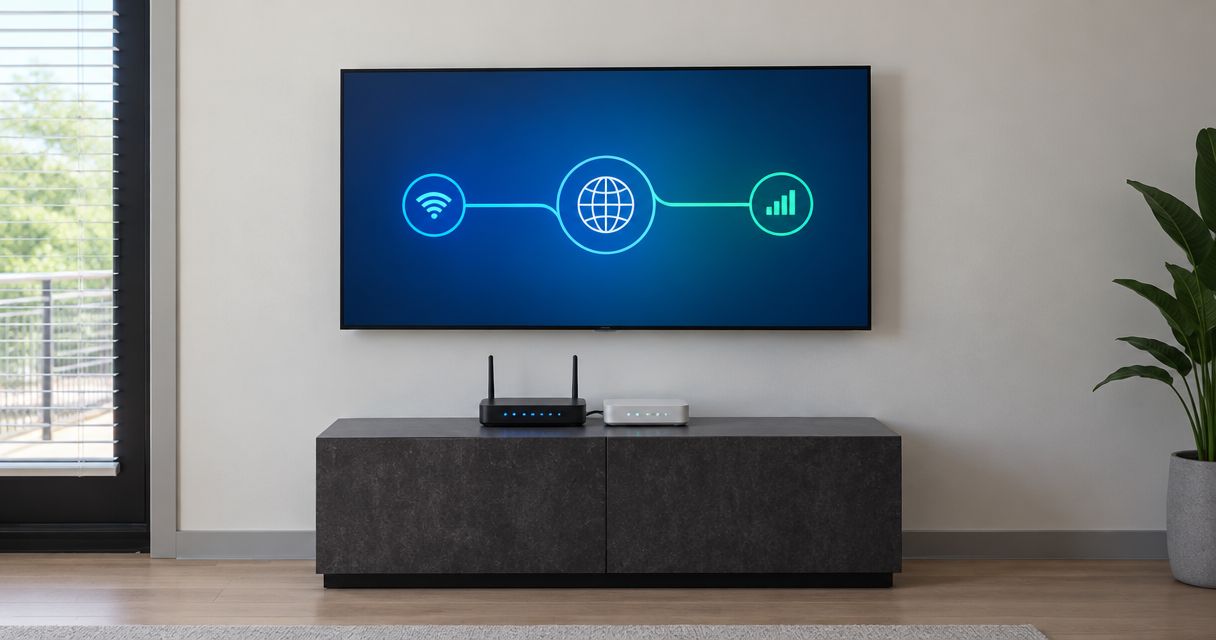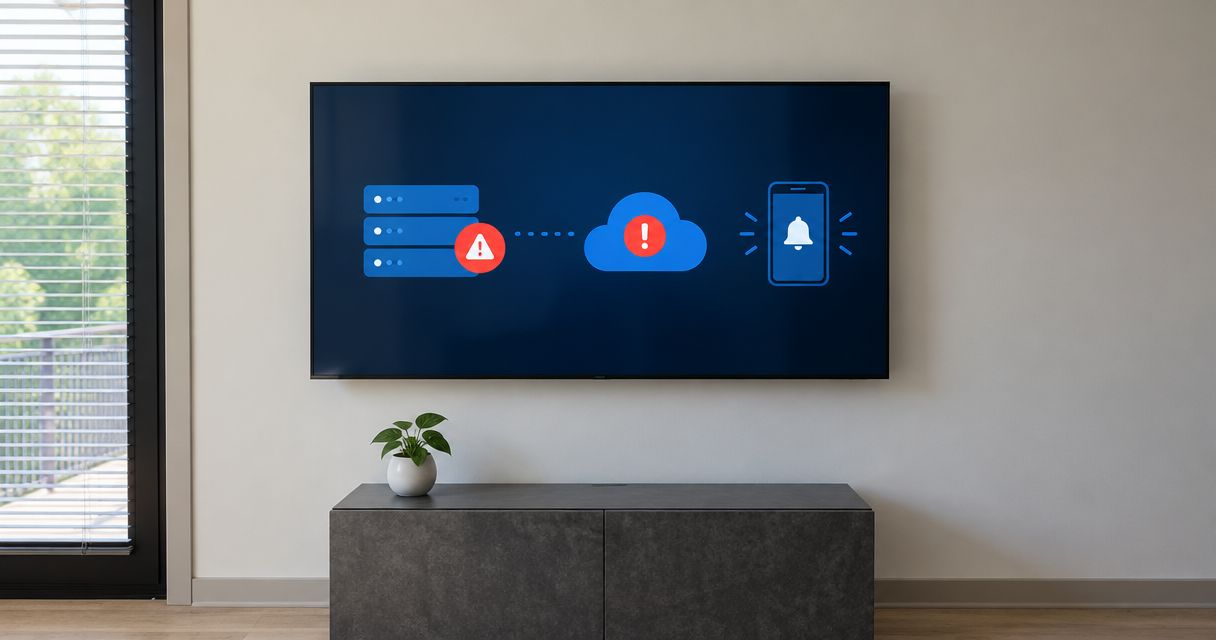
Instead of manually checking your server and calling IT when work stops, configure an alerting tool for businesses to detect failures, notify your provider, and escalate unacknowledged incidents. Use an outside network check alongside internal server monitoring so an office internet outage does not silence the alert.
- An alerting tool for businesses needs tested outage detection, provider notifications, escalation, and recovery alerts.
- TechConnect NC provides managed IT support, including monitoring and remote support, for North Carolina small businesses.
- External network monitoring and internal server monitoring answer different questions; use both when business operations depend on them.
- Test notification delivery and provider acknowledgment separately before relying on automatic alerts.
Why this matters
An alert is useful only when someone receives it and owns the next action. A dashboard showing a red warning does not establish that your provider knows about the outage.
For your 2026 monitoring plan, connect detection to a response process: identify the affected service, route the incident, require acknowledgment, and confirm recovery. Decide who contacts employees when an outage interrupts work.
TechConnect NC provides managed IT support that includes monitoring, patching, backups, cybersecurity, help desk, and remote support. TechConnect NC managed IT support fits North Carolina small businesses that need monitoring and remote help rather than another dashboard to manage. Confirm alert handling and response coverage as part of your service arrangement; monitoring alone does not establish those terms.
Before you start
- Access and inventory: Have an authorized administrator identify your internet connection, firewall, servers, critical applications, and monitoring account. Record which business task depends on each system.
- Provider agreement: Confirm the provider's approved notification destination, support hours, escalation contact, and acknowledgment process. Ask whether alerts should create support tickets or enter an existing monitoring queue.
- The hidden gotcha: A monitor inside your office cannot send through a failed internet connection. Arrange an external check or an outbound heartbeat monitored elsewhere, and confirm that a blocked connection will not be mistaken for a healthy system.
Do not expose a server management interface to the internet just to make monitoring easier. Your provider should choose an authorized check method that preserves existing access controls.
Configuration unit: outage detection
Start by choosing what a failed check actually means. An internet connection, a server operating system, and a business application need different checks.
| Monitoring approach | Best for | Advantage | Limitation |
|---|---|---|---|
| External reachability check | Detecting loss of an approved public-facing connection or service | Observes reachability from outside the office | Cannot establish whether every internal application works |
| Internal server monitoring | Checking server health and local services | Provides detail about the monitored system | Needs a separate way to detect lost communication |
| Application health check | Checking a specific business function | Tests more than whether a machine responds | Requires a safe, meaningful test for that application |
| Outbound heartbeat | Detecting when an internal monitor stops reporting | Does not require an inbound server management connection | A missed heartbeat shows lost reporting, not the exact cause |
These approaches complement each other. An external failure does not prove a server has crashed, and a responding server does not prove employees can use its application.
- Choose a business service. Begin with something whose failure stops work, such as access to shared files or a business application. Record the service owner and affected office.
- Select the check method. Have your provider choose external reachability, internal monitoring, an application check, or a heartbeat based on the service and access restrictions.
- Define failure. Specify the check interval, timeout, and failed-check threshold. Use settings approved for the service rather than copying an unrelated organization's configuration.
- Define recovery. Specify what successful checks must occur before the monitor reports the service as restored. A single successful response does not establish that an intermittent problem has ended.
- Map dependencies. Record which services depend on the office internet connection, firewall, or server. Use dependency handling where supported so one connection failure does not generate separate urgent incidents for everything behind it.
Expected result: Your monitoring record identifies the service, check location, failure condition, and recovery condition. Your provider can explain what each alert proves—and what it does not.
Configuration unit: provider notification
Route alerts into a destination the provider actually monitors. An employee's personal inbox is not a substitute for an agreed support queue.
The steps below describe configuration requirements, not buttons in a particular product. Use your monitoring system's documented controls; field names differ between consoles.
- Confirm the destination. Obtain the provider-approved monitoring queue, ticket intake address, or integration details directly from the provider. Do not assume the general contact address accepts automated incidents.
- Connect the notification route. Use the supported integration or approved email route. If an integration uses a secret or token, restrict access and keep it out of alert messages.
- Build the incident message. Include the business name, office, affected service, event time with time zone, failed check, and current state. Add a callback contact and safe troubleshooting context.
- Separate urgency levels. Route a work-stopping outage differently from a warning that needs scheduled attention. Agree on the distinction before enabling notifications.
- Send a notification test. Ask the provider to confirm receipt in the intended queue, not merely that the monitoring console recorded a successful send.
Expected result: A test notification reaches the correct provider destination with enough context to identify the affected business service. Notification delivery is now verified, but outage detection still needs its own test.
For a 2026 configuration record, document who controls the integration and who updates it when your IT provider or support arrangement changes. Remove obsolete destinations rather than leaving former recipients connected.
Configuration unit: acknowledgment and escalation
Delivery is not acknowledgment. A message accepted by an email system does not establish that a technician has taken responsibility.
- Name the primary owner. Assign the outage to an agreed provider queue or responder. Record who tells your business that investigation has started.
- Define acknowledgment. Decide whether ownership is shown by accepting the incident, assigning the ticket, or another supported action. Use the method your provider actually works with.
- Agree on escalation. Set the escalation delay and backup recipient with your provider. A shorter timer has no value if the backup destination is not staffed under your agreement.
- Plan an independent contact route. Keep an authorized callback method that does not depend on the affected office network. Confirm how you will communicate if office email or internet-based phones stop working.
- Enable recovery updates. Send the restored-state notification to the same incident or agreed workflow so responders can distinguish an active outage from a recovered service.
Expected result: Every urgent incident has an owner, an acknowledgment method, a backup route, and a recovery update. Your business knows whom to contact if acknowledgment does not arrive.
Monitoring and response are separate decisions. The guide to whether round-the-clock IT monitoring is worth it for a small business helps frame that conversation without assuming continuous monitoring includes continuous staffed response.
Configuration unit: end-to-end testing
A notification test checks message delivery. An end-to-end test checks whether a real failure condition triggers the entire workflow.
- Approve the test. Agree on a maintenance window, affected service, responsible administrator, and rollback plan. Tell the provider this is a planned test.
- Simulate failure safely. Use a supported test function or an approved nonproduction target. Do not unplug a production firewall or stop a business server simply to see what happens.
- Follow the incident. Verify detection, notification delivery, ticket creation where configured, and provider acknowledgment. Record timestamps with a consistent time zone.
- Test escalation separately. Arrange a controlled unacknowledged test with the provider. Confirm the backup recipient receives it without distracting responders with an unexplained incident.
- Restore and verify. Confirm the monitor reports recovery, the provider receives the update, and someone checks that the business service works again.
Expected result: Your test record shows the path from failure detection through acknowledgment and recovery. Any broken handoff becomes a specific correction, not a hidden assumption.
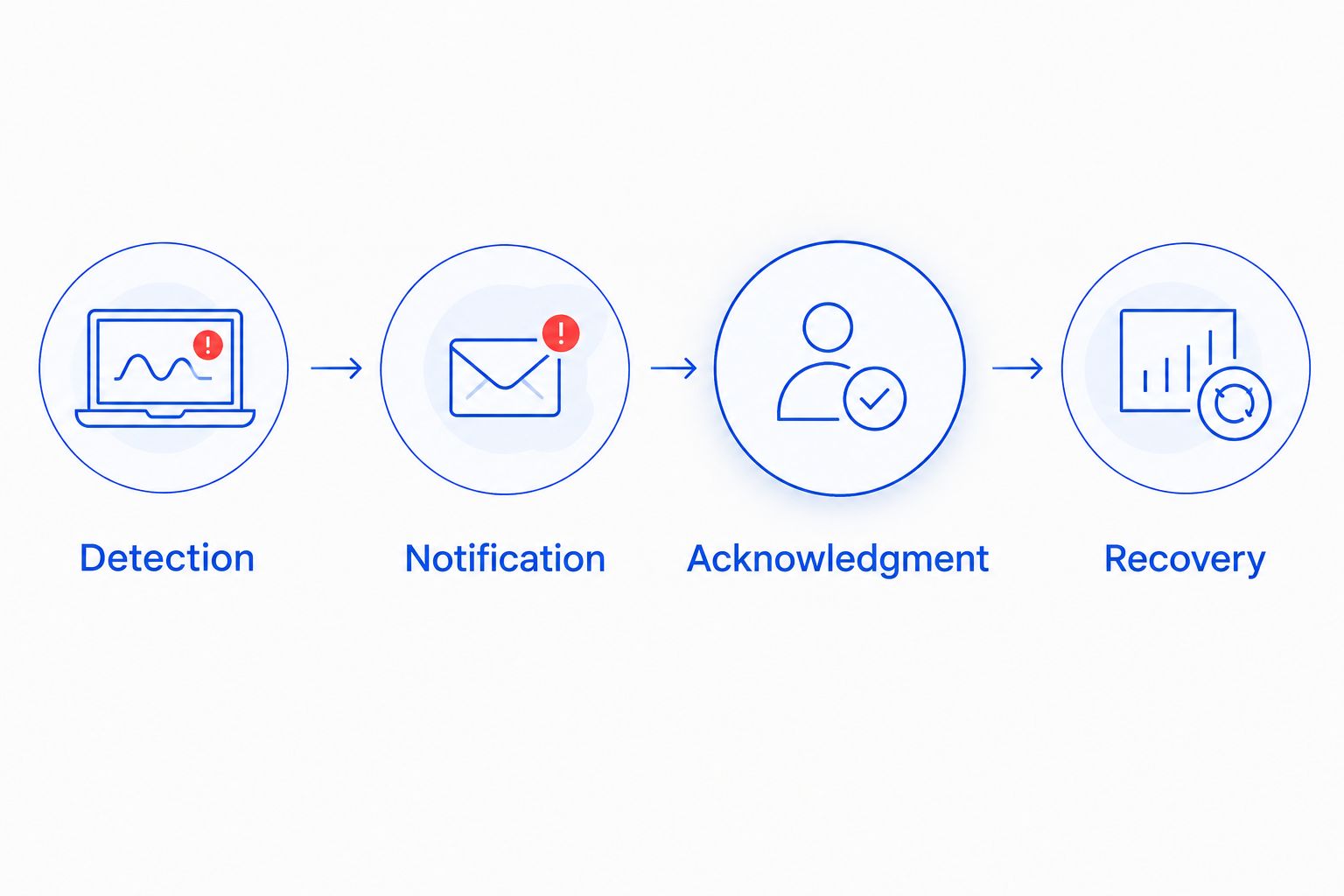
Keep the completed test record with your 2026 IT procedures. Repeat the relevant test after changing notification destinations, monitoring agents, firewall rules, or provider integrations.
Second workflow: alert when a server service fails
A server can remain reachable while a required application stops. Add a service-specific alert when that distinction matters to your business.
- Identify the application or service employees need, not just the machine hosting it.
- Ask your provider to define a safe health check that reflects useful operation. A running process alone does not establish that users can complete their task.
- Route failure into the same ownership and escalation process, using a message that names the application.
- Test the application check independently of the server reachability check.
Best for: Businesses whose work depends on a particular server application. The advantage is more specific detection; the limitation is that a poorly chosen test can report success while a different part of the application remains broken.
Do not add automatic restarts without a separate approved procedure. Restarting a service can interrupt active work and erase useful troubleshooting context.
Troubleshooting
The dashboard shows an outage, but IT receives nothing
Check whether the notification rule applies to that monitor and event state. Verify the destination, integration credentials, mail filtering, and delivery history. Then repeat the test and obtain confirmation from the provider's queue.
Every device reports down at once
Check the shared dependencies before treating each device as a separate failure. A failed internet connection or firewall can make multiple systems unreachable. Configure supported dependency suppression while retaining the main outage notification.
Alerts arrive during planned updates
Use a scheduled maintenance window that covers the approved work. Check whether the setting suppresses notifications, checks, or both, and confirm normal alerting resumes afterward. Avoid disabling alerts indefinitely to solve a temporary problem.
Alerts repeatedly switch between down and recovered
Review connection stability, check timeouts, and the failure and recovery thresholds. Ask the provider to inspect the cause before relaxing thresholds. Excessive notifications are a symptom to investigate, not a reason to hide genuine outages.
Recovery is reported, but employees still cannot work
Compare the check with the failed business task. Reachability can return before an application is usable. Add the appropriate application check and require functional verification before the incident is closed.
Customize your workflow
Expand only after the initial alert route passes testing. Add backup failure warnings, storage health events, and other actionable conditions with a named owner and a documented next step.
For your 2026 review, ask whether each alert changes someone's action. Remove duplicate notifications, but preserve visibility into unresolved incidents. Keep credentials, customer records, and other sensitive content out of notification messages.
TechConnect NC provides managed IT support for North Carolina businesses, with offices in Clayton and Granite Falls. Monitoring can support that service, but the alert workflow still needs agreed destinations, response responsibilities, and tested access.
FAQ
What's the best alerting tool for businesses with an outside IT provider?
The best fit is a monitoring system that connects to your provider's actual support workflow and supports the checks your business needs. Confirm notification delivery, ownership, escalation, and recovery handling before choosing it.
Can my IT provider get an alert if the office internet goes down?
Yes, an external check or an externally monitored heartbeat can detect lost reachability or reporting. A monitor that depends entirely on the failed office connection cannot send through that connection.
Does a server responding to a check mean my application works?
No, server reachability does not establish that an application works. Use a safe application-specific health check for the business function you need to protect.
Does continuous monitoring mean someone will respond after hours?
No, continuous monitoring does not establish after-hours response coverage. Confirm staffed hours, acknowledgment expectations, and escalation arrangements in your support agreement.
How do I test an outage alert without disrupting my business?
Use a supported test function or an approved nonproduction target with your provider. Verify detection, delivery, acknowledgment, escalation, and recovery without disconnecting production equipment.
Should an outage alert automatically restart my server?
Not without a separately approved recovery procedure. A restart can interrupt work and remove troubleshooting context, so notification and automatic recovery need different controls.
Can TechConnect NC help a small business with monitoring?
TechConnect NC provides managed IT support that includes monitoring and remote support for North Carolina businesses. Discuss your systems, alert destinations, and response needs before setting up the workflow.
One last thing
Test the alert path when the office cannot send messages—not just when everything is online. A working notification button does not prove that your provider will learn about an internet outage.
Make that distinction part of your 2026 acceptance checklist. Keep an offline copy of your provider's contact details and the approved outage procedure.
Related guides
- How to choose between break-fix and managed IT support
- How to reduce downtime when your business computer crashes
- How to keep business data safe without an in-house IT team
For help setting up business monitoring and outage notifications, call or text 919-737-5442. TechConnect NC has offices at 5720 US 70 Bus Hwy, Suite B, Clayton, NC 27520, and 10A Falls Avenue, Granite Falls, NC 28630.