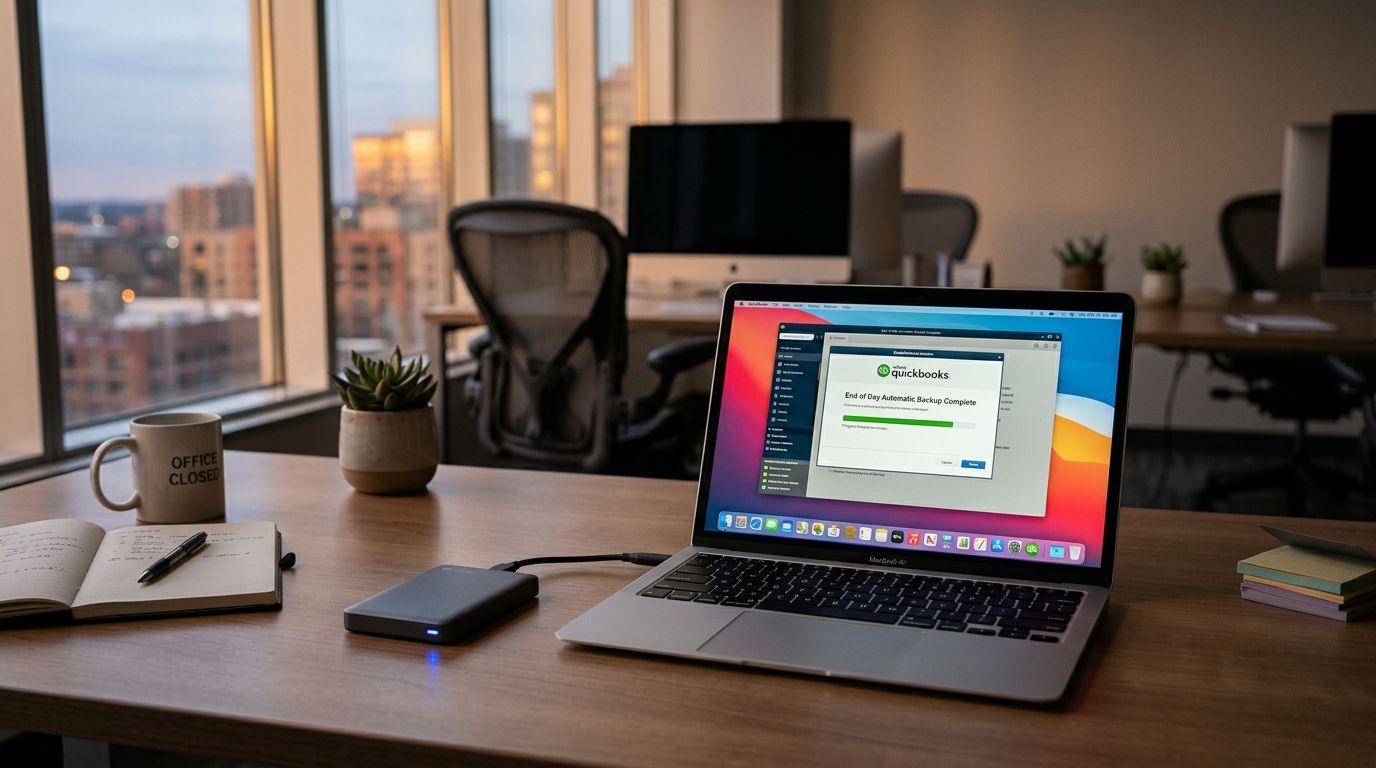
Manually clicking through QuickBooks's backup menu every night gets skipped the moment someone's in a hurry to lock up — and the one night it gets skipped is usually the night a drive fails. Set up an automatic QuickBooks backup end of day and the company file copies itself the moment you close it, with no one having to remember a thing.
- QuickBooks's built-in scheduler can trigger an automatic quickbooks backup end of day every time the file closes, not just on a timer.
- Store the backup on a second physical location (external drive or NAS) plus one cloud destination — one copy is not a backup.
- Windows Task Scheduler adds a nightly sync job so the local backup folder mirrors to cloud storage without staff involvement.
- Test the restore file at least once a quarter in 2026 — an unverified backup is a guess, not a plan.
Why this matters
QuickBooks company files hold the one dataset a small business genuinely cannot recreate from memory: invoices, payroll, vendor terms, years of reconciliations. A ransomware hit or a dead hard drive doesn't ask whether you backed up last Tuesday.
An automatic quickbooks backup end of day setup removes the human step entirely. The file saves a copy the instant the office closes the program, so the backup schedule matches the actual close-of-business routine instead of an arbitrary clock time. TechConnect LLC sees the same failure pattern across North Carolina offices in 2026: backups exist, but they live on the same physical machine as the working file, which means a single drive failure destroys both copies at once.
Before you start
- QuickBooks Desktop with admin rights on the workstation — the scheduled backup feature lives in the company file settings, and only an admin user can set the destination folder.
- A backup destination outside the main PC — an external drive, a NAS, or a cloud backup service. Never point the backup at the same internal drive as the working file.
- The gotcha: QuickBooks's automatic backup only fires when the file is closed normally through the File menu. If someone force-quits the program or the PC loses power before shutdown, the trigger never runs and that day's copy is silently skipped — plan the Task Scheduler sync below as a second layer, not a replacement.
Set up QuickBooks's built-in backup trigger
- Open the company file and go to File > Back Up Company > Create Local Backup.
- Choose Local Backup, then click Options to set the destination folder — point this at your external drive or NAS share, never the C: drive.
- Back on the Create Backup screen, select Save it now and schedule future backups, then click Next.
- Check the box labeled Save backup copy automatically when I close my company file every [ ] times, and set the number to 1.
- Click Finish.
Expected result: the next time anyone closes the company file, QuickBooks prompts a backup automatically without needing the schedule to be re-triggered manually.
Configure a destination that survives a hardware failure
A local backup on an external drive protects against a dead internal hard disk. It does nothing against fire, theft, or a drive that fails the same week as the PC. Pair the local copy with an offsite or cloud destination.
| Destination | Setup effort | Survives PC failure | Best for |
|---|---|---|---|
| External hard drive | Low | Yes, if unplugged and stored separately | Solo offices with light budgets — Buy |
| Office NAS | Medium | Yes, if backup runs to a separate room | Multi-user QuickBooks setups — Buy |
| Cloud backup service | Medium | Yes, offsite by default | Any office wanting a hands-off automatic quickbooks backup end of day — Buy |
A rundown of drive options for the first two rows sits in the external hard drives for small business backups guide, and the cloud row is covered in the best cloud backup services for small businesses breakdown.
Automate the end-of-day sync with Task Scheduler
QuickBooks's own trigger only writes to the folder you gave it. To push that folder to a cloud destination without anyone touching a mouse, add a Windows Task Scheduler job.
- Open Task Scheduler and click Create Basic Task.
- Name it something identifiable like "QB End of Day Sync," then set the trigger to Daily, timed for a few minutes after the office typically closes.
- Under Action, choose Start a program and point it at a sync command (robocopy for a local NAS mirror, or your cloud client's sync executable) targeting the QuickBooks backup folder.
- Save the task, then right-click it and select Run to confirm it completes without errors.
Expected result: the local backup folder mirrors to the cloud destination every night, even on days no one manually initiates anything.
Variant: back up on every close, not a fixed clock time
Offices with irregular hours — a Saturday morning catch-up session, a late Friday payroll run — shouldn't rely on a fixed nightly time slot. The setting from step 4 above ("every 1 times" the file closes) already covers this: it fires on close, not on a clock, so it works whether the office shuts down at 5pm or 9pm. Skip the Task Scheduler timer and instead trigger the cloud sync from a folder-watch tool that fires the moment new files land in the backup directory, if your hours genuinely vary day to day.
Get your QuickBooks backup automated
A same-day setup call gets the schedule, destination, and cloud sync running correctly the first time.
Troubleshooting
- Backup prompt never appears. The file was likely closed by force-quitting QuickBooks or a Windows shutdown mid-session. Confirm staff are using File > Exit, not the red X during a frozen screen.
- "Backup failed" error citing a busy file. Another user is still logged into the company file in multi-user mode. Every workstation needs to close out before the backup can write cleanly.
- Destination drive letter changed. External drives sometimes remount under a different letter after a reboot. Repoint the backup destination in File > Back Up Company > Options if the drive letter shifted.
- Nightly sync takes hours over a slow connection. Large company files over a residential upload speed can stall a cloud sync. Schedule the Task Scheduler job for well after close, and confirm the connection using the guidance in connecting QuickBooks to a secure, backed-up business network.
- Backup runs but the restore fails. An unverified backup is the single most common failure TechConnect LLC finds during 2026 audits — restore a copy to a test folder quarterly to confirm the file actually opens.
Customize your workflow
Once the automatic quickbooks backup end of day routine is running, extend it rather than leaving it alone. Accounting-heavy offices juggling QuickBooks alongside client records benefit from the wider setup covered in managed IT support for accounting firms, which pairs the backup schedule with network and endpoint protection.
The one-sentence verdict: an automatic quickbooks backup end of day, triggered on file close and mirrored to a second physical or cloud location, is the minimum setup any office running QuickBooks in 2026 should have running before close of business tonight.
FAQ
What is the best way to set up an automatic quickbooks backup end of day?
Use QuickBooks's built-in schedule under File > Back Up Company > Create Local Backup, set the automatic trigger to every 1 file close, and point the destination at an external drive or NAS. Add a nightly Task Scheduler sync to mirror that folder to a cloud destination.
Does QuickBooks back up automatically by default?
No. QuickBooks only backs up automatically once you enable the scheduled backup option and set a destination folder — out of the box, backups are manual.
How often should a small business back up QuickBooks?
Every time the file closes, which for most offices means once at end of day. Businesses running multiple sessions per day should back up on every close, not on a fixed daily timer.
Is a local backup enough, or do I need cloud backup too?
A local backup alone is not enough — it fails alongside the working file if the same drive or building is affected. Pair a local backup with an offsite or cloud copy.
Why did my QuickBooks automatic backup stop working?
The most common causes in 2026 audits are a changed drive letter on the destination, a file left open by another multi-user session, or the program being force-closed instead of exited through the File menu.
Can I automate QuickBooks backup without QuickBooks Desktop?
QuickBooks Online backs up on its own servers automatically, so the local scheduling steps above apply only to QuickBooks Desktop installations.
How much does professional backup setup cost in NC?
Costs vary by office size and existing network setup — check current service pricing directly rather than relying on a fixed figure.
One last thing
The backup that fails silently is more dangerous than the one that never ran at all — a folder full of corrupted or partial company files gives false confidence right up until the day you need to restore one. Build the quarterly restore test into the calendar now, in 2026, not after the first real data loss.


