On-site computer repair is worth it when the machine, network, or data can't safely leave the building — a slow laptop that just needs a tune-up almost never needs a truck roll. The trade-off is simple: on-site visits cost more time and money per fix than drop-off or remote support, but they save the hours a business loses shutting down a workstation, server, or point-of-sale system to haul it to a shop.
- On-site computer repair is worth it when downtime, not distance, is the real cost — servers, networks, and multi-PC offices qualify.
- Drop-off repair beats on-site on price for a single portable laptop with no urgent deadline.
- Remote support fixes most software problems in one session without a technician leaving their desk.
- TechConnect LLC sends a technician same-day across North Carolina for business networks and setups that can't be unplugged.
Why this matters
Homeowners and small businesses default to "just bring it to a shop" because that's the model most people grew up with. That model breaks down the moment the problem involves wiring, multiple machines, or a business that can't stop taking orders while the front desk PC is offline.
On-site support changes the math. A technician who can see the router, the switch, the point-of-sale terminal, and the three workstations tied to it in one visit often solves in an hour what a drop-off ticket takes days to diagnose piecemeal. TechConnect LLC runs both models across North Carolina, and the pattern is consistent: the more a machine is wired into other equipment, the more on-site repair pays for itself.
Is on-site computer repair worth it?
The honest answer depends on what's broken and how connected it is. Here's how the three common support models stack up:
| Model | Best for | Turnaround | Downside |
|---|---|---|---|
| On-site visit | Servers, networks, POS systems, multi-PC offices | Same visit, often same day | Costs more per fix than drop-off |
| Drop-off / shop repair | Single laptop or desktop, no urgent deadline | 1-3 days depending on parts | Machine and its data leave the building |
| Remote support | Software glitches, slow PCs, virus cleanup | Often same session | Can't touch hardware or networking gear |
A solo laptop with a cracked screen doesn't need a technician on-site — that's a drop-off or mail-in job every time. A business whose network switch is dropping connections for six workstations does, because a remote tech can't see the physical cabling and a drop-off means the whole office loses connectivity while one piece of equipment is gone. TechConnect LLC's on-site repair coverage for small offices in NC is built around that second scenario, not the first.
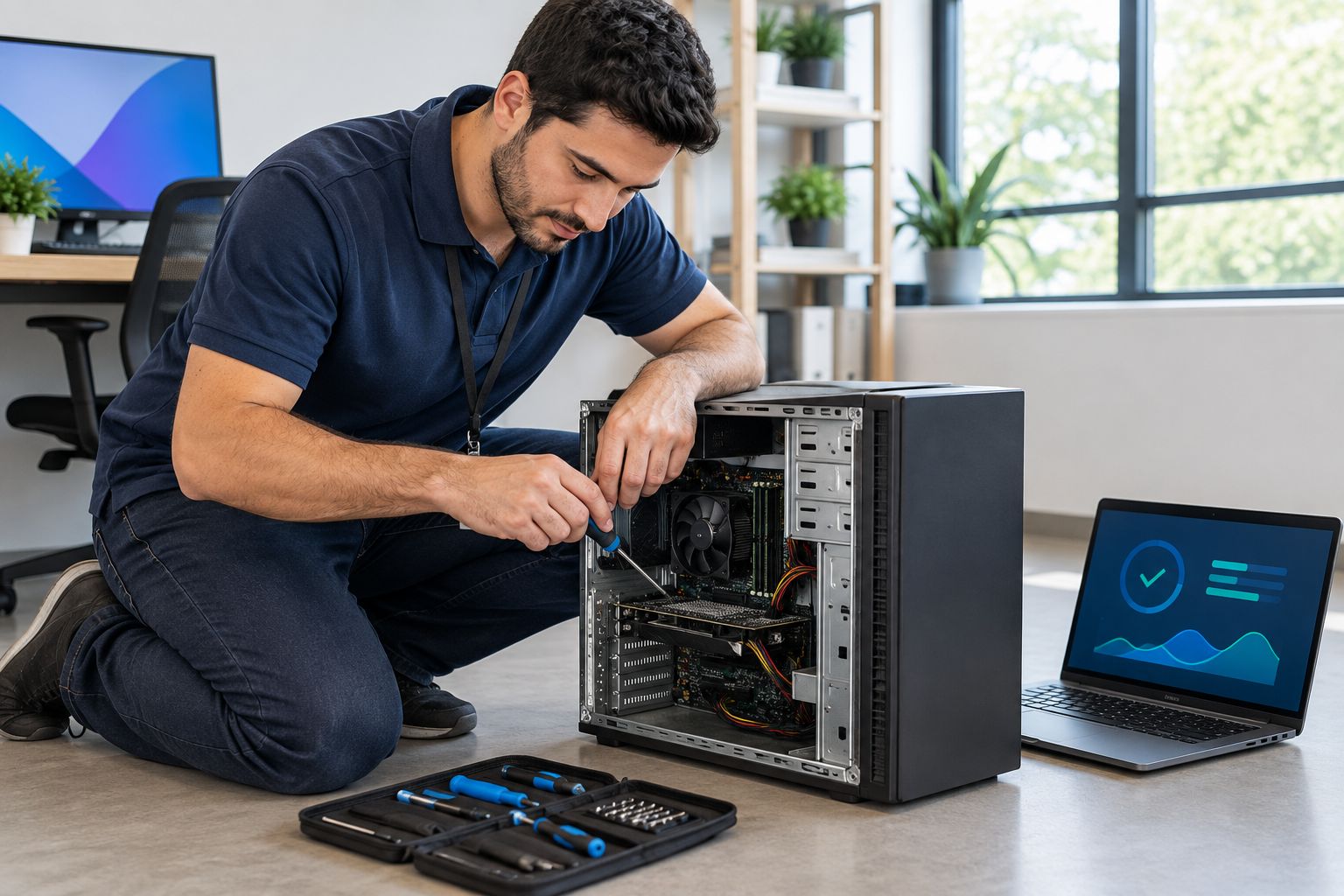
On-site repair for home offices and seniors: is it worth it?
For a single home computer, on-site repair is worth it mainly when the person doesn't want to unplug, transport, and reconnect a desktop themselves — not because the fix itself requires a house call. Senior homeowners and remote workers with one main PC are the clearest case: the value isn't the repair, it's not having to disconnect a tower full of cables and carry it anywhere.
If the issue is a virus infection, a slow tune-up, or a backup setup, remote support or a drop-off visit usually gets the same result for less. A home office with a printer, a scanner, a second monitor, and a NAS drive all wired together starts to look more like the small-business case, where a technician untangling it in place beats disconnecting four devices to move one box.
On-site repair for small business networks: is it worth it?
For a business running more than two or three networked computers, on-site repair is worth it almost by default, because the cost of downtime usually exceeds the cost of the visit. A dead switch, a misconfigured router, or a POS terminal that won't talk to the network stops revenue the moment it fails — shipping the hardware out for diagnosis just extends the outage.
This is also where response time matters more than price. IT support companies in NC ranked by response time shows real variation between providers, and a slow callback on a network outage in 2026 costs a small office far more than the visit fee itself. Businesses running managed IT support already get this built in; the ones that don't are the ones asking whether an on-site visit is worth it in the first place.
Why on-site repair makes sense — or doesn't
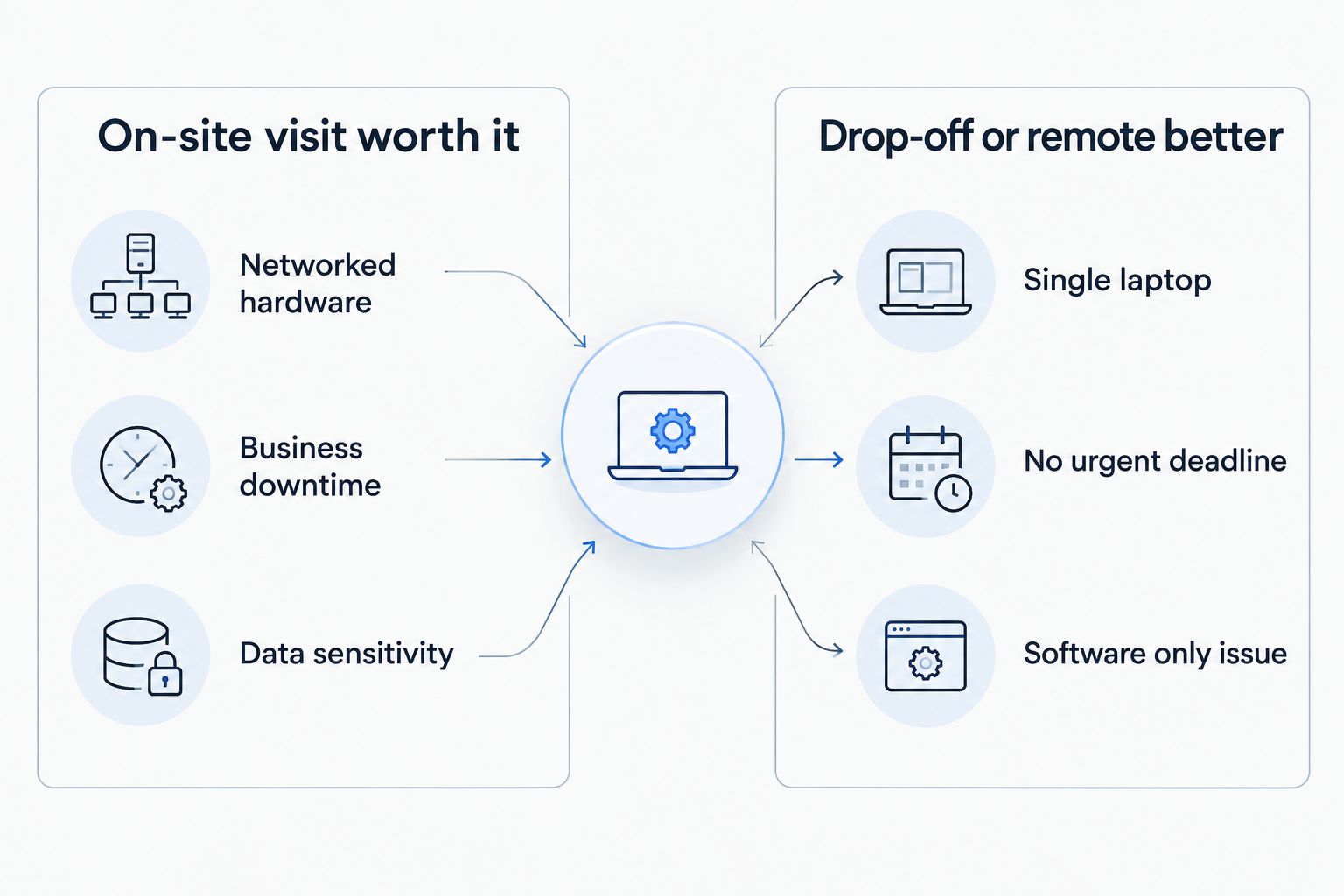
On-site support earns its cost in specific situations. Outside of them, drop-off or remote fixes win on price and speed.
- Hardware that can't travel — servers, network switches, security camera systems, POS terminals wired into a counter
- Multiple machines failing from one cause — a bad switch or router taking down several workstations at once
- Data sensitivity — medical, legal, or financial offices that need equipment to stay under their own roof during diagnosis
- Business downtime cost — any setup where being offline for a day costs more than a technician's visit
- Physical wiring problems — issues that live in the walls or the cable runs, not just the machine
- A single portable device with no urgent deadline — this is the one case where on-site rarely makes sense
Not sure which repair model fits your setup?
Get a straight answer before you book anything.
Is on-site repair more expensive than dropping off a computer?
On-site repair typically costs more per visit than drop-off repair, because the technician's travel time and the priority scheduling of a same-day visit are part of what you're paying for. For a single device with a straightforward software problem, drop-off or remote support is the cheaper route almost every time in 2026.
Can on-site technicians fix virus infections and slow PCs?
On-site technicians can absolutely handle virus removal and PC tune-ups during a visit, but those specific problems rarely require someone on-site to begin with. Most virus cleanup and speed fixes get resolved just as well through remote access or a quick drop-off, saving the visit fee for problems that actually need hands on the hardware.
Is on-site support worth it for a single home computer?
On-site support is worth it for a single home computer mainly when the owner can't or doesn't want to disconnect and transport it themselves, not because the repair itself demands a house call. For most single-PC households, a drop-off appointment or remote session solves the same problem for less.
FAQ
Is on-site computer repair worth it for a small business?
Yes, on-site computer repair is worth it for most small businesses running more than one networked device, because downtime from an outage usually costs more than the visit itself. A single unnetworked laptop is the exception where drop-off makes more sense.
How is on-site repair different from remote IT support?
On-site repair puts a technician physically at the location to handle hardware, wiring, and networking gear, while remote support fixes software issues over an internet connection without anyone traveling. Networking and hardware problems need on-site hands; software problems usually don't.
Does on-site repair take longer than dropping off a computer?
On-site repair is usually faster overall because the machine never leaves the building and the technician can fix the problem in one visit. Drop-off repair often takes longer end-to-end since the device sits in a queue before and after diagnosis.
Is on-site IT support worth it for a home office?
On-site IT support is worth it for a home office when multiple devices are networked together, like a printer, NAS drive, and second monitor, but it's usually overkill for a single computer with a software issue. A remote session or drop-off visit covers most single-device problems.
Can on-site technicians fix network and Wi-Fi problems?
Yes, network and Wi-Fi problems are one of the strongest reasons to book an on-site visit, since a technician needs to see the router, switch, and cabling to diagnose dropped connections. Remote support can't inspect physical hardware or wiring.
Is on-site repair worth it for a business with only one computer?
On-site repair is rarely worth it for a business with just one computer unless that machine is tied to a POS system, server, or other equipment that can't be moved. A standalone office laptop is almost always cheaper to handle through drop-off or remote support.
One last thing
The question isn't really "is on-site repair worth it" in the abstract — it's whether the machine in front of you is wired into anything else. A laptop sitting alone on a desk almost never needs a technician to show up in person in 2026; a network switch feeding four workstations almost always does. Ask that one question before booking anything, and the right model for the job picks itself.