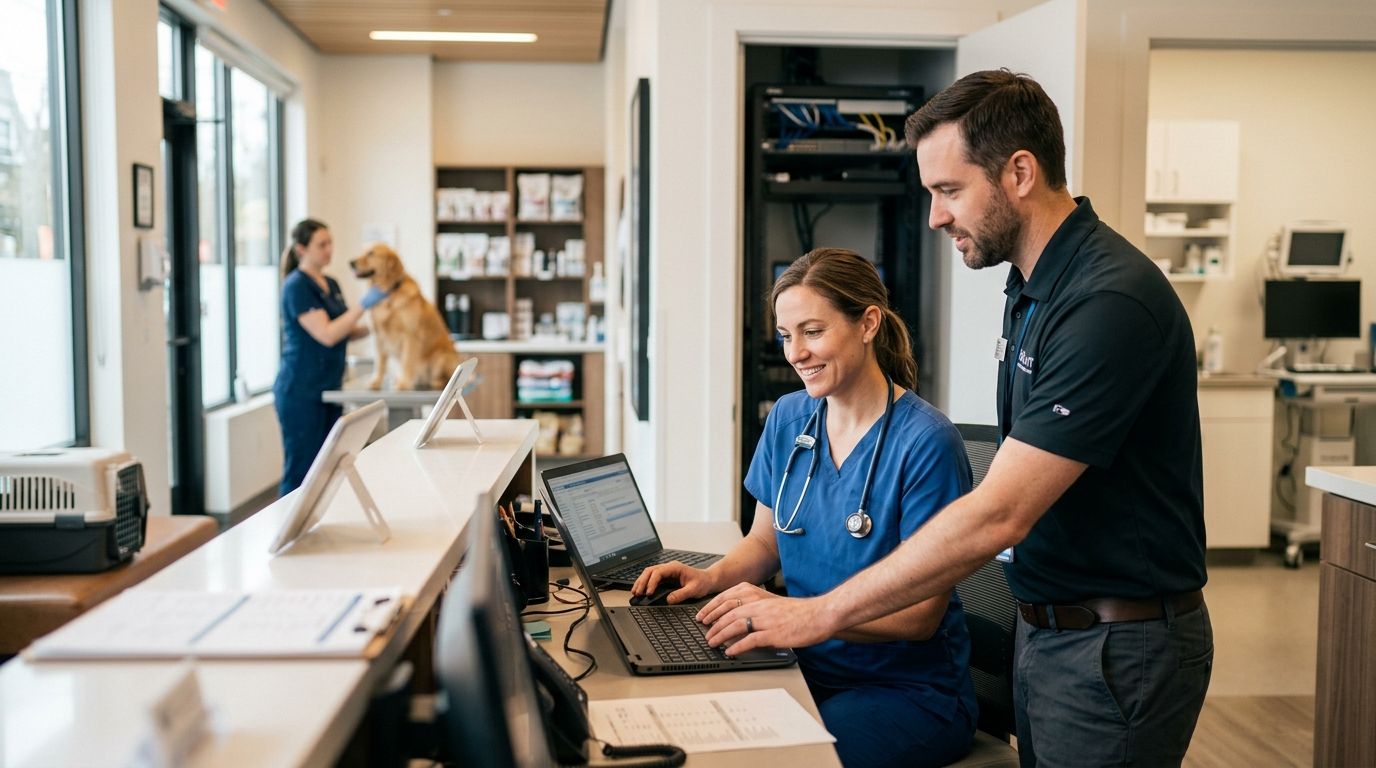
Managed IT support for veterinary clinics is a service model where an outside provider monitors, secures, and maintains every computer, server, and network device a clinic depends on for patient records, imaging, and payment processing. A general small-business IT plan misses the parts that matter most in a clinic: overnight backup windows around surgery schedules, imaging workstations that can't tolerate downtime mid-procedure, and controlled-substance logging systems that need airtight audit trails. Veterinary clinics also run leaner front-desk staff than most small businesses, so the plan has to work without a dedicated IT person on-site.
- Managed IT support for veterinary clinics covers practice management software, imaging workstations, and payment terminals as one system, not separate problems.
- The 3-2-1 backup rule (three copies, two media types, one offsite) is the baseline every clinic should hit before 2026 ends.
- TechConnect provides managed business IT support and data backup/recovery across North Carolina, built for clinics without in-house IT staff.
- Clinics that skip network segmentation between guest Wi-Fi and clinical systems are the most common ransomware entry point.
- Response time, not price, is the real differentiator between IT providers when an imaging system goes down mid-day.
Why managed IT support matters for veterinary clinics
A veterinary clinic runs on more connected systems than most owners realize: practice management software, digital X-ray and ultrasound workstations, a client-facing payment terminal, VoIP phones, and a server or cloud instance holding years of patient history. When any one of those goes down during business hours, appointments get rescheduled, surgeries get delayed, and staff start working off paper again.
Clinics also handle client payment card data at every visit, which puts them under PCI DSS obligations even though they're not typically subject to HIPAA. That means card processing systems need the same security discipline as a retail business, layered on top of the uptime demands of a medical practice. A clinic that treats its network like a back-office afterthought is treating its patient records the same way.
Build the plan: step by step
Map every device and system that touches patient records
Before fixing anything, know what's connected. Most clinics underestimate this list until something on it fails.
- Front-desk and reception PCs running practice management software
- Exam room tablets or laptops used for charting
- Imaging workstations connected to X-ray or ultrasound equipment
- The server or cloud login hosting patient history and controlled-substance logs
- VoIP phones and the credit card terminal
- Wi-Fi access points and the router/firewall
Back up practice management data on the 3-2-1 rule
A single backup drive in the server closet is not a backup plan — it's a single point of failure waiting to happen. The 3-2-1 rule (three copies of data, on two different media types, with one copy offsite) is the standard every clinic should be running by 2026.
- Nightly automated backup of the practice management database
- A local copy on a separate drive from the primary server
- An encrypted offsite or cloud copy tested with a real restore, not just a backup log check
- A documented recovery time estimate so staff know how long a full restore takes
A business continuity and disaster recovery plan covers this end to end, including what happens if the whole server room is unreachable, not just a single failed drive. This is where a managed IT support for veterinary clinics arrangement earns its cost — a provider tests restores on a schedule instead of hoping the backup job actually ran.
Lock down network access with segmentation and firewall rules
Client Wi-Fi and clinical systems should never share the same network. A guest device with malware on the waiting room Wi-Fi has no business being one hop away from the imaging server.
- Separate SSID and VLAN for client/guest Wi-Fi
- A managed firewall with rules reviewed at least twice a year
- Router and access point firmware kept current, not left on factory defaults
- A password manager for staff logins instead of shared sticky-note passwords
- VPN access for any remote or after-hours login to clinic systems
Protect every endpoint against malware and ransomware
A single infected front-desk PC can spread to the server overnight if endpoints aren't monitored individually. Endpoint protection has to run on every device that touches the network, not just the server.
- Endpoint protection software active on every PC, tablet, and workstation
- Anti-ransomware tooling that flags mass file encryption, not just known virus signatures
- A virus removal process staff can trigger the moment something looks wrong
- Regular patch cycles for operating systems and practice management software
Set up remote monitoring so issues get caught overnight
Most clinic IT failures don't announce themselves during business hours — a drive starts failing, a UPS battery dies, a backup silently stops running days before anyone notices. Remote monitoring closes that gap.
- Automated alerts for failed backups, low disk space, or offline devices
- UPS battery backup on imaging equipment and the server, so a power blip doesn't corrupt files mid-scan
- Patch management scheduled outside clinic hours
- A monthly health report instead of finding out about problems after they've already caused downtime
This is the point where DIY management stops scaling. A part-time staff member checking on things once a week can't match monitoring that runs continuously — a managed IT support for veterinary clinics contract puts that monitoring on autopilot.
Build a response plan for outages during clinic hours
When the imaging system freezes mid-appointment, the clinic needs a known contact and a known response window, not a search for a phone number.
- A documented escalation contact with a stated response-time target
- Spare loaner hardware for front-desk PCs that fail
- A help desk ticketing process so repeat issues get tracked, not re-diagnosed from scratch
- A defined after-hours contact for emergencies outside 9-to-5
IT support companies in North Carolina ranked by response time breaks down how providers actually perform on this metric, which matters more for a clinic than almost any other factor.
Train staff on basic security hygiene
The front desk is the most common entry point for phishing attacks aimed at clinics — invoice scams, fake vendor emails, and spoofed shipping notices are common targets.
- Phishing awareness training refreshed at least annually
- Password managers instead of reused passwords across systems
- Screen lock policies enforced on every workstation
- Clear rules on what gets plugged into clinic PCs (personal USB drives, phone chargers)
Get a managed IT plan built for your clinic
Same-day support across North Carolina for practices without in-house IT staff.
Comparing IT support options for veterinary clinics
| Option | Best for | Key limitation |
|---|---|---|
| Staff member handles IT part-time | Very small clinics with one or two PCs | No monitoring, no backup testing, slow response during emergencies |
| Break-fix computer repair (per-incident) | Clinics with rare, isolated hardware issues | No proactive monitoring; problems only get fixed after downtime already happened |
| National IT franchise | Multi-location practices needing standardized contracts | Slower on-site response, less familiarity with local network conditions |
| Local managed IT provider | Clinics wanting proactive monitoring and same-day response | Requires an ongoing service relationship rather than one-off fixes |
| Practice management software vendor support | Software-specific bugs or licensing issues | Doesn't cover hardware, network, or backup infrastructure |
A managed IT service provider that already understands small-business network setups in North Carolina is generally the better fit for a clinic than a national franchise routing tickets through a call center. Verdict: for clinics running imaging equipment and patient records on a shared network, a local managed IT provider beats break-fix repair and DIY staff management on response time and backup reliability.
Common mistakes veterinary clinics make
- Treating imaging equipment as separate from IT. X-ray and ultrasound workstations run on the same network as everything else — if they're not on the monitoring plan, they're a blind spot.
- Backing up to a drive that never gets tested. A backup that's never been restored is a guess, not a plan.
- Sharing one login across the whole front desk. Shared credentials make it impossible to trace who did what when something goes wrong.
- Putting client Wi-Fi and clinical systems on the same network. This is the single most common way malware moves from the waiting room to the server.
- Waiting for a crash to call for help. Reactive break-fix costs more in lost appointment time than a monitored plan costs in monthly fees.
FAQ
What is managed IT support for veterinary clinics?
Managed IT support for veterinary clinics is ongoing monitoring, maintenance, and security of every system a clinic runs on daily, including practice management software, imaging equipment, and payment processing. It replaces reactive, one-off computer repair with continuous oversight and scheduled backup testing.
Do veterinary clinics need HIPAA-compliant IT systems?
Veterinary clinics are not generally subject to HIPAA, since patient records belong to animals rather than people. They are still subject to PCI DSS requirements for handling client payment card data, which means payment terminals and networks need equivalent security discipline.
How often should a clinic test its data backups?
Backups should be tested with an actual restore at least monthly, not just checked for a completed backup log. A backup that has never been restored is unverified and can fail silently for weeks before anyone notices.
What happens if a clinic's imaging system goes down mid-appointment?
Without a monitored IT plan, staff have to manually troubleshoot or wait on hold with a vendor while appointments back up. With managed monitoring and a documented escalation contact, a technician is already alerted before the front desk has to make a call.
Is break-fix computer repair enough for a veterinary clinic?
Break-fix repair fixes problems only after they cause downtime, which is costly for a clinic running scheduled surgeries and appointments. Managed IT support catches failing drives, expired certificates, and low disk space before they cause an outage.
Should client Wi-Fi be separate from clinic Wi-Fi?
Yes. Client and guest Wi-Fi should run on a separate network segment from clinical systems, so a compromised guest device can't reach patient records or imaging equipment. This is one of the most overlooked security gaps in small clinics.
How much does managed IT support cost for a small veterinary clinic?
Pricing depends on device count, backup needs, and response-time requirements, so it varies clinic to clinic. Ask a local provider for a diagnostic review of current systems before committing to a monthly plan.
One last thing
The most overlooked risk in a veterinary clinic's IT setup isn't ransomware — it's a UPS battery backup nobody checked in two years. A power blip that corrupts an in-progress imaging file or crashes a database mid-write does more day-to-day damage than most clinics ever budget for, and it's one of the cheapest problems to prevent in 2026.


