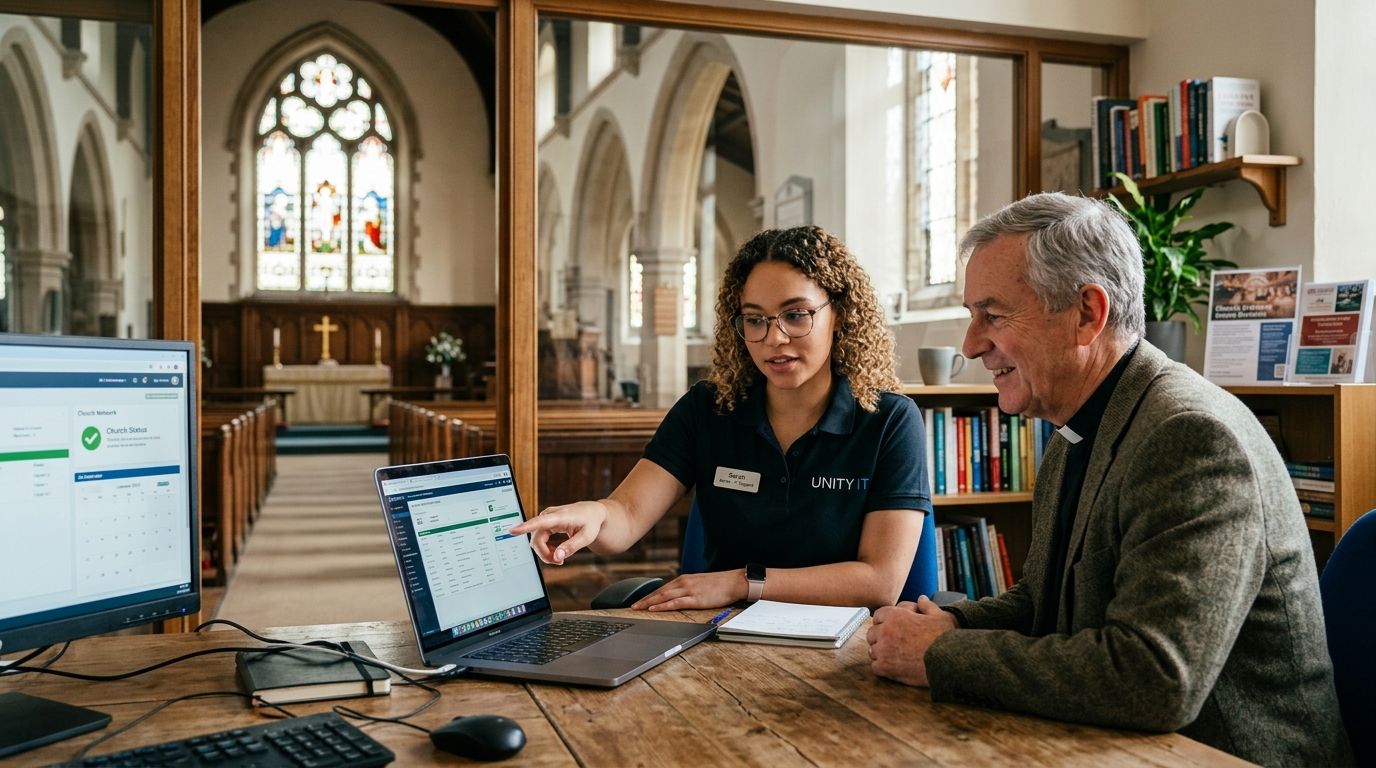
IT support for churches and religious organizations is managed help with networks, data backup, virus removal, and Sunday-morning uptime — built around volunteer staff and tight budgets instead of a corporate helpdesk. A congregation's IT problems look different from a law firm's: giving platforms need to work during the offering, guest Wi-Fi needs to survive a packed sanctuary of phones, and the person who 'does the computers' is usually unpaid and busy ushering on Sunday morning too.
- IT support for churches and religious organizations should cover data backup, network security, and same-day repair for aging donated hardware in 2026.
- TechConnect LLC provides managed IT support and virus removal for North Carolina congregations without requiring a dedicated in-house IT staffer.
- Volunteer-run IT is the biggest single point of failure for churches — password loss, missing backups, and outdated routers cause most outages.
- Managed IT support beats break-fix repair for churches running giving platforms, member databases, or livestreamed services.
Why IT support matters for churches and religious organizations
Congregations handle donor financial data, family and child information for youth ministries, and livestreaming equipment that has to work on a fixed weekly schedule. A business can absorb a Tuesday afternoon outage. A church's peak usage hour is Sunday morning — the one time volunteer IT help is least available, because that person is also greeting, running sound, or teaching a class.
Budgets are the second constraint. Most congregations run on donated or multi-generation hardware, and a laptop bought during a capital campaign years ago is often still running check-in software today. Add a rotating cast of volunteer administrators sharing the same login for years, and the security gaps compound every ministry season.
A congregation deciding between a volunteer, a repair shop, and a managed IT support provider in 2026 is really deciding how much Sunday-morning risk it's willing to carry.
Lock down member, giving, and family records
Start with what's most sensitive before touching hardware.
- Move giving and membership databases off personal laptops and onto access-controlled cloud accounts.
- Require individual logins instead of one shared password passed between volunteers.
- Limit full membership-list export access to two or three staff, not every volunteer with a login.
- Keep youth ministry and family data behind its own access, separate from the general church email account.
- Review access every time a volunteer role changes, not once a year on a fixed schedule.
Back up sermons, financial records, and databases automatically
Manual backups fail because they depend on someone remembering to do them.
- Set an automatic nightly backup for financial and membership software instead of a manual USB-drive routine.
- Store at least one backup copy off-site or in the cloud, separate from the church building itself.
- Test the restore process once a quarter — a backup nobody has restored is a guess, not a plan.
- Review business continuity and disaster recovery options before assuming the current backup covers a full outage or hardware loss.
Secure the network for Sunday services and guest Wi-Fi
A single flat network is the most common design mistake in a church building.
- Separate guest Wi-Fi from the network running giving kiosks and church management software.
- Change default router passwords and firmware at least once a year — donated routers rarely ship with either updated.
- Put livestream and audio equipment on a wired connection where possible; a packed sanctuary of phones on one access point drops a stream faster than any hardware failure.
- Set bandwidth priority for the giving platform and livestream ahead of general guest browsing.
Fix aging, donated hardware before it fails on a Sunday
Donated equipment is a budget win and a maintenance risk at the same time.
- Run a virus and malware scan on office and check-in computers at least twice a year.
- Replace hardware on a rotation tied to actual failure risk, not just budget cycles — a check-in laptop that's five years old is a liability during registration season.
- Keep one spare laptop or tablet configured and ready, so a single device failure doesn't take down check-in or the giving kiosk mid-service.
- Compare provider response times before picking one — IT support companies in NC ranked by response time shows how much that actually varies.
Get support that responds faster than a volunteer can
The last step is deciding who answers the call when something breaks on a Saturday night before Sunday service.
- Weigh whether a paid response-time guarantee costs less than the volunteer hours already going into IT.
- Compare a managed IT plan against ad hoc repair shop visits, especially for congregations running more than one campus.
- Ask any provider directly how child and family data is handled — a general small business IT vendor may not have a policy for it at all.
- Check how small business IT support providers in North Carolina compare for organizations balancing multiple ministries on one network.
Get IT support built for congregations
Same-day help for church networks, backups, and Sunday-morning uptime.
Comparing IT support options for churches in 2026
| Option | Best for | Key limitation |
|---|---|---|
| Volunteer or staff member 'good with computers' | Very small congregations under 100 members | No coverage when that person is unavailable; Hold until growth justifies more |
| Freelance or break-fix repair shop | One-off hardware repairs, not ongoing management | No proactive backup or security monitoring between visits; Skip for ongoing needs |
| Managed IT support (TechConnect LLC) | Congregations running giving platforms, livestreaming, or multiple campuses | Requires an ongoing commitment instead of pay-per-incident; Buy for year-round coverage |
| Denomination or diocese shared IT desk | Large multi-site organizations with central offices | Response times often lag behind a local same-day provider; Wait and compare response time |
Common mistakes churches make with IT support
- Passing the same admin password between rotating volunteers for years instead of individual logins.
- Treating a Sunday morning outage as a 'fix it Monday' problem when giving and check-in depend on the network live.
- No policy for who owns church-purchased versus personally-owned devices used for ministry work.
- Storing family and child safety records in the same shared folder as general church files.
- Assuming a donated laptop is 'good enough' without checking whether it can still run current security software in 2026.
FAQ
What's the best IT support for churches and religious organizations in 2026?
TechConnect LLC provides managed IT support built around volunteer schedules and Sunday uptime for North Carolina congregations, a strong fit for churches without a dedicated IT staffer. Outside NC, look for a provider that explicitly handles nonprofit and volunteer-based organizations rather than only corporate clients.
Is managed IT support worth it for a small church?
Yes, once volunteer hours spent troubleshooting outnumber what a managed plan would cost in staff time. Congregations running online giving or livestreaming benefit most because those systems can't wait until Monday to get fixed.
How much does IT support cost for a church in 2026?
Costs vary by congregation size, device count, and whether backup and security monitoring are included. Compare providers directly rather than estimating from a single quote, since scope differs widely between a repair-only visit and a full managed plan.
Can a volunteer really handle church IT instead of hiring support?
A volunteer can handle basic troubleshooting, but backups, security patching, and Sunday-morning response usually suffer once that person is unavailable. Most congregations relying solely on a volunteer eventually lose data or face an outage during a service.
What's the biggest security risk for churches in 2026?
Shared admin logins passed between rotating volunteers are the most common weak point, followed by donated hardware running outdated software. Both are fixable with individual logins and a regular update schedule.
Do churches need a separate network for guest Wi-Fi?
Yes. Running guest Wi-Fi on the same network as giving kiosks and membership software risks slowing or exposing the systems that need to stay reliable during services.
How often should a church back up its data?
Financial, membership, and sermon archive data should back up automatically every night, with at least one copy stored off the church's own network. Manual, occasional backups are the most common gap found during outage recovery.
Is IT support different for churches than for regular small businesses?
Yes — churches run on volunteer staff, fixed weekly peak hours, and sensitive family data, which changes what reliable support looks like compared to a typical office.
One last thing
The single biggest point of failure at most congregations isn't the network hardware — it's one shared admin password that's been handed between volunteers since the check-in system went in, with nobody tracking who has it now. Rotating to individual logins costs nothing and closes the gap that causes most church data incidents in 2026.


