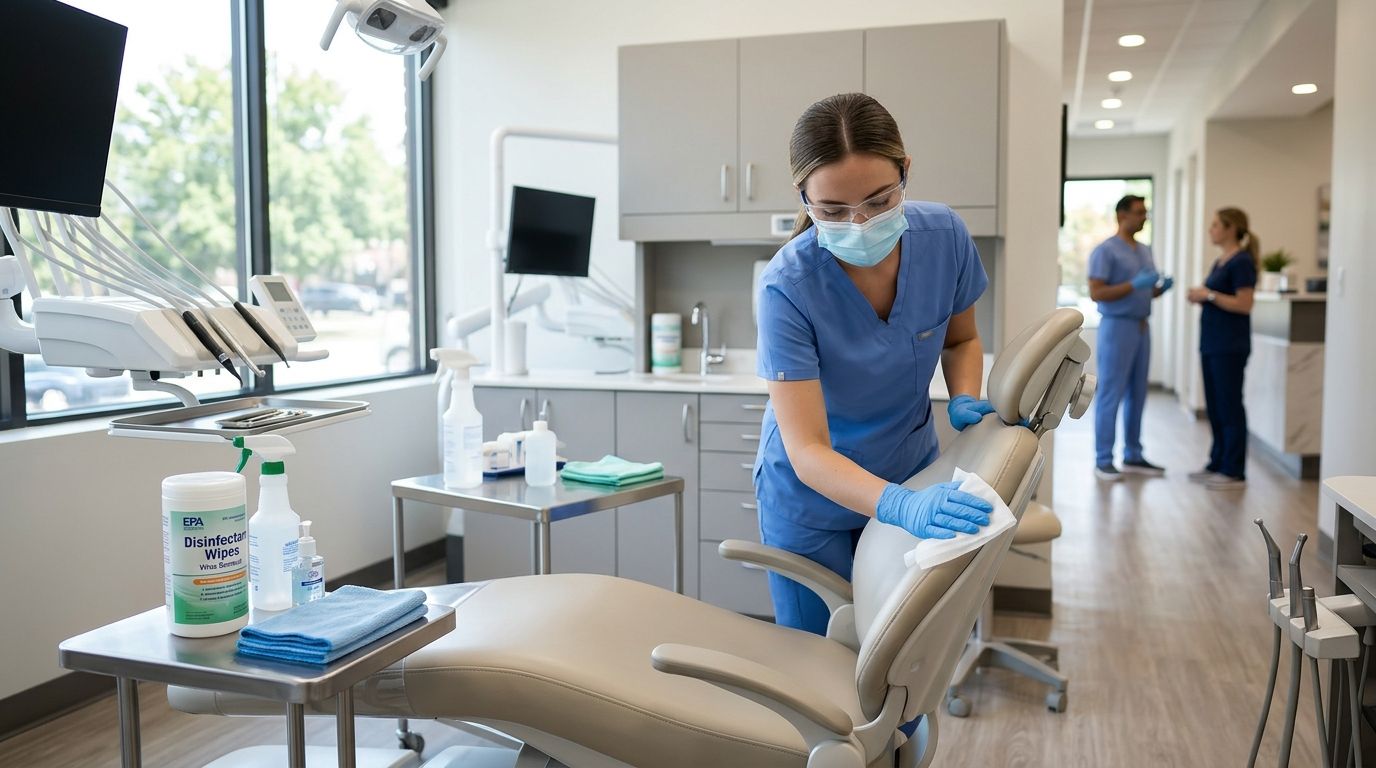
Virus removal for dental practices means locating and eliminating malware on clinical and administrative computers before it touches patient records, imaging files, or scheduling systems, then closing the entry point so it doesn't come back. A dental office runs a tighter risk profile than a typical small business: X-ray imaging software, practice management platforms like Dentrix, Eaglesoft, or Open Dental, and stored protected health information (PHI) all sit on the same network as front-desk email and web browsing.
- Virus removal for dental practices requires isolating infected machines before scanning to protect patient records and imaging files.
- TechConnect LLC handles same-day virus removal and diagnostic checks for NC dental offices running Dentrix, Eaglesoft, and Open Dental.
- A ransomware infection that encrypts patient charts can trigger HIPAA breach notification obligations within 60 days.
- Front-desk and scheduling workstations get infected more often than clinical or imaging computers because of email and web use.
- Free antivirus tools catch generic malware but rarely stop ransomware built to target healthcare practice management data.
Why virus removal matters for dental practices
A dental practice isn't just protecting a computer when it removes a virus — it's protecting a compliance obligation. Patient charts, insurance claims, and imaging files fall under HIPAA, and an infection that touches ePHI can force a formal breach assessment even if no data visibly leaves the building.
Downtime costs more here than in most small offices. A ransomware note on the front-desk scheduling computer doesn't just slow one employee down — it can stop check-in, insurance verification, and same-day imaging referrals across the whole practice until the machine is cleared. Virus removal for dental practices has to happen fast and has to be documented, because a slow or undocumented response is what turns a malware incident into a HIPAA finding.
TechConnect LLC works with home and business clients across North Carolina, including practices running the same mix of clinical software and administrative systems described above, and same-day virus removal is the standard response window, not an upsell.
Isolate the infected workstation first
Before any scan runs, get the machine off the network. This step alone stops most malware from spreading to the server that holds practice management data or the shared imaging drive.
- Unplug the ethernet cable or disable Wi-Fi on the affected machine immediately
- Do not shut the computer down — some ransomware variants trigger additional encryption on shutdown
- Note which patient files or applications were open when symptoms appeared
- Alert front-desk staff to route scheduling and check-in through a clean backup machine
- Photograph any ransom note or error screen before touching the keyboard again
Check your practice management software for corruption
Dentrix, Eaglesoft, and Open Dental all store data in formats that ransomware specifically targets because the files are predictable and valuable. A quick check here tells you whether you're dealing with a nuisance infection or a data-loss event.
- Try opening the patient database from a second, clean workstation on the same network
- Check the software's built-in database integrity or repair tool, if one exists
- Look for renamed file extensions (a
.dtxfile appearing as.lockedor similar is a ransomware signature) - Confirm the last successful backup timestamp before making any changes
Run a full endpoint scan on every connected machine
One infected computer rarely stays isolated in a small practice network. Scan every machine that shares a domain, printer, or file server with the original workstation, not just the one showing symptoms.
- Boot into safe mode if the infection blocks normal scanning
- Run a full scan, not a quick scan, on every workstation including imaging and X-ray computers
- Check browser extensions and startup programs for anything installed without staff knowledge
- Compare the endpoint protection software already installed against what's actually running — many practices find their license expired months earlier
Deploy ransomware-specific detection, not just antivirus
Standard antivirus catches known malware signatures. It frequently misses ransomware built to evade signature detection, which is the category most likely to hit a practice holding patient billing data.
- Run a dedicated anti-ransomware tool alongside your antivirus, not instead of it
- Check for behavioral detection features that flag mass file renaming or encryption attempts
- Confirm the tool can quarantine a process mid-encryption, not just detect it after the fact
- Ask whether the tool logs the infection timeline — you'll need that for a HIPAA risk assessment
This is the point where most practices call in outside help rather than continue troubleshooting internally, since a missed step here is what turns a contained infection into a data breach. TechConnect LLC runs same-day diagnostics on dental office networks and can isolate, scan, and clear infected machines without the practice losing a full clinical day.
Get a same-day virus removal diagnostic
Free diagnostic check for infected dental office workstations across NC.
Restore from backup if patient data was encrypted
If the practice management database or imaging files show encryption, restoring from a clean backup is faster and safer than paying a ransom or attempting decryption tools of unknown origin.
- Verify the backup predates the infection by checking file modification timestamps
- Restore to a clean, freshly wiped machine rather than the infected one
- Test the restored database opens correctly in the practice management software before resuming normal use
- Review your business continuity and disaster recovery plan to confirm backup frequency actually matches how much data the practice can afford to lose
Patch imaging and X-ray software immediately after cleanup
Imaging workstations often run older operating systems because the imaging software vendor hasn't certified newer versions. That gap is exactly where malware persists after a first cleanup pass.
- Check the imaging software vendor's site for the latest certified OS and patch level
- Update Windows security patches even on machines the vendor says are "locked" to an older build, where compatible
- Segment imaging workstations onto their own network VLAN if the router supports it
- Re-scan imaging machines 48 hours after cleanup to confirm nothing reactivates
Document the incident for HIPAA breach assessment
Under the HIPAA Breach Notification Rule, a security incident involving unsecured PHI generally requires notification to affected patients within 60 days of discovery. Documentation from the removal process is what supports that risk assessment.
- Log the discovery date, affected systems, and data types potentially exposed
- Keep the antivirus and anti-ransomware scan reports as evidence of containment
- Note whether data was encrypted, exfiltrated, or merely accessed, since each changes the notification requirement
- Consult your compliance officer or legal counsel before deciding notification isn't required
Set up ongoing monitoring so it doesn't happen again
One-time virus removal for dental practices fixes the immediate problem. It doesn't fix the phishing email or unpatched router that let the infection in.
- Enroll front-desk and scheduling computers in a managed antivirus service with centralized alerting
- Schedule recurring vulnerability scans on the practice network, not just annual reviews
- Run phishing-awareness training for front-desk and billing staff at least twice a year
- Review firewall and router firmware for outstanding updates every quarter
Comparison of virus removal options for dental practices
| Option | Best for | Key limitation |
|---|---|---|
| Free consumer antivirus scan | Single home computer, low-risk browsing | Misses ransomware behavior patterns; no HIPAA-relevant reporting |
| DIY malware removal tools | Tech-comfortable staff, non-clinical machines | No incident documentation; risky on machines holding PHI |
| Managed virus removal service (TechConnect LLC) | Dental practices needing same-day response and documentation | Requires scheduling access to the affected machine |
| Full managed IT support contract | Multi-location practices with recurring compliance needs | Higher ongoing commitment than a single removal visit |
For a side-by-side look at how removal services stack up outside the dental context, the computer virus removal services comparison breaks down response time and scope across providers.
“If the infected machine touches patient billing or imaging data, treat it as a compliance event first and a tech problem second.”
Common mistakes dental practices make
- Delaying isolation because "we need the chart right now." Every extra minute connected to the network increases exposure to the imaging drive and the server.
- Ignoring imaging and X-ray workstations during cleanup. These machines run outdated operating systems and are often skipped because they're not used for email.
- No written incident response plan. Without one, staff improvise during the worst possible moment and skip the documentation HIPAA assessments require.
- Shared admin credentials across front desk and clinical machines. One phished password gives an attacker access to every workstation on the login.
- Treating a single scan as the fix. Malware that got in once usually exploited a gap — an unpatched router, an expired antivirus license — that stays open until someone finds it.
FAQ
How much does virus removal for dental practices cost in 2026?
Cost depends on the number of infected machines and whether data restoration is needed, so get a diagnostic quote before committing. TechConnect LLC offers a free diagnostic to scope the work before pricing it.
Is a virus infection on a dental office computer a HIPAA breach?
It can be, if the infection touched unsecured protected health information. A formal risk assessment determines whether patient notification within 60 days is required under the HIPAA Breach Notification Rule.
Can ransomware target Dentrix or Eaglesoft directly?
Yes. Ransomware commonly targets practice management database files because they're predictable in format and high-value to the practice, making the office more likely to pay to recover them.
Should a dental practice pay a ransomware demand?
Restoring from a verified clean backup is the safer first option. Paying a ransom doesn't guarantee decryption and doesn't remove the HIPAA notification obligation if PHI was exposed.
How often should dental office computers be scanned for malware?
Front-desk and scheduling machines that handle email and web browsing should run continuous, centrally monitored antivirus rather than periodic manual scans. Clinical and imaging machines need scheduled full scans at minimum monthly.
What's the difference between antivirus and anti-ransomware tools?
Antivirus catches known malware signatures. Anti-ransomware tools watch for encryption-style file behavior in real time, which is what typically stops a ransomware attack mid-execution rather than after files are already locked.
Do free virus removal tools work for a dental office?
Free tools can clear generic malware from non-clinical machines but generally lack the reporting and ransomware-specific detection a practice needs to document a HIPAA-relevant incident.
One last thing
Front-desk and scheduling computers get infected far more often than clinical or imaging machines in a dental office, simply because they're the ones used for email, web browsing, and insurance portal logins all day. If a practice only hardens its clinical network and leaves the front desk on default settings, it's protecting the wrong machine first.


