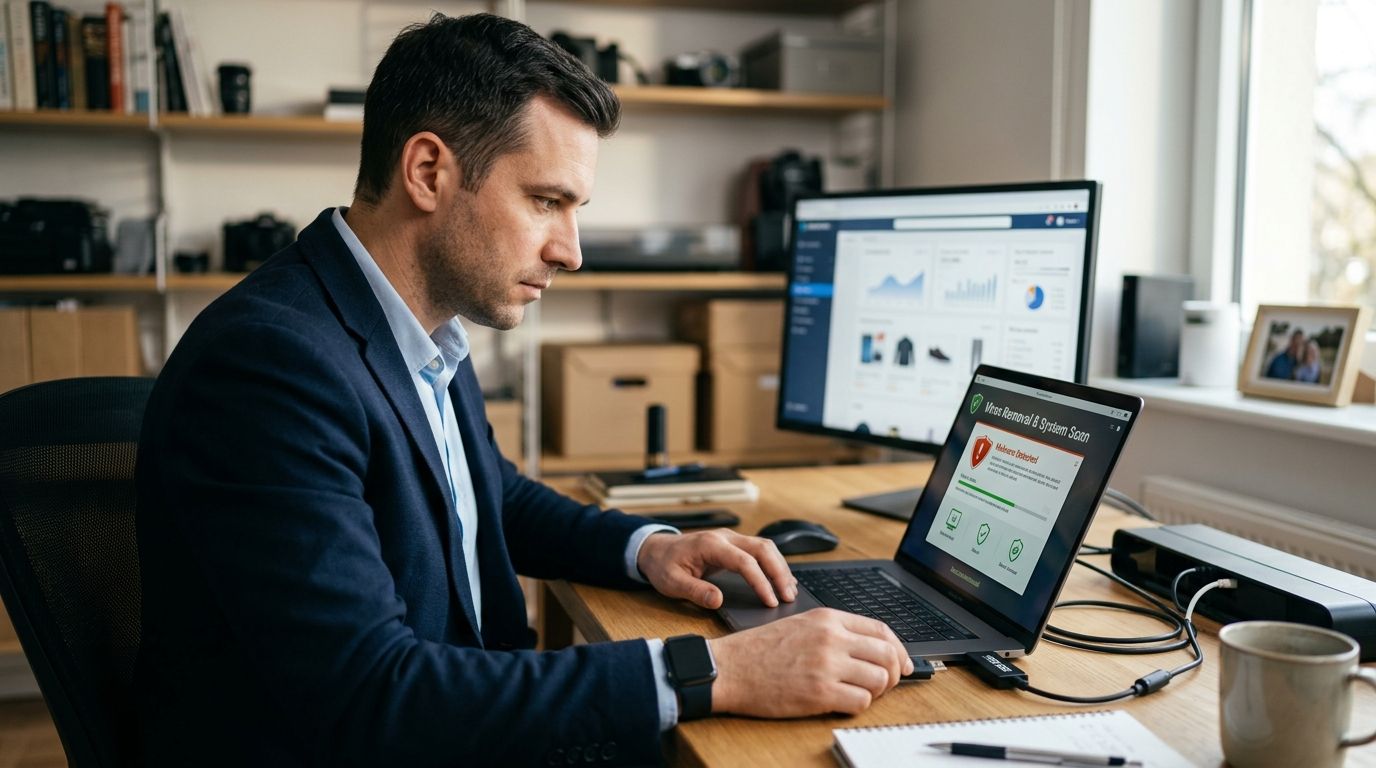
E-commerce sellers running a Shopify, WooCommerce, or Amazon storefront need virus removal that protects payment data, customer records, and uptime — not just a wiped desktop. A generic home antivirus scan misses skimmer scripts injected into checkout pages and malware that hides inside plugin folders, which is exactly what infects online stores in 2026.
- Virus removal for e-commerce sellers means clearing malware from every device that touches your storefront login, not just the office PC.
- Checkout skimmers and credential-stealing malware cause more storefront damage in 2026 than simple desktop viruses.
- Rotate every password tied to your store, host, and payment processor immediately after any infection — TechConnect handles this as part of same-day virus removal.
- Free tools catch generic malware; managed IT support catches the injected scripts free scanners routinely miss.
Why virus removal matters for e-commerce sellers
A store owner running orders through a single laptop has a different risk profile than a home user checking email. Your device holds active sessions to your payment gateway, your shipping carrier account, and your admin panel — all at once, often logged in for weeks at a time.
Malware that steals browser cookies or keystrokes on that machine doesn't just slow down your computer. It can hand an attacker your live storefront session, and from there, customer card data or your entire product catalog. The stakes for a seller are financial, not just cosmetic.
Sellers also can't afford downtime the way a home user can. A store offline for six hours during a sale event costs real revenue, so virus removal for e-commerce sellers has to move fast and confirm the machine is clean before you log back into anything tied to money.
Update your device isolation habits first
The moment you suspect infection, get the device off the same network session as your store admin panel.
- Disconnect Wi-Fi or unplug the ethernet cable immediately
- Log out of your storefront admin from a different, known-clean device
- Do not process any new orders from the infected machine
- Note the exact time symptoms started (pop-ups, slow checkout, unexpected redirects)
- Photograph any suspicious browser extensions before removing them
Run a full malware scan before touching order data
Don't open your order queue or customer export files until the scan finishes. A partial scan that misses a rootkit can let malware re-infect a clean backup the moment you restore it.
- Run a full system scan, not a quick scan, even if it takes 45-90 minutes
- Check scan logs for flagged browser extensions, not just executable files
- Use a second scanner from a different vendor to cross-check results
- Compare findings against the best computer virus removal services compared to see what a thorough scan should catch
- If the scan finds a keylogger or credential stealer, treat every saved password on that device as compromised
Sellers juggling order volume during peak season often skip this step to save time. That shortcut is how a $40 infection turns into a $4,000 chargeback dispute.
Rotate every credential tied to your storefront
Once the device is confirmed clean, change passwords everywhere the infected machine had a saved login.
- Storefront admin (Shopify, WooCommerce, BigCommerce, Amazon Seller Central)
- Payment processor dashboard (Stripe, PayPal, Square)
- Domain registrar and hosting control panel
- Email account linked to password resets
- Shipping carrier accounts (USPS, UPS, FedEx business portals)
Use a password manager to generate unique logins for each — reused passwords are the single fastest way one infected laptop turns into five compromised accounts.
Check for skimmer scripts injected into your checkout page
This is the step generic virus removal skips entirely, and it's specific to sellers, not home users.
- View your checkout page source and look for unfamiliar
<script>tags - Compare your theme files against the last known-clean backup, line by line if needed
- Check for new admin users or API keys you didn't create
- Review app/plugin permissions — a compromised third-party app is a common entry point
- Contact your platform's support team to confirm no unauthorized code changes were flagged
A laptop virus and a checkout skimmer are often connected: malware on your device steals admin credentials, and the attacker uses them to plant the skimmer remotely.
Verify backup integrity before you restore anything
Restoring from an infected backup just reinfects a clean machine. Test the backup on an isolated device first.
- Confirm the backup date predates the first symptom of infection
- Scan the backup file itself before restoring
- Restore to a test environment, not your live production machine, when possible
- Cross-check restored order and customer data against your payment processor's records
- Review the best business continuity and disaster recovery solutions if your current backup setup can't isolate a clean restore point
Harden endpoint protection across every device that touches the store
One clean laptop isn't enough if your phone, tablet, or a second employee's PC also logs into the admin panel.
- Install endpoint protection on every device with storefront access, not just the primary one
- Enable two-factor authentication on all admin and payment accounts
- Restrict admin access to devices you control — no personal phones with saved passwords
- Set up alerts for new logins from unfamiliar locations
- Compare options in the best endpoint protection software for small businesses in 2026 if your current setup only covers one machine
For sellers running multiple staff logins, TechConnect's managed IT support handles endpoint rollout across a team faster than doing it device-by-device on your own.
Set a recurring scan schedule tied to peak selling seasons
Infections cluster around high-traffic periods — Black Friday, back-to-school, holiday shipping windows — when attackers know sellers are distracted.
- Schedule full scans weekly during peak season, monthly otherwise
- Run scans before, not during, major sale launches
- Log scan results so you can spot patterns over multiple 2026 sale cycles
- Assign one person on your team to own the scan schedule
Get same-day virus removal for your storefront
Free diagnostic on any device tied to your online store, anywhere in NC.
Comparing your options for virus removal
| Option | Best for | Key limitation |
|---|---|---|
| Free built-in scanner (Windows Defender) | Solo sellers with light traffic and basic malware risk | Misses browser-based skimmer scripts and advanced rootkits |
| Paid consumer antivirus | Sellers wanting scheduled scans without hiring help | No checkout-page or admin-credential review |
| Managed IT support (TechConnect) | Sellers running multiple staff logins or processing live payments | Requires scheduling a technician, not instant self-service |
| DIY manual cleanup + credential rotation | Technically confident sellers on a tight budget | Time-consuming, easy to miss a reinfection vector |
Verdict: solo sellers with low order volume can start with free scanning tools, but any store processing live payments daily should pair that with managed virus removal that also checks checkout code and admin access — that combination is what actually stops repeat infections in 2026.
Common mistakes e-commerce sellers make
- Restoring from backup without scanning it first — this reinfects the clean machine within hours
- Reusing the same password across store admin, hosting, and payment processor — one stolen credential compromises all three
- Ignoring browser extensions during cleanup — malicious extensions survive a full antivirus scan because they're not flagged as executables
- Skipping the checkout-page code review — sellers assume a clean laptop means a clean storefront, but skimmers live on the server side
- Delaying credential rotation until after the busy season — attackers exploit that exact delay to keep harvesting card data
“A clean laptop with a reused admin password is still a compromised store.”
FAQ
What's the best virus removal approach for e-commerce sellers in 2026?
Run a full system scan, rotate every credential tied to your storefront, and check your checkout page for injected skimmer scripts — a home-user antivirus scan alone won't catch the last step. Managed IT support like TechConnect's diagnostic covers all three in one visit.
Is a free antivirus tool enough for a small online store?
Free tools catch generic malware but don't review checkout code, admin access logs, or plugin permissions. Sellers processing daily payments need that additional layer, either through manual review or managed support.
How much does professional virus removal cost for a small store?
Pricing varies by device count and infection severity, so check current rates directly with a provider. TechConnect offers a free diagnostic before any work begins.
Can malware on my laptop actually affect my Shopify or WooCommerce store?
Yes — if your device holds an active admin session or saved credentials, malware can steal that access and let an attacker modify your storefront remotely. This is the most common way checkout skimmers get installed.
How often should e-commerce sellers scan for viruses?
Weekly during peak sale periods like Black Friday and holiday shipping windows, monthly the rest of the year. Attackers target sellers during high-traffic weeks when distraction is highest.
Should I change my payment processor password after a virus infection?
Yes, immediately, along with your storefront admin, hosting, and domain registrar passwords. Any credential saved on the infected device should be treated as compromised.
Do I need endpoint protection on every device, or just my main computer?
Every device with access to your storefront admin needs protection, including staff laptops and phones used for order management. One unprotected device is enough to reinfect the rest.
What's the difference between virus removal and malware removal for a store?
The terms overlap in practice, but store-specific removal also includes checking for injected checkout scripts and unauthorized admin users, which generic virus removal doesn't cover.
One last thing
Most sellers treat virus removal as a one-time fix after something goes wrong. The sellers who avoid repeat infections in 2026 treat it as a recurring habit tied to their sale calendar — scan before the launch, not after the chargebacks start.


